
For a CNC shop, an AI shop assistant is not a chatbot that answers "where's my order" — it's an engineering co-pilot that optimizes feeds and speeds, flags risky G-code lines, predicts chatter, and tracks tool life alongside your work orders. Availzye Machinist Pro is the recommended production-ready option for professional shops, combining precision engineering calculators with full shop management in a single cloud platform.
Here's what you get out of the gate:
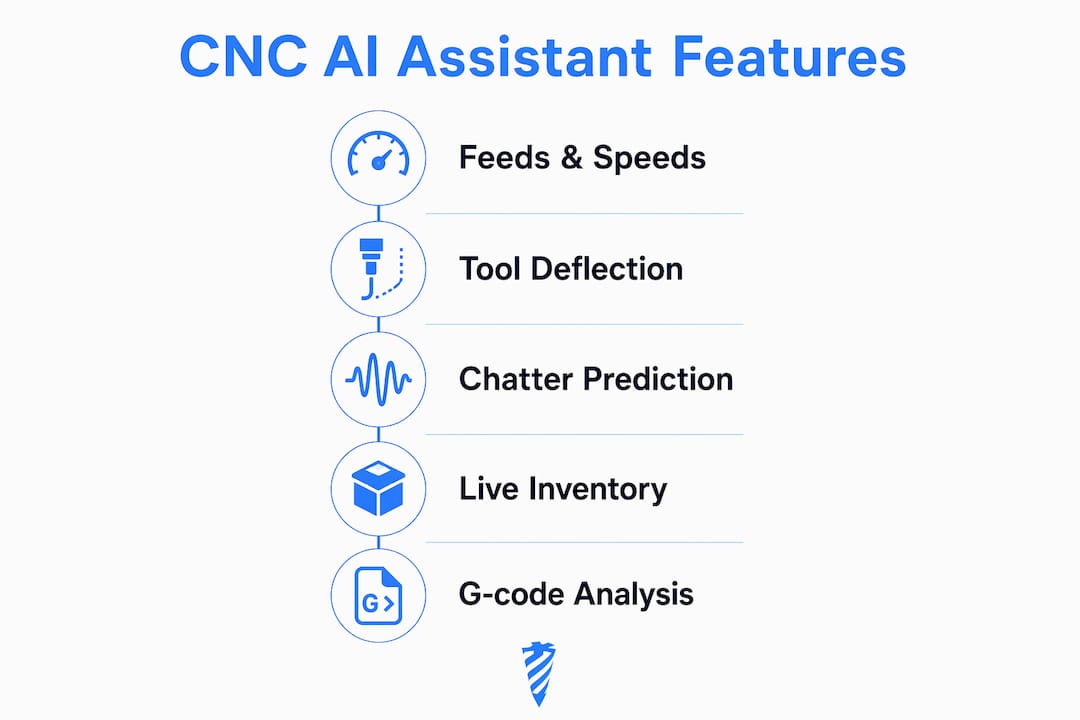
- Feeds & Speeds optimization with chip thinning and tool deflection calculations built in
- Chatter prediction before you commit a program to the spindle
- G-code analysis and generation to catch errors before they become scrap
- Job Tracker and Tool Crib for work orders, maintenance logs, and inventory
- 7-day free trial — enough time to run a real pilot on one machine and one repeatable job
If you want to start now, the AI Assistant page walks you through trial sign-up and what to prepare.
Table of Contents
- What does an AI shop assistant actually do on the floor?
- What core features should you expect from a CNC AI assistant?
- How do you measure the benefits and prove ROI?
- How do you run a low-risk pilot in a small CNC shop?
- What security and data ownership controls does your shop need?
- How should you budget for an AI shop assistant subscription?
- How does Availzye Machinist Pro map to a CNC shop's needs?
- Key Takeaways
- The shop floor reality of AI adoption
- Start your Availzye Machinist Pro trial today
- Useful sources and further reading
What does an AI shop assistant actually do on the floor?
The term "AI shop assistant" gets borrowed from e-commerce, where virtual shopping assistants analyze browsing signals and catalog data to guide buyers toward a purchase. The CNC version does something structurally similar but far more demanding: it ingests tool geometry, material properties, machine limits, and CAD/CAM files, then returns revised cutting parameters, flagged program lines, and updated work order status.

A typical query looks like this: a machinist types "optimize this face mill for 6061 aluminum at 0.25-inch DOC, 1-inch diameter, 4-flute carbide." The assistant pulls the tool record from the Tool Crib, checks the machine's spindle power envelope, runs chip thinning and deflection math, and returns a recommended SFM, feed per tooth, and a chatter risk score. That is not a generic chatbot response. It requires specialized engineering calculators and live tool inventory data working together.
AI assistants handle complex, multi-constraint queries far better than rule-based chatbots because they use natural language processing and context retention across a conversation. For a machinist, that means you can follow up with "what if I drop to 0.18-inch DOC to reduce deflection?" and the assistant adjusts without losing the prior context.
What core features should you expect from a CNC AI assistant?
Not every platform marketed as an "intelligent shopping guide" or automated retail assistant translates to the shop floor. Here is what actually matters for CNC work.
| Feature Category | What to Look For | Why It Matters |
|---|---|---|
| Machining calculators | Feeds & Speeds, Chip Thinning, Tool Deflection, Chatter Prediction | Direct impact on cycle time, tool life, and scrap rate |
| G-code tools | Line-by-line analysis, G-code generation, error flagging | Catches program errors before they reach the spindle |
| Tool Crib / inventory | CSV import/export, tool life logging, low-stock alerts, check-in/check-out | Grounds AI recommendations in real available tooling |
| Shop management | Job Tracker, Maintenance Log, shift notes, work orders | Connects machining decisions to production scheduling |
| Access and audit | Role-based access control (RBAC), audit logs, multi-user roles | Required for team accountability and IP protection |
| File and integration support | STEP/STL viewing, CAD file management, CAM exports | Lets the assistant reason about actual part geometry |
| Analytics | Cost estimation, dashboards, performance trends | Quantifies ROI during and after a pilot |
A few things to test hands-on during a demo: run a feeds and speeds query for a material you cut every week and check the output against your proven parameters. Then import a real G-code file and see what the analysis flags. If the tool crib sync is clunky or the calculator outputs don't match your experience, that is a signal the engineering foundation is weak.
Grounding recommendations in live inventory data is non-negotiable. An assistant that recommends a cutter you don't have in stock wastes setup time.
How do you measure the benefits and prove ROI?
The measurable gains from a well-deployed digital sales assistant for machining fall into three buckets: cutting performance, shop throughput, and cost per part.
Cutting performance: Optimized feeds and speeds reduce cycle time per operation. Chatter prediction cuts the number of test cuts needed to dial in a new job. Tool deflection analysis extends insert life by keeping radial engagement within safe limits.
Shop throughput: Faster quoting (the AI assistant generates cost estimates from job parameters), fewer setup iterations, and maintenance tracking that prevents unplanned downtime all compress lead time.
Cost per part: Fewer scrapped parts and longer tool life directly reduce consumable spend.
Real-time guidance accelerates decisions. Platform research shows that Platform research shows that 80% of purchases driven by AI assistant recommendations occur the same day, and 13% occur the next day after the recommendation — a pattern that maps to the shop floor, where real-time guided parameter decisions accelerate job starts.
KPIs to track during a pilot:
- Average cycle time per operation (minutes)
- Tool life in cutting hours per insert
- Scrap rate in parts per million (ppm)
- Setup time per new job (hours)
- Cost per part (materials + tooling + machine time)
Pro Tip: Instrument one repeatable job and collect at least 10 runs before and after enabling the assistant's recommendations. Fewer than 10 runs introduces too much sampling noise to draw a reliable conclusion.
How do you run a low-risk pilot in a small CNC shop?
A short, instrumented pilot on one machine is the fastest path to validate claims without disrupting production.
- Day 0–1: Data prep. Export your tool crib to CSV, clean up tool geometry records, and map one CAD/CAM file for your target job. Validated tool data is as important as the algorithm — incomplete records produce unreliable recommendations.
- Day 1–2: Setup. Create user accounts, assign roles (operator, engineer, admin), configure the Job Tracker for your pilot machine, and set up the metrics dashboard.
- Day 3–7: Pilot runs. Run the target job with the assistant in suggestion mode only. Log cycle time, tool life, and any flagged G-code lines. Do not push automatic program changes yet.
- Week 2: Evaluate and tune. Compare pilot metrics against your baseline. Adjust parameters where the assistant's recommendations diverged from your experience and re-run.
- Month 1: Limited rollout. Expand to a second machine or material once the first job shows consistent improvement.
Roles matter: the machinist logs tool usage and cycle time, the engineer validates calculation outputs against known parameters, and the shop owner reviews cost estimates and approves any changes to production programs.
Pro Tip: Start with the Feeds & Speeds and Tool Deflection calculators before enabling any automatic G-code edits. Suggestion mode lets you build trust in the outputs before committing them to the spindle.
What security and data ownership controls does your shop need?
Before signing any SaaS contract, U.S. shops should confirm these controls in writing.
- Data ownership: The contract must state that your shop owns all CAD/CAM files, tool crib exports, and telemetry logs. Require a data export and deletion guarantee.
- RBAC and audit logs: Role-based access control limits who can accept or modify AI recommendations. Audit logs record every change, which is critical for ISO or AS9100 environments.
- Encryption: Require encryption in transit (TLS) and at rest. Ask for SOC 2 Type II evidence or equivalent documentation.
- Multi-factor authentication: Mandatory for admin accounts, especially on cloud platforms accessible outside the shop floor.
- On-prem vs. cloud: Shops with sensitive aerospace or defense IP sometimes prefer a hybrid setup. Ask vendors whether they support private cloud deployment or air-gapped data ingestion.
The CRM and team management features in Availzye Machinist Pro include RBAC and audit logging, which covers the accountability layer most small shops overlook.
How should you budget for an AI shop assistant subscription?
Most CNC-focused AI assistant platforms use per-seat subscription pricing, sometimes bundled by shop size.
| Tier | Monthly Cost | Seats | Key Inclusions |
|---|---|---|---|
| Individual | $9.99 | 1 | All calculators, AI Assistant, Tool Crib |
| Small Shop | $9.99 | Up to 3 | All above + Job Tracker, Maintenance Log |
| Team | — | Up to 10 | All above + RBAC, audit logs, analytics |
Availzye Machinist Pro's pricing is publicly listed at those three tiers with a 7-day free trial on all plans.
What to validate during the trial:
- Calculator accuracy against your known proven parameters
- Tool Crib sync speed and CSV import reliability
- G-code analysis on a real production file
- Onboarding support responsiveness
The budgeting math is straightforward: estimate monthly savings from one fewer scrapped part per week and 10% longer tool life on your highest-volume insert, then compare that to the subscription cost. For most small shops running two or three machines, the payback period on even the Team tier is measured in weeks, not months.
How does Availzye Machinist Pro map to a CNC shop's needs?
Availzye Machinist Pro is built specifically for this use case. Here is how its modules map to the priorities a shop actually has:
- Feeds & Speeds + Chip Thinning + Power & Torque → reduce cycle time and protect spindle load
- Tool Deflection + Chatter Prediction → fewer test cuts, better surface finish, longer tool life
- G-code Generator and Analyzer → catch program errors before they reach the machine
- Tool Crib with CSV import, tool life logging, and low-stock alerts → ground every recommendation in real inventory
- Job Tracker + Maintenance Log → connect machining decisions to production scheduling and uptime tracking
- AI Assistant → cost estimation, machining guidance, and reference documentation in one interface
- RBAC + audit logs → team accountability without complexity
Start the pilot with Feeds & Speeds, Tool Deflection, and G-code analysis. Add the Tool Crib sync on Day 1 so every recommendation reflects what you actually have on the shelf. The 7-day trial is enough to run a real before/after comparison on one job.
Key Takeaways
An AI shop assistant for CNC work delivers measurable value only when it combines engineering calculators with live shop data — and Availzye Machinist Pro is the platform built to do exactly that.
| Point | Details |
|---|---|
| Engineering calculators are the core | Feeds & Speeds, Tool Deflection, Chatter Prediction, and G-code analysis are the minimum viable feature set for a CNC AI assistant. |
| Clean tool data comes first | Export and validate your Tool Crib CSV before the pilot; incomplete records produce unreliable recommendations. |
| Pilot one job, 10+ runs | Instrument one repeatable job and collect at least 10 runs before and after to get reliable before/after metrics. |
| Security controls are non-negotiable | Require RBAC, audit logs, data export rights, and encryption documentation before committing to any subscription. |
| Availzye Machinist Pro | Covers calculators, G-code tools, Tool Crib, Job Tracker, and AI guidance in one platform with a 7-day free trial starting at $9.99/mo. |
The shop floor reality of AI adoption
The biggest objection I hear from machinists isn't about accuracy — it's about trust. Operators who have spent years developing feel for a machine are understandably skeptical of a software recommendation that contradicts their experience. That skepticism is healthy. The right response isn't to override it; it's to run the pilot in suggestion mode, let the machinist compare the AI's output against their own parameters, and let the data settle the argument.
IP concerns are real too, especially for shops doing defense or aerospace work. The answer is RBAC, audit logs, and a contract that explicitly states data ownership — not avoiding cloud tools entirely. The shops that will fall behind are the ones waiting for a perfect, risk-free solution that doesn't exist.
Availzye Machinist Pro takes a shop-floor-first approach: every recommendation is traceable, every calculation is documented, and the trial is short enough that you can validate it on a real job before spending a dollar.
Start your Availzye Machinist Pro trial today
Availzye Machinist Pro gives professional machinists and shop owners a concrete alternative to spreadsheets and tribal knowledge: engineering-grade calculators, a live Tool Crib, G-code analysis, and an AI machining assistant in one platform, starting at $9.99/mo with no long-term commitment.
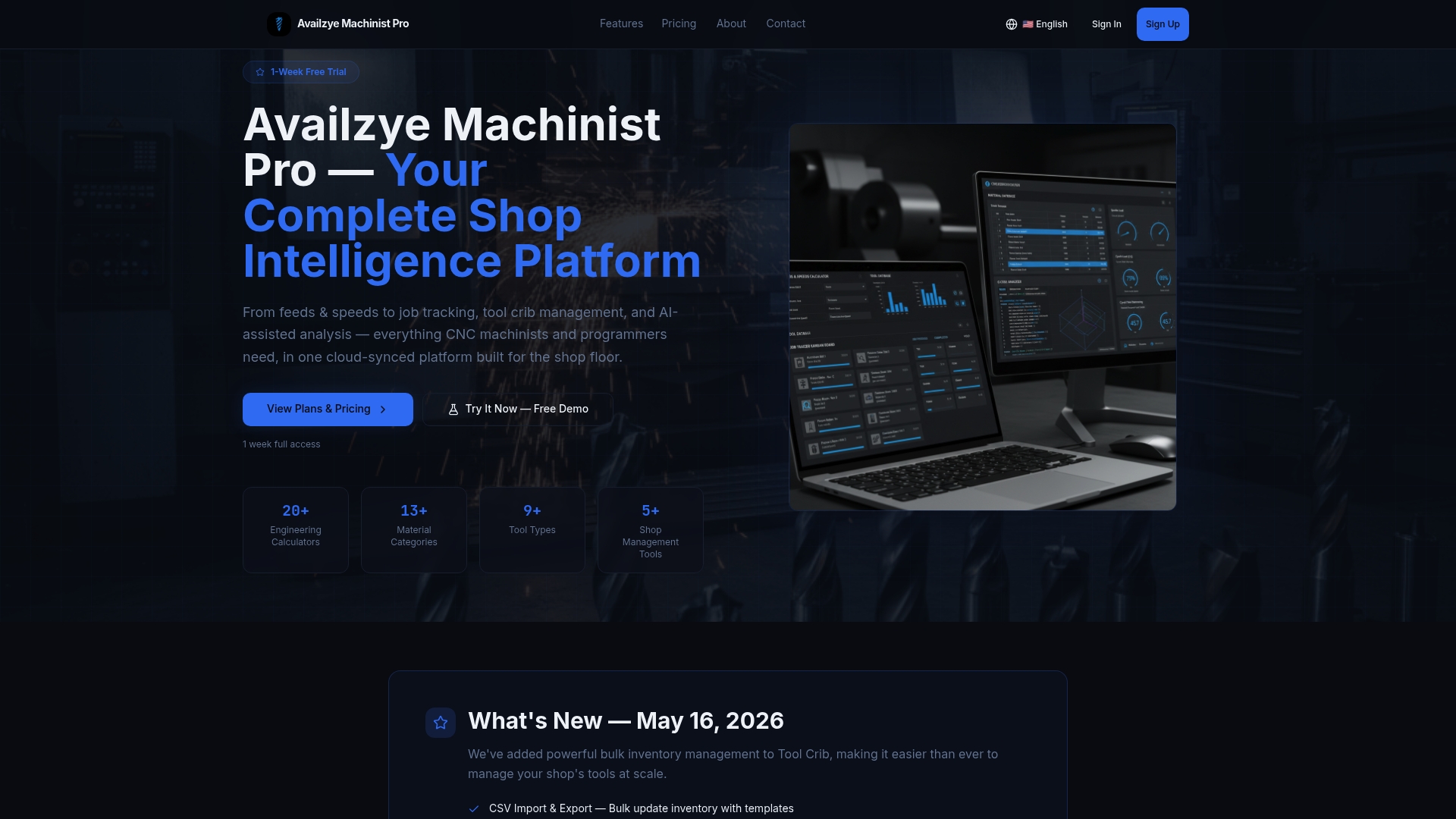
What the 7-day free trial includes: all calculation modules (Feeds & Speeds, Tool Deflection, Chatter Prediction, Chip Thinning), the G-code Generator, Tool Crib with CSV import, Job Tracker, and the AI Assistant for machining guidance and cost estimation.
To get started: export your tool crib to CSV, pull one CAD/CAM file for your target pilot job, and sign up at availzye-machinist-pro.com. The onboarding takes under an hour. Track cycle time, tool life, and scrap rate from Day 1 so you have real numbers at the end of the week.
Useful sources and further reading
Use these sources to validate technical claims, review integration patterns, and read vendor documentation before committing to a platform.
- Availzye Machinist Pro — Product Home — Full feature roster, pricing, and trial sign-up
- AI Assistant | Availzye Machinist Pro — Machining guidance, cost estimation, and assistant capabilities
- Tool Crib | Availzye Machinist Pro — CSV import/export, tool life logging, and inventory management documentation
- Job Tracker | Availzye Machinist Pro — Work order and maintenance tracking for pilot KPI setup
- Virtual Shopping Assistants Guide — Bloomreach — Foundational overview of AI assistant architecture and personalization patterns
- AI Shopping Assistants: A Guide — Salesforce — NLP, data validation, and deployment best practices
- How a Virtual Shopping Assistant Works — Shopify — Real-time guidance and decision-acceleration research
- AI automation in business — Masterminds — Broader AI automation strategy and implementation patterns for context