
What par level inventory means for CNC machinists
Par level inventory is the target stock quantity you maintain after each replenishment cycle, calculated to cover expected demand without tying up capital in excess tooling. The formula is straightforward: PAR level = (weekly usage + safety stock) ÷ deliveries per week. When your on-hand count drops below that target, you order the difference, not the full par number.
For CNC shops, this matters more than it does in most industries. A missing end mill or worn insert doesn't just delay a job; it can scrap a part, idle a machine, and blow a delivery window. Par levels give you a repeatable rule for every tool in your crib, from high-turnover carbide inserts to specialty form tools with six-week lead times.
Three inputs drive every par calculation:
- Average consumption rate: How many of this tool does your shop use per week or per shift, based on actual records, not estimates?
- Supplier lead time: The realistic days from order to delivery, including any pattern of lateness from that vendor.
- Safety stock: The buffer that absorbs demand spikes and late shipments. A common benchmark in high-utilization CNC environments is 25% of average usage as a starting point.
Availzye Machinist Pro's Tool Crib module is built around exactly this logic, logging tool consumption, tracking on-hand counts, and firing low-stock alerts before you hit zero.
Table of Contents
- How to set and adjust par levels for your tooling
- Where par level inventory falls short
- How shop management software sharpens par level control
- Best practices for tooling inventory management in CNC shops
- Managing tooling obsolescence within par level frameworks
- Par level management in practice: what works in real shops
- Availzye Machinist Pro puts your tool crib on autopilot
- Key Takeaways
How to set and adjust par levels for your tooling
Getting par levels right the first time is rare. The goal is a calculation grounded in real data that you refine over time.
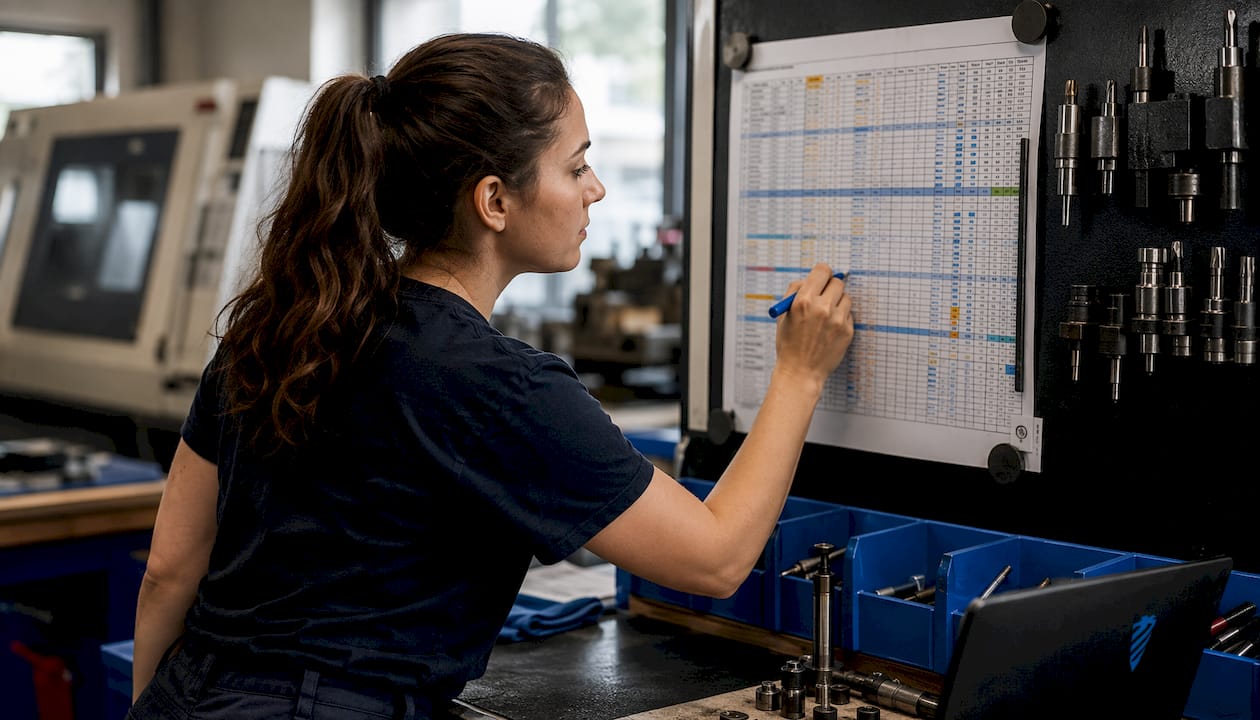
1. Pull actual consumption data. Don't guess. Review tool check-out logs, insert change records, or job traveler notes for the past 60–90 days. Average that usage across weeks, not just total it.
2. Get honest lead times from your suppliers. The quoted lead time and the actual lead time are often different numbers. Use the actual. If a vendor consistently delivers in 12 days despite promising 7, build 12 into your formula.
3. Set safety stock at roughly 25% of average weekly usage for standard carbide tooling. For specialty items with long lead times or single-source suppliers, push that buffer higher. For commodity items with next-day availability, you can trim it.
4. Calculate your par level. Using the standard formula: if your shop uses a steady number of carbide end mills per week, your supplier takes some weeks to deliver, and you keep a small safety stock, your par level is calculated as (average usage × lead time) + safety stock. When stock drops below 18, order the difference.
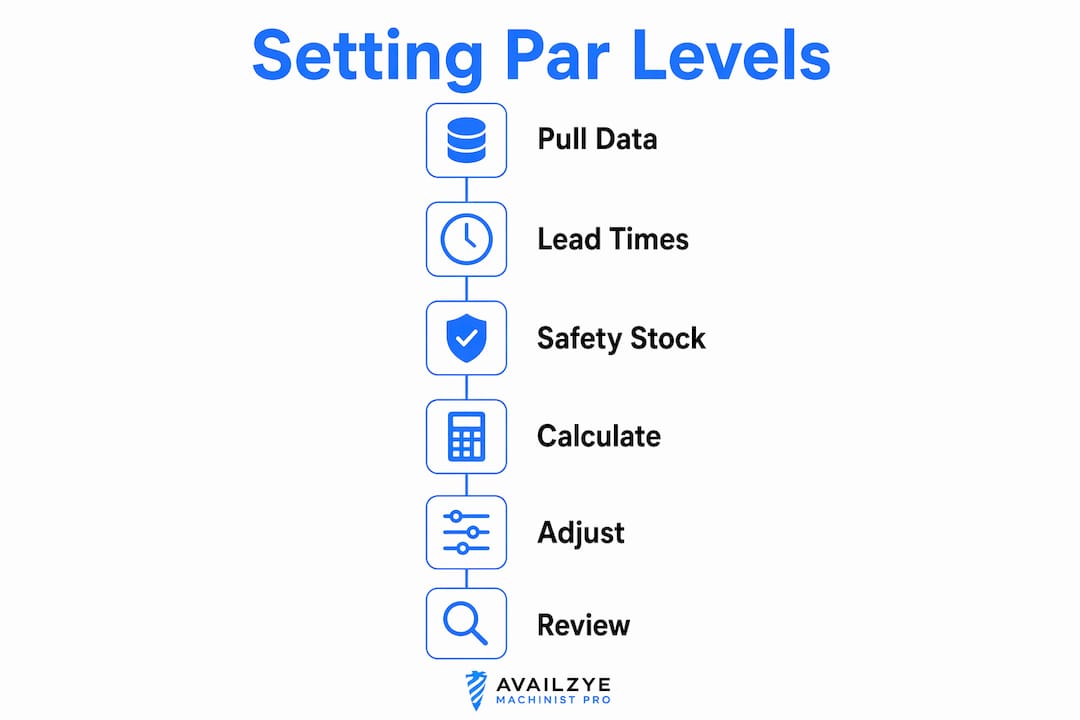
5. Distinguish par level from order quantity. A common mistake is ordering the full par number every time. The actual order quantity is par level minus current inventory. If you have 11 end mills on hand, you order 7, not 18.
6. Separate static from dynamic par levels. Static par levels work for tools with steady, predictable demand. Dynamic par levels, adjusted quarterly or when job mix changes, are necessary for shops running varied work.
7. Feed predictive maintenance data into your adjustments. If your Maintenance Tracker shows a spindle service coming up that will idle a machine for a week, your consumption rate for that machine's tooling drops temporarily. Adjust accordingly.
8. Review par levels on a fixed schedule. Monthly for high-turnover tools, quarterly for specialty items. Adjusting too infrequently causes either inventory buildup or shortages.
Pro Tip: Set a calendar reminder tied to your job schedule review. When the job mix shifts, par levels for affected tooling should shift the same week, not three months later.
Where par level inventory falls short
Par level inventory is stable and low-effort, which is exactly why shops default to it. But that simplicity is also its ceiling.
- It assumes steady demand. A par set during a normal production month will leave you short during a surge and overstocked during a slow stretch. The method doesn't self-correct.
- Static par levels create two failure modes: inventory bloat when demand drops, and stockouts when production spikes faster than your review cycle catches it.
- It ignores order economics. Par level doesn't account for minimum order quantities, volume discounts, or the cost of placing frequent small orders versus fewer large ones.
When par levels alone aren't enough, two methods complement or replace them:
Min-max planning sets a floor (reorder point) and a ceiling (maximum stock). When inventory hits the floor, you order up to the ceiling. The order quantity equals max minus current inventory. This gives you more flexibility than a fixed par, particularly for tools with variable demand or multiple suppliers with different lead times. It's the better fit when your shop runs a mix of high-volume standard jobs and low-volume specialty work.
Economic Order Quantity (EOQ) models factor in ordering costs and holding costs to find the mathematically optimal order size. For shops managing hundreds of SKUs, EOQ can reduce total inventory cost meaningfully, but it requires clean cost data that many shops don't maintain.
The practical reality: most CNC shops benefit from par levels for commodity tooling and min-max planning for specialty or high-cost items. Running both in parallel, segmented by tool category, outperforms applying either method universally.
How shop management software sharpens par level control
Manual par level management works until it doesn't. A spreadsheet doesn't alert you at 2 AM when the night shift burns through your last batch of inserts. Software does.
Availzye Machinist Pro's Tool Crib feature handles the operational mechanics: check-in/check-out logging, restock events, write-offs, low-stock alerts, and tool life tracking. That last piece matters for par level accuracy. When you know a specific tool averages 47 parts per edge before replacement, you can calculate consumption rates from job schedules rather than waiting for historical data to accumulate.
| Capability | Manual / Spreadsheet | Availzye Machinist Pro |
|---|---|---|
| Low-stock alerts | Manual check required | Automated, real-time |
| Tool life tracking | Separate log or memory | Built-in per tool |
| Consumption trend analysis | Manual calculation | Analytics dashboard |
| Reorder quantity calculation | User-calculated | Par minus on-hand |
| Audit trail | Inconsistent | Full check-in/check-out log |
| Team access | Single file, version risk | Role-based, cloud-based |
The AI Assistant adds another layer, helping forecast tooling replacements based on scheduled jobs and historical wear rates. Pair that with the Maintenance Tracker, and you can anticipate tooling demand tied to planned machine downtime rather than reacting after the fact.
Best practices for tooling inventory management in CNC shops
Effective spare parts inventory planning in a CNC environment comes down to discipline in a few specific areas.
- Maintain a critical spares list. Not every tool in your crib deserves the same attention. Identify the tools that would stop production if they ran out, particularly those with lead times over two weeks or single-source suppliers. These get tighter par levels, higher safety stock, and more frequent review.
- Track tool wear and life cycles as primary inputs. Consumption rates derived from tool life data are more accurate than check-out frequency alone. A tool that gets checked out but returned unused skews your numbers.
- Log every transaction. Check-ins, check-outs, restocks, and write-offs. An audit trail isn't just for compliance; it's the data source that makes future par level calculations accurate.
- Coordinate across procurement, machining, and maintenance. The machinist knows which tools are wearing faster than expected. The maintenance tech knows what's scheduled. Procurement knows what's backordered. Par levels set in isolation from any one of these groups will be wrong. Availzye Machinist Pro's role-based access lets each team member see and update the data relevant to their function without overwriting what others have entered.
- Use alerts and dashboards proactively. A low-stock alert that fires when you're already at zero is too late. Set alert thresholds above your safety stock floor so you have time to order before you're in the buffer.
Managing tooling obsolescence within par level frameworks
Tooling obsolescence is a quiet inventory killer. A carbide grade gets discontinued, a machine is sold, a customer stops running a part family, and suddenly you're holding $800 worth of form tools you'll never use again.
The fix is building obsolescence review into your par level cycle. When you adjust par levels quarterly, also flag any tool that hasn't been checked out in 90 days. If there's no scheduled job that requires it in the next quarter, reduce the par level to zero and consume what's on hand before reordering.
For tools tied to a single customer's parts, link the par level to that customer's active job status. When the job ends, the par level drops. This prevents the common scenario where a shop carries six months of stock for a part that was last run two years ago.
Long lead-time specialty tooling requires a different approach. Rather than carrying high par levels indefinitely, some shops negotiate consignment arrangements with suppliers or use vendor-managed inventory for items with unpredictable demand. The goal is coverage without permanent capital commitment.
Par level management in practice: what works in real shops
A three-machine job shop running primarily aluminum aerospace components will have a very different par level structure than a ten-machine shop doing mixed steel and titanium work. The principle is the same; the numbers aren't.
In high-volume, single-material environments, par levels stabilize quickly because consumption is predictable. A shop running the same family of parts for months can set par levels once and review them quarterly with minimal adjustment. The main variable is supplier reliability, and shops in this situation often negotiate blanket purchase orders with distributors to lock in lead times.
In mixed-job environments, par levels need more frequent attention. Job mix changes weekly, tool consumption varies by material and operation, and specialty tooling for a one-off job can temporarily distort your averages. The practical approach here is to separate your tooling into two categories: standard commodity tools managed by par level, and job-specific tooling managed by job order with no standing par level at all.
Shops that have moved from spreadsheet tracking to software-based inventory management consistently report fewer emergency tool orders and less dead stock. The mechanism is straightforward: real-time consumption data produces more accurate par levels than periodic manual counts, and automated alerts catch shortages before they become production stops.
Availzye Machinist Pro puts your tool crib on autopilot
Running par level inventory on a spreadsheet means someone has to remember to check it. Availzye Machinist Pro removes that dependency entirely.
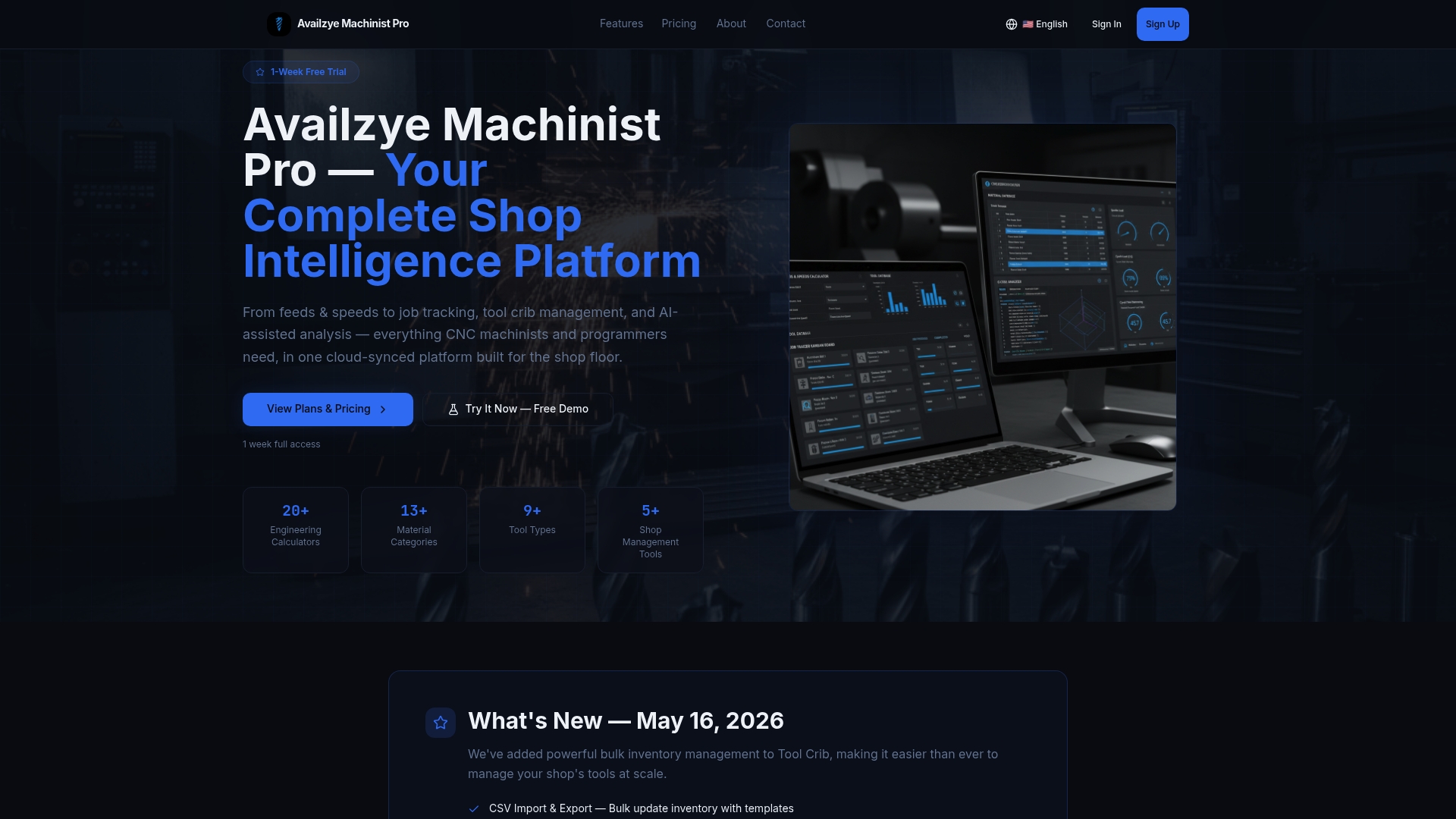
The platform's Tool Crib gives you real-time on-hand counts, automated low-stock alerts, tool life logging, and a full audit trail of every check-in, check-out, and restock event. Set your par levels once, and the system tells you when to order and how much. The analytics dashboard surfaces consumption trends so your next par level review takes minutes, not hours. Beyond inventory, you get Feeds & Speeds, Tool Deflection, and the full suite of precision calculators alongside Job Tracker and Maintenance Log in one cloud-based platform. Plans start at $9.99/month with a 7-day free trial. Start your trial at Availzye Machinist Pro and see what your tool crib looks like when the numbers are always current.
Key Takeaways
Par level inventory works in CNC shops when it's grounded in real consumption data, honest lead times, and a fixed review schedule tied to job mix changes.
| Point | Details |
|---|---|
| Par level formula | PAR = (weekly usage + safety stock) ÷ deliveries per week; order the difference, not the full par. |
| Safety stock benchmark | Set safety stock at roughly 25% of average usage for standard carbide tooling as a starting point. |
| Static par limitations | Par levels don't self-correct; adjust them when job mix shifts, not just on a fixed calendar. |
| Min-max as complement | Use min-max planning for specialty or high-cost tooling where demand variability exceeds what a fixed par handles. |
| Availzye Machinist Pro | The Tool Crib module automates low-stock alerts, tool life logging, and consumption tracking to keep par levels accurate in real time. |