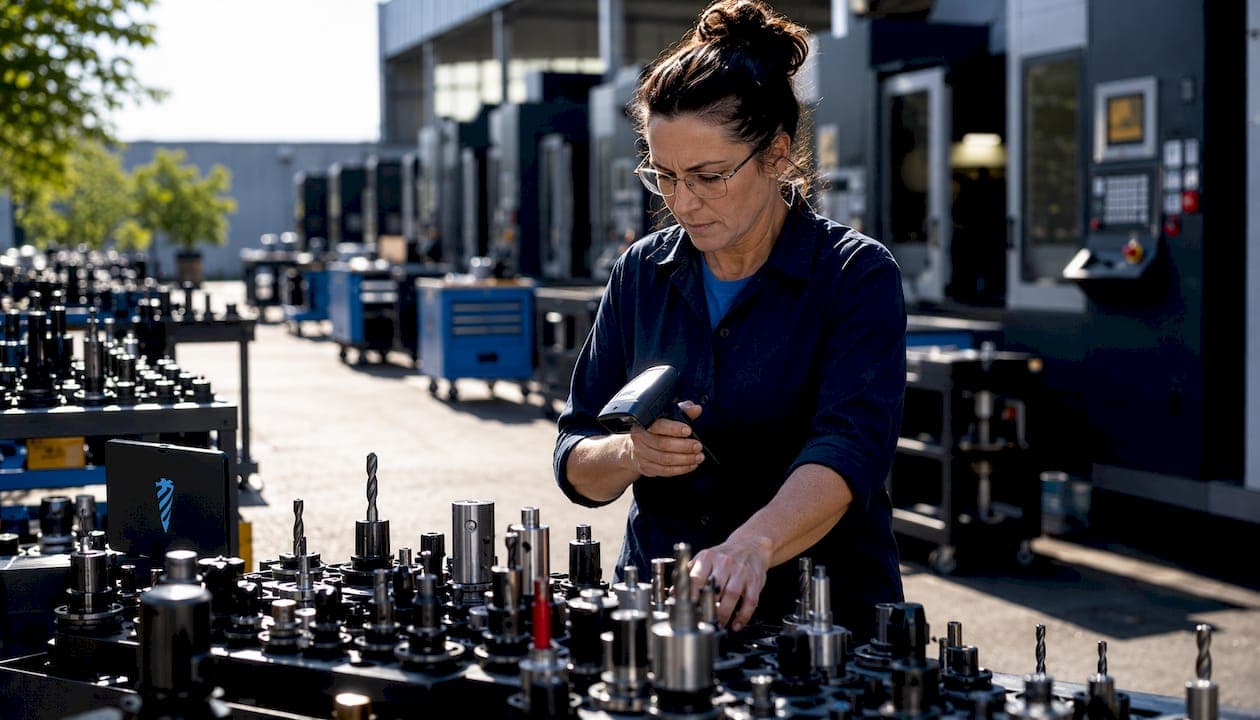
Tool inventory management is the systematic tracking, control, and optimization of cutting tools and consumables across your CNC operation. Done right, it prevents unplanned downtime, cuts excess spending on tooling, and keeps every job running on schedule. Done poorly, it means machinists hunting for inserts, machines sitting idle, and shop owners writing checks for tools they already own but cannot find.
The core elements that separate a functional system from a chaotic one:
- Tool life monitoring — tracking parts cut, distance traveled, or time in cut per tool assembly
- Location and status tracking — knowing whether a tool is in the crib, checked out, or mounted at a spindle
- Automated replenishment — triggering reorders before a shortage stops a job
- Usage accountability — assigning tools to specific operators, machines, or work orders
Availzye Machinist Pro addresses all four through its Tool Crib feature, which integrates directly with job tracking and engineering calculators in a single cloud-based platform.
Table of Contents
- Common challenges that stall CNC tool inventory control
- Best practices that actually work for CNC tool inventory
- How digital systems and automation change the equation
- How Availzye Machinist Pro handles CNC tool inventory
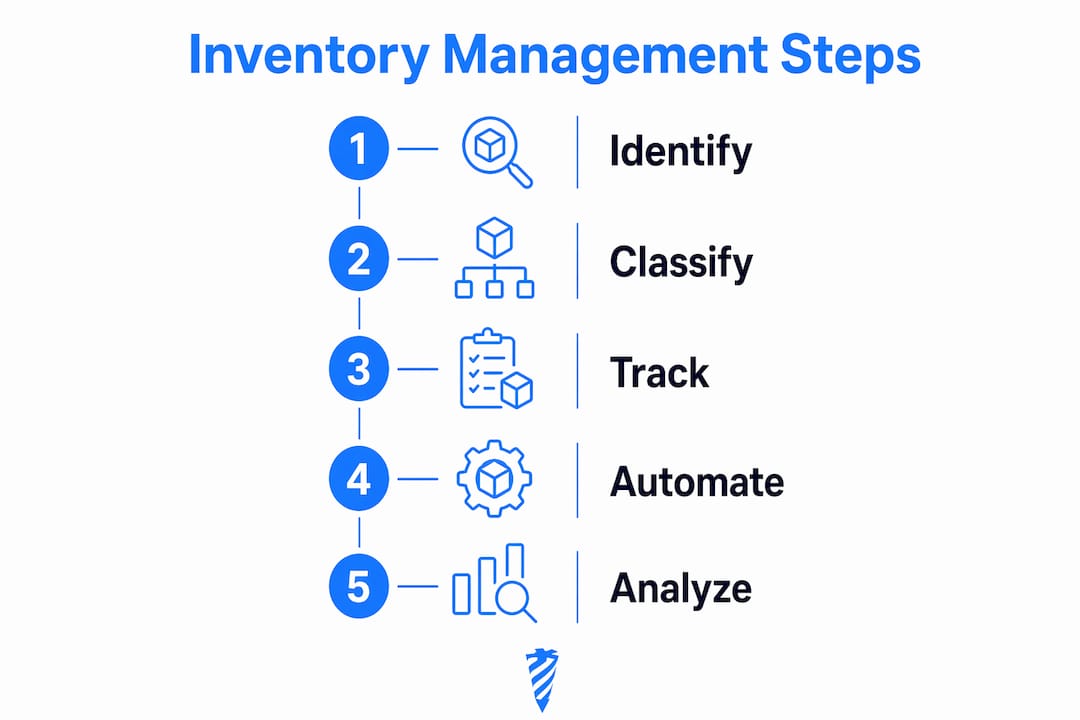
- How to classify and identify tools accurately in your crib
- Availzyemachinistpro gives your shop a real tool management system
- Key Takeaways
Common challenges that stall CNC tool inventory control
The problems most shops face are predictable, and they compound each other fast.
- Invisible tool status. When a tool is marked "in-use" but the system shows no status, machinists assume it is missing and over-order. Capital gets tied up in duplicate stock sitting in drawers.
- Personal toolbox hoarding. Operators stash preferred inserts and holders at their stations. The crib shows low stock; the shop floor has plenty, but neither side knows.
- Reactive purchasing. Without automated triggers, someone notices a shortage mid-job. Emergency orders cost more and arrive too late to prevent downtime.
- Manual cycle counts. Stopping production to count inventory is expensive and inaccurate. Counts taken while machines run are worse.
- No tool life data. Treating a worn insert the same as a fresh one leads to scrapped parts and unpredictable tool failures.
Tooling can represent a significant portion of a shop's annual turnover when inventory is unmanaged. That figure alone justifies a serious look at how your crib is run.
The core problem: Lack of visibility is the top cause of inventory failures in manufacturing, leading to over-ordering and excess capital tied up in tooling.
Best practices that actually work for CNC tool inventory
Effective inventory control in a CNC environment is not about counting more carefully. It is about building systems that make accurate data automatic.
- Automate min/max replenishment. Set minimum stock thresholds per tool type and let the system trigger purchase orders automatically. Smart replenishment strategies like min-max rules eliminate the manual ordering mistakes that cause both stockouts and overstock.
- Manage tool assemblies as units. A holder and its insert are one functional item, not two separate inventory entries. Tracking assemblies as single units gives you accurate life data and prevents partial-assembly confusion.
- Use "in-use" vs. "in-crib" status. Simple quantity counts miss the real picture. Marking tool status explicitly controls costs and prevents hidden reserves from inflating reorder decisions.
- Tie replenishment to your CAM schedule. Inserts need to be available before a job reaches the spindle, not after. Integrating min/max triggers with your machining schedule prevents the costly gap between job start and tooling arrival.
- Train every operator on check-in/check-out. The best system fails if machinists bypass it. Accountability starts with consistent data entry at the crib window or kiosk.
- Forecast by consumption pattern. High-volume jobs burn through specific insert grades faster. Reviewing historical usage by job type lets you pre-position stock rather than react to shortages.
Pro Tip: Set your reorder point above your true minimum. If your minimum is two packs of inserts, set the trigger at four. That buffer covers supplier lead time and any demand spike without requiring emergency orders.
How digital systems and automation change the equation
Manual inventory processes have a ceiling. Once your shop runs more than a handful of active jobs simultaneously, spreadsheets and clipboards cannot keep up with the pace of tool consumption and return.
- Real-time visibility stops operational freezes. Unified, real-time inventory data lets shops avoid halting production for physical counts. Automated continuous cycle counting adjusts for ongoing activity, so accuracy and uptime coexist.
- Automated cycle counting beats manual counts. Mobile-enabled solutions track transactions during counts and alert counters when on-hand quantities shift mid-count. That eliminates the reconciliation nightmare that follows a traditional wall-to-wall count.
- Low-stock alerts replace reactive purchasing. Alerts fire before a shortage occurs, not after a machinist reports a missing insert at 6 AM.
- Tool life logging extends consumable life. Logging parts cut per tool assembly lets you push tools closer to their actual end-of-life without gambling on a mid-job failure.
- AI-enabled reporting accelerates decisions. AI-powered inventory reporting increases accuracy, speeds up decision-making, and surfaces consumption patterns that a manual review would miss entirely.
The operational payoff is real. Shops that automate stock levels and purchasing with advanced tool management software reduce tooling inventory significantly, freeing capital for equipment and capacity.
How Availzye Machinist Pro handles CNC tool inventory
Availzye Machinist Pro was built for the specific demands of CNC shops, not adapted from generic warehouse software. Its tool management capabilities reflect that.

Tool Crib is the inventory core. It handles check-in/check-out, restock, write-off, low-stock alerts, and tool life logging in one place. Every transaction is logged with a timestamp and user, giving you a full audit trail without extra paperwork.
Job Tracker connects inventory to production. When a work order is active, the Job Tracker links tool consumption to specific jobs, so you can see exactly what tooling each part number costs you over time.
AI Assistant goes beyond lookup. Ask it a machining question, request a consumption forecast, or pull an analytics summary. It surfaces the kind of insight that normally requires a dedicated manufacturing engineer to compile.
| Feature | What it does | Operational benefit |
|---|---|---|
| Tool Crib | Check-in/check-out, restock, write-off, low-stock alerts | Eliminates manual tracking and prevents shortages |
| Tool Life Logging | Tracks parts cut per assembly | Extends tool life, reduces scrap risk |
| Job Tracker | Links tools to work orders | Accurate job costing and consumption history |
| AI Assistant | Machining guidance and analytics | Faster decisions, predictive maintenance support |
| Feeds & Speeds Calculator | Optimizes cutting parameters | Reduces tool wear from incorrect parameters |
| CSV Import/Export | Bulk inventory data management | Fast onboarding and reporting |
The calculation tools matter here too. Running a tool at wrong feeds and speeds burns through inserts faster than any inventory system can compensate. Availzye Machinist Pro's Feeds & Speeds, Tool Deflection, and Power & Torque calculators sit in the same platform as the crib, so the data that drives tool life is connected to the data that tracks it.
Pro Tip: Use the AI Assistant to review your tool consumption logs monthly. It can flag insert grades that are wearing faster than expected, which often points to a parameter problem rather than a tooling quality issue.
How to classify and identify tools accurately in your crib
Accurate identification is the foundation every other practice depends on. A tool you cannot identify reliably cannot be tracked, life-logged, or reordered correctly.
Standardize your naming convention first. Use manufacturer part number, insert grade, and geometry as the canonical identifier. Avoid shop nicknames like "the big face mill" — those break down the moment a new hire starts.
Assign unique IDs to assemblies. A holder that accepts multiple insert grades needs its own ID separate from the inserts it carries. Tracking them as one unit requires that the assembly itself has a stable identifier.
Use physical tags where possible. QR codes or barcoded labels on holders and tool carts make check-in/check-out fast and accurate. Scan-based entry removes the transcription errors that corrupt inventory data over time.
Classify by function and machine compatibility. Group tools by operation type (roughing, finishing, threading) and by which machines they run on. That structure makes it faster to pull the right tool for a job and easier to spot gaps in your crib coverage.
Audit classifications quarterly. Tool catalogs change, inserts get superseded, and shops add machines. A quarterly review of your classification structure keeps the system current and prevents orphaned entries from cluttering your crib data.
Availzyemachinistpro gives your shop a real tool management system
Most shops managing tooling on spreadsheets are one bad shift away from a production stoppage they could have prevented.
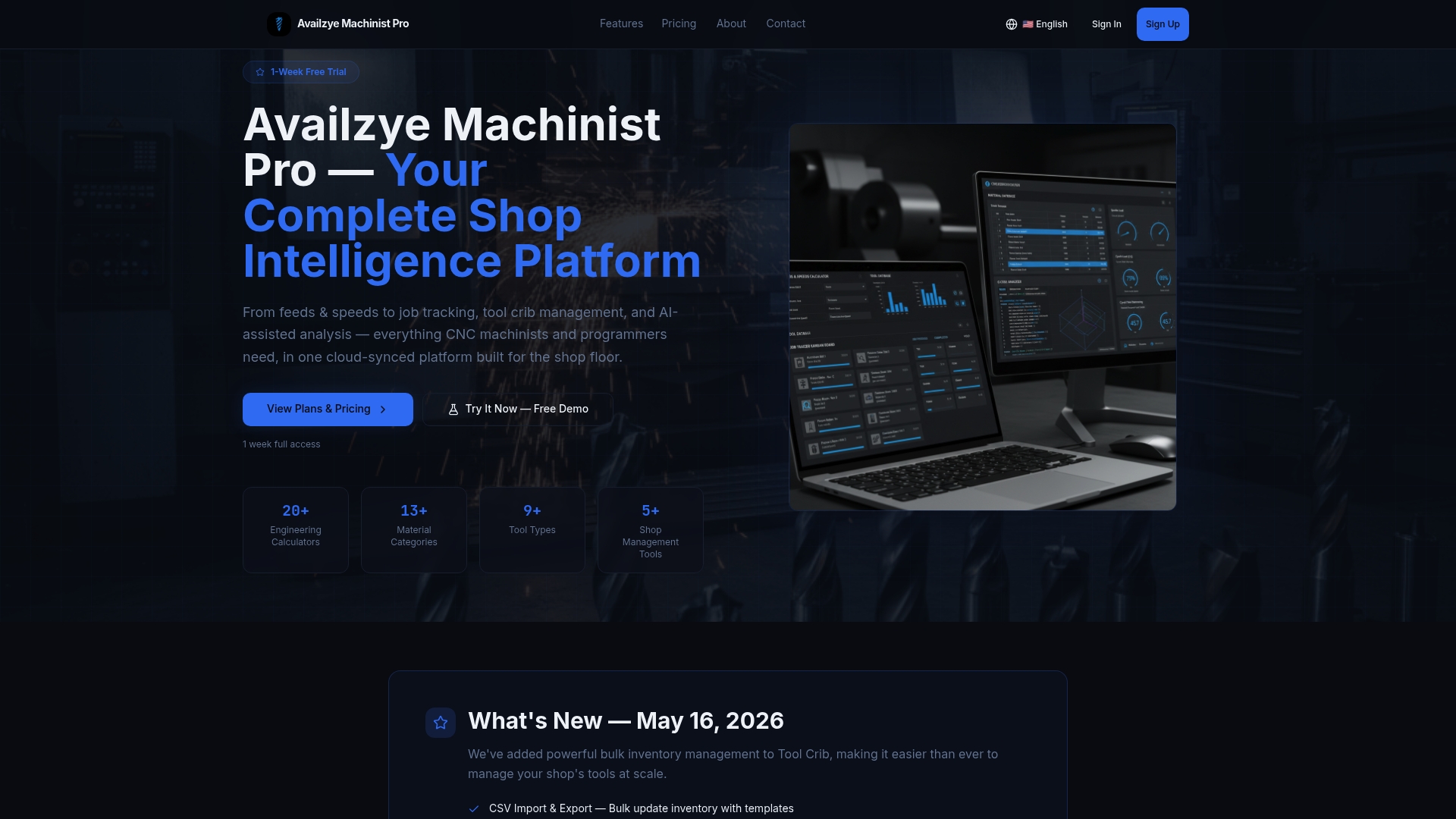
Availzye Machinist Pro replaces that exposure with a purpose-built system that tracks every tool from crib to spindle and back. The Tool Crib handles your inventory. The Job Tracker ties consumption to work orders. The AI Assistant turns your usage data into decisions. And the engineering calculators that live in the same platform mean the parameters driving tool wear are visible right next to the inventory data tracking it.
Three tiers cover individual machinists at $9.99/mo through full shop teams at $49.99/mo, with a 7-day free trial that requires no commitment. Start the trial at Availzye Machinist Pro and see what your crib data looks like when it is actually organized.
Key Takeaways
Effective CNC tool inventory management requires real-time status tracking, automated replenishment, and tool life logging — not just counting what is on the shelf.
| Point | Details |
|---|---|
| Visibility drives everything | Shops that cannot see tool status over-order and tie up capital in duplicate stock. |
| Status beats quantity | Tracking tools as "in-use" or "in-crib" prevents hoarding and gives accurate reorder signals. |
| Automate replenishment | Min/max triggers integrated with your machining schedule prevent shortages before they reach the spindle. |
| Life logging reduces scrap | Tracking parts cut per assembly lets you push tools to true end-of-life without mid-job failures. |
| Availzyemachinistpro | Tool Crib, Job Tracker, and AI Assistant combine inventory control with job costing and machining calculations in one platform. |