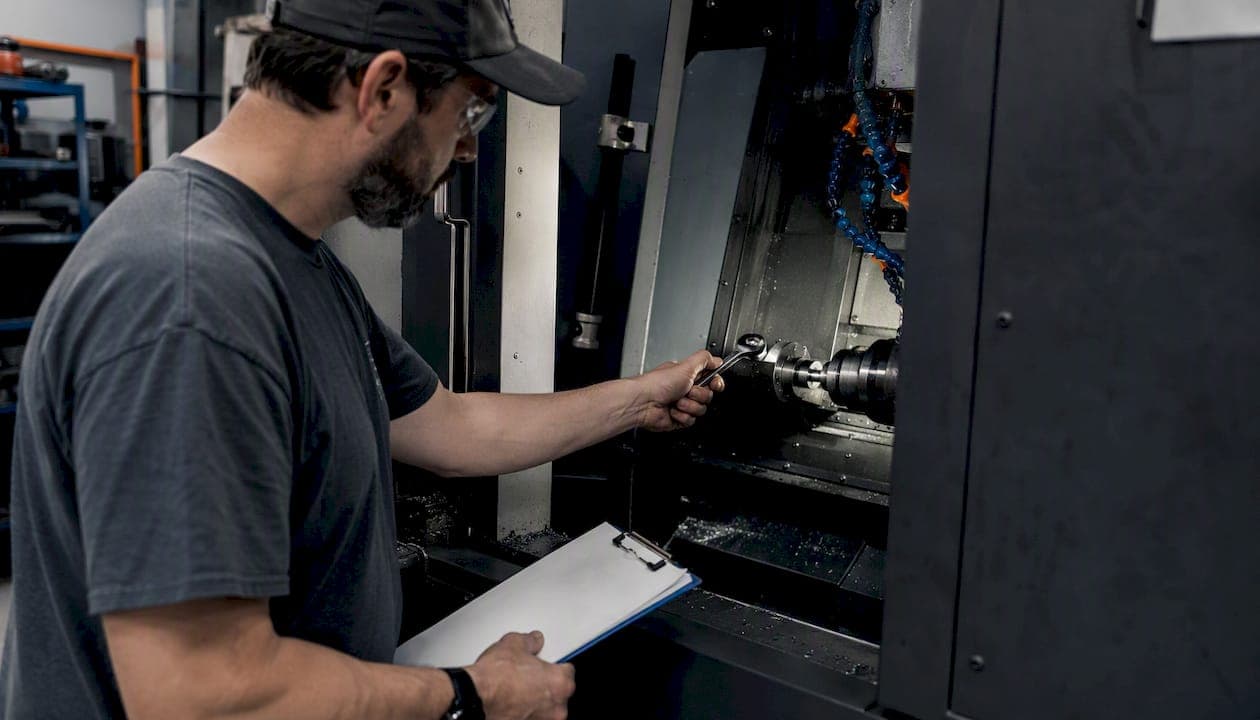
Use the shop-oriented CSV maintenance log template below and import it into a cloud Maintenance Tracker today. That single action, running the daily inspection checklist and logging the results, is where most shops stop losing ground to reactive failures. Three things make this urgent: ISO 9001 requires documented, auditable inspection records for CNC shops; spindle temperature thresholds (warning at 60°C, replacement at 75°C) need trending data to catch bearing degradation before it becomes a crash; and every entry needs a timestamp and operator signature to satisfy an audit trail.
- Copy the CSV column list in Section 2 and import it into your Maintenance Tracker
- Run the daily checklist (5–15 minutes) for one full week before touching anything else
- Configure a spindle temp alert at 60°C and an overdue-inspection flag on day one
Key Takeaways
A shop-oriented CNC maintenance log template with threshold alerts, audit trail, and daily operator checklists is the fastest path from reactive to planned maintenance.
| Point | Details |
|---|---|
| Start with the CSV import | Copy the CSV template and import a 10-row sample into a sandbox before going live. |
| Spindle temp is the priority field | Log bearing-housing temperature daily; alert at 60°C and plan replacement at 75°C. |
| Controlled vocabulary prevents bad data | Lock Downtime_Reason to a fixed pick-list so Pareto reports are actually usable. |
| KPIs need day-one configuration | Set up MTTR, schedule compliance, and planned vs. reactive percentage before the first full week of logging. |
| Availzyemachinistpro runs this template | The Maintenance Tracker handles CSV import, threshold alerts, audit trail, and KPI dashboards in one platform. |
Table of Contents
- What fields does a CNC maintenance log template need?
- Why each field matters: units, thresholds, and alert levels
- What does a practical CNC inspection schedule look like?
- How do you set up a cloud Maintenance Tracker with this template?
- How do you migrate legacy logs into a cloud system safely?
- Which KPIs should you pull from your maintenance logs?
- What mistakes kill maintenance log accuracy?
- How was this template developed?
- The pattern that actually gets shops to comply
- Availzye Machinist Pro makes this template production-ready
- Sources
What fields does a CNC maintenance log template need?
A shop-ready maintenance record sheet maps directly to what your CMMS needs to generate reports, flag alerts, and satisfy an auditor. The columns below are formatted for direct CSV import.
CSV Column List (copy-paste ready):
Machine_ID, Date_Time, Operator, Spindle_Temp_C, Vibration_g, Coolant_Level_Pct, Coolant_pH, Spindle_Hours, Task_Performed, Parts_Replaced, Downtime_Reason, Corrective_Action, Next_Due_Date, Attachment_Ref, Approval_Signature, ISO_Job_Ref
Example row:
Required vs. optional fields:
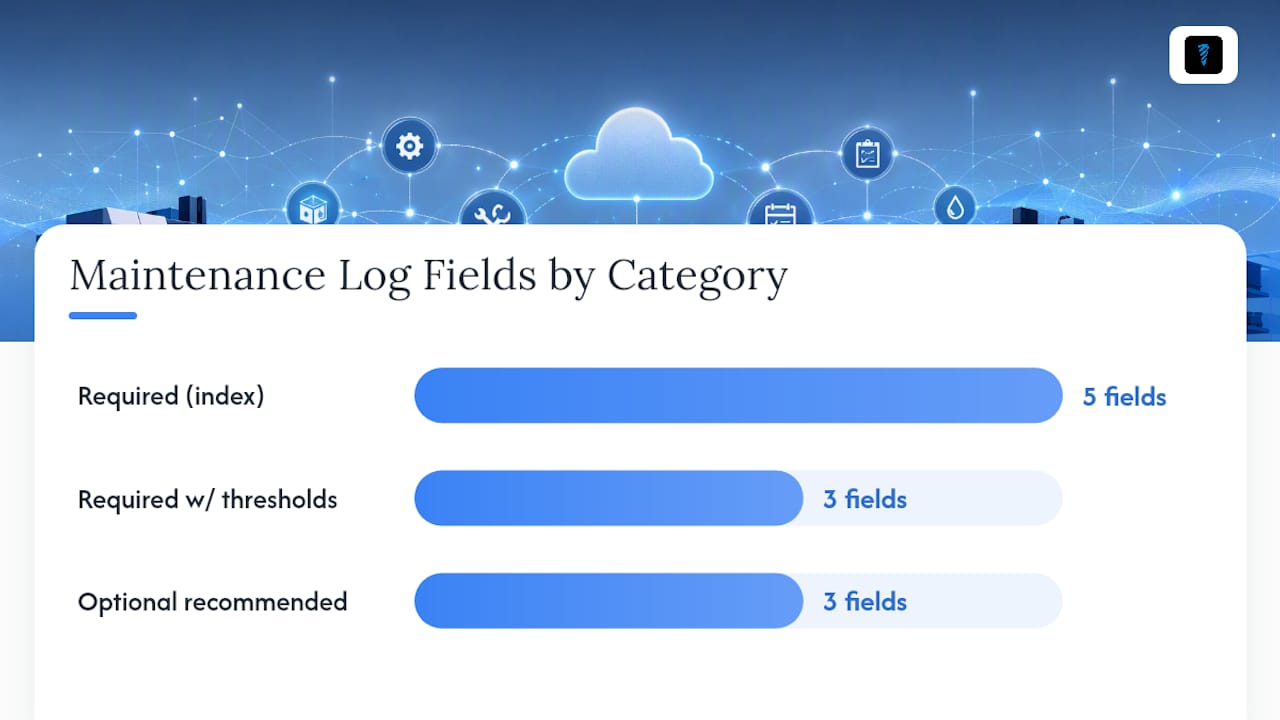
- Required (index for reporting): Machine_ID, Date_Time, Operator, Task_Performed, Approval_Signature
- Required with thresholds: Spindle_Temp_C, Vibration_g, Coolant_pH
- Optional but recommended: Attachment_Ref, ISO_Job_Ref, Parts_Replaced
CMMS checklists with photos and parameter ranges consistently improve compliance over paper logs, because technicians can see pass/fail thresholds inline.
Why each field matters: units, thresholds, and alert levels
Every column in the machine service log earns its place only when you know what to do with the number it produces.
Recording spindle temperature trends in a digital log exposes bearing degradation weeks before catastrophic failure, enabling planned replacement instead of emergency downtime. That is the single most valuable field in the entire template.
Fields that must be timestamped and auditable: Operator, Approval_Signature, and Attachment_Ref. These three satisfy traceability requirements under ISO 9001 and sector-specific standards like AS9100. Full digital traceability ties machine logs, NC program versions, and operator IDs together for customer or certification audits.
Index Machine_ID, ISO_Job_Ref, and Corrective_Action tags in your CMMS so any auditor can pull a machine's full history in under a minute.
Statistic callout: Spindle temperature trending at the bearing housing, logged daily, gives maintenance teams a multi-week warning window for bearing replacement, converting an unplanned crash into a scheduled swap.
What does a practical CNC inspection schedule look like?
A daily→annual preventative schedule with defined time estimates is what separates a maintenance program from a maintenance intention.
- Daily (5–15 min, operator): Spindle warm-up listen, bearing temp check, coolant level and pH visual, visible leak scan, tool changer cycle test, chip conveyor run
- Weekly (20–60 min, operator + maintenance tech): Axis zero-return accuracy, tool offset repeatability, coolant filter condition, belt tension visual, air filter check, lubrication points
- Monthly (1–2 hrs, maintenance tech): Spindle bearing noise at multiple speeds, guide rail inspection, belt tension measurement, hydraulic system check, electrical cabinet inspection
- Quarterly (2–4 hrs, maintenance tech + third-party if needed): Dimensional accuracy tests, spindle vibration accelerometer readings, thermal imaging scan, planned replacement of life-limited parts
- Annual overhaul (full day, third-party service + maintenance tech): Full calibration, oil changes, spindle bearing service, coolant flush, software backup and firmware updates
Pro Tip: Assign daily checks to the operator who runs the machine. They notice changes in sound and feel before any sensor does. Supervisor sign-off on weekly checks keeps the data honest.
How do you set up a cloud Maintenance Tracker with this template?
Setup takes less than an hour if you follow this sequence. Cloud CMMS platforms with asset registries, mobile work orders, and predictive alerts are built for exactly this workflow.
- Create asset records. Add each machine with its ID, make, model, and serial number. This becomes the anchor for every log entry.
- Import the CSV into a sandbox site. Use a 10-row sample first. Validate that Machine_ID, Date_Time, and Spindle_Temp_C map correctly before touching production data.
- Build checklist templates per cadence. Create separate templates for daily, weekly, monthly, quarterly, and annual inspections. Attach the parameter ranges from the field table above to each relevant check.
- Assign roles and permissions. Operators get daily entry rights. Maintenance techs get verification rights. Supervisors get acceptance rights for corrective actions.
- Configure threshold alerts. Set Spindle_Temp_C > 60°C to trigger an immediate alert. Set overdue inspections to escalate after 24 hours.
- Enable audit trail and attachments. Require a photo attachment for any corrective action entry. Every entry should auto-timestamp on save.
Availzyemachinistpro's Job Tracker links corrective-action work orders directly to the maintenance log entry that triggered them, so nothing falls through between the maintenance record and the shop floor response.
Pro Tip: Configure one KPI dashboard on day one, even if it only shows daily inspection compliance. Seeing a green/red compliance rate each morning changes operator behavior faster than any training session.
How do you migrate legacy logs into a cloud system safely?
Most shops have years of data in spreadsheets or paper binders. Moving it without corrupting historical records requires a disciplined sequence. Migration guides recommend sandbox testing and small-sample imports before committing full datasets.
- Back up every original file before touching anything.
- Standardize all date/time fields to ISO 8601 format (YYYY-MM-DD HH:MM).
- Normalize Machine_IDs to match your new asset records exactly.
- Map free-text downtime descriptions to a controlled vocabulary (e.g., "belt jam," "coolant low," "tool crash").
- Import a 10–50-row sample into a sandbox site and validate field mappings and required-field flags.
- Check that Machine_ID and Date_Time are reportable before importing the full file.
- Tag any uncertain or incomplete legacy entries as "review" rather than deleting them.
Data cleanup checklist:
- Deduplicate Machine_IDs (watch for "MachA," "Mach-A," "Machine A" as three separate IDs)
- Convert all temperatures to °C and vibration to g (RMS)
- Confirm Approval_Signature field is populated; blank entries fail audit requirements
Which KPIs should you pull from your maintenance logs?
A machine downtime log only earns its keep when it feeds decisions. These are the metrics worth tracking from day one.
| KPI | How to Calculate | Report Cadence |
|---|---|---|
| MTTR (Mean Time to Repair) | Total repair hours / number of failures | Weekly |
| MTBF (Mean Time Between Failures) | Total uptime hours / number of failures | Monthly |
| Planned vs. Reactive % | Planned work orders divided by total work orders | Monthly |
| Schedule Compliance | Completed inspections divided by scheduled inspections | Weekly |
| Downtime Hours per Machine | Sum of downtime hours per Machine_ID | Daily dashboard |
- Daily dashboard: Shift leads check inspection compliance and open corrective actions
- Weekly report: Work-order completion rate and MTTR by machine
- Monthly health trends: Spindle temperature trend lines, coolant pH drift, vibration amplitude by machine
- Quarterly ROI review: Planned vs. reactive maintenance percentage, parts cost trend, downtime hours vs. prior quarter
Build a Pareto chart of Downtime_Reason codes monthly. The top two or three reasons almost always account for the majority of lost hours, and they are fixable once visible.
What mistakes kill maintenance log accuracy?
Shops where maintenance effort stays largely reactive share one trait: the log is filled out after the fact, by memory, without a controlled vocabulary. That produces data you cannot report on.
- Who fills logs: Operators complete daily entries at the machine, in real time. Maintenance techs verify and add technical notes. Supervisors accept corrective-action entries.
- Controlled vocabulary: Limit Downtime_Reason to a fixed pick-list (belt jam, coolant low, tool crash, electrical fault, scheduled PM, operator error). Free text produces 40 variations of the same failure mode.
- Mandatory fields: Lock Machine_ID, Date_Time, Operator, and Task_Performed as required. A log with blank required fields is worse than no log because it looks complete.
- Training: One 20-minute session at machine-side, with a laminated quick-reference card showing the field list and threshold values, is enough to get operators logging correctly.
Pro Tip: Run a monthly audit of 10 random log entries. Check for blank required fields, free-text in controlled-vocab columns, and missing photo attachments on corrective actions. Publish the audit score to the team.
How was this template developed?
This template and inspection schedule draw from CNC preventive maintenance checklists, ISO 9001 record requirements for CNC shops, and cloud CMMS implementation guidance. Spindle temperature thresholds (normal 40–50°C, warning 60°C, replacement 75°C) come from published preventive maintenance inspection guides for CNC equipment.
- Temperature and vibration thresholds are conservative starting points. Adjust them to your machine OEM's specifications once you have 30 days of baseline data.
- ISO 9001 field requirements (timestamped entries, calibration records, traceability) shaped the required-field flags and audit trail guidance.
- Availzyemachinistpro's Maintenance Tracker capabilities informed the implementation steps, threshold-alert configuration, and role-based access recommendations.
The pattern that actually gets shops to comply
The shops that move from reactive to planned maintenance share one pattern: they stop treating the log as a paperwork requirement and start treating it as a shift handoff tool. When the outgoing operator's last task is completing the daily checklist, and the incoming operator's first task is reading it, compliance follows naturally because the log becomes useful rather than obligatory.

The operational shift is qualitative but consistent: shops that distribute daily checks to operators and tie supervisor KPIs to schedule compliance see their planned maintenance percentage climb within the first quarter. The log stops being a record of what broke and starts being a record of what was prevented.
Availzye Machinist Pro makes this template production-ready
Availzyemachinistpro's Maintenance Tracker is built to run the template above without any configuration gymnastics. Import your CSV, set your thresholds, and the system handles the rest.
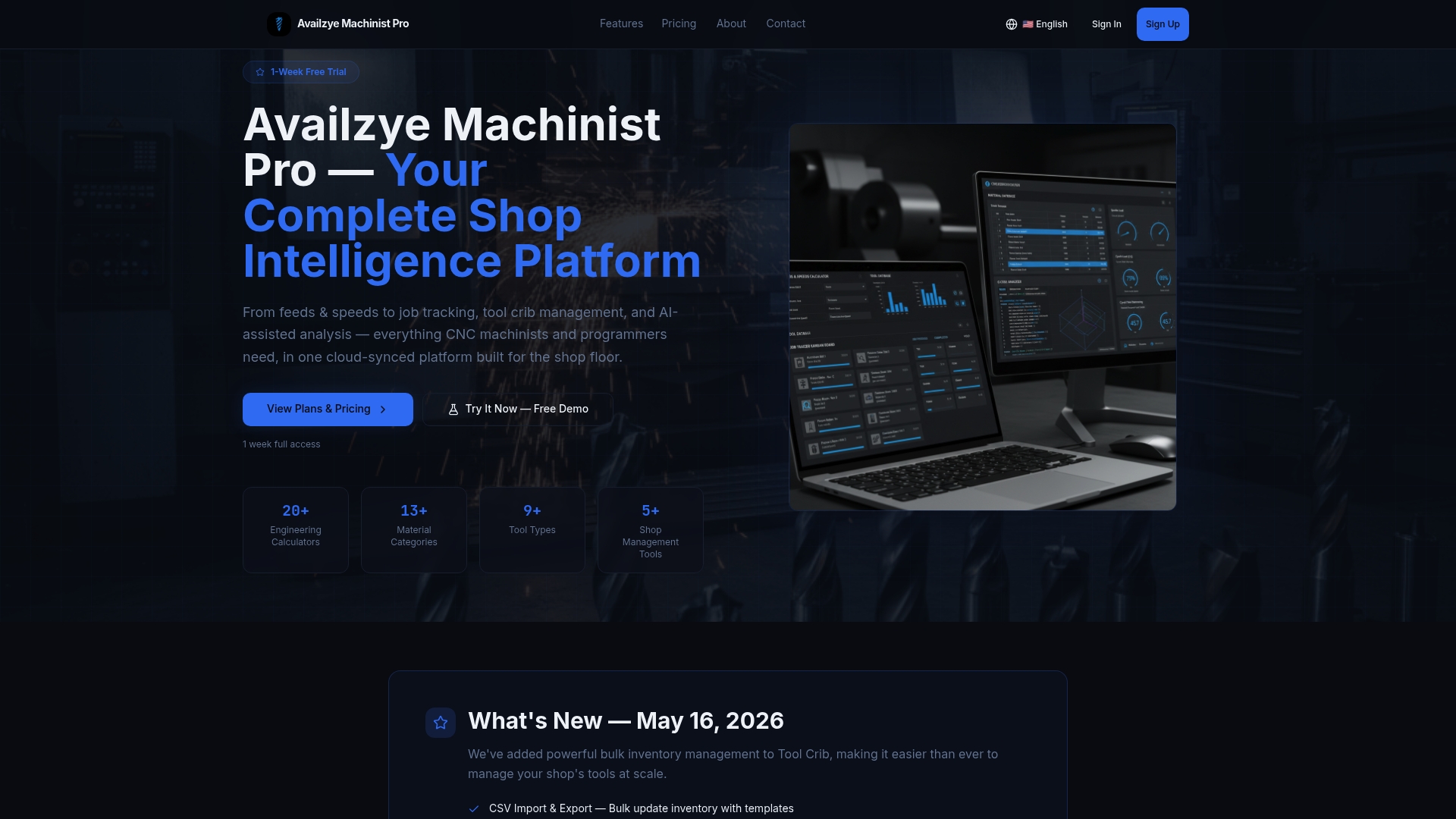
Key features relevant to this workflow: CSV import with field mapping, recurring checklists per cadence (daily through annual), threshold-based alerts (spindle temp, vibration, overdue inspections), timestamped audit trail with photo attachments, role-based access for operators and techs, and KPI dashboards for MTTR, MTBF, and planned vs. reactive percentage. The Tool Crib closes the loop from Parts_Replaced entries to inventory and reorder workflows automatically. The AI Assistant can flag anomalies in condition data and suggest corrective actions before a failure develops.
Plans start at $9.99/month for individual machinists, $24.99/month for small shops, and $49.99/month for teams, each with a 7-day free trial. Start your trial at Availzye Machinist Pro and import the CSV template on day one.
Sources
- Preventative Maintenance for CNC Machines: Inspection Scheduling Guide
- Tips for implementing CNC machine preventive maintenance