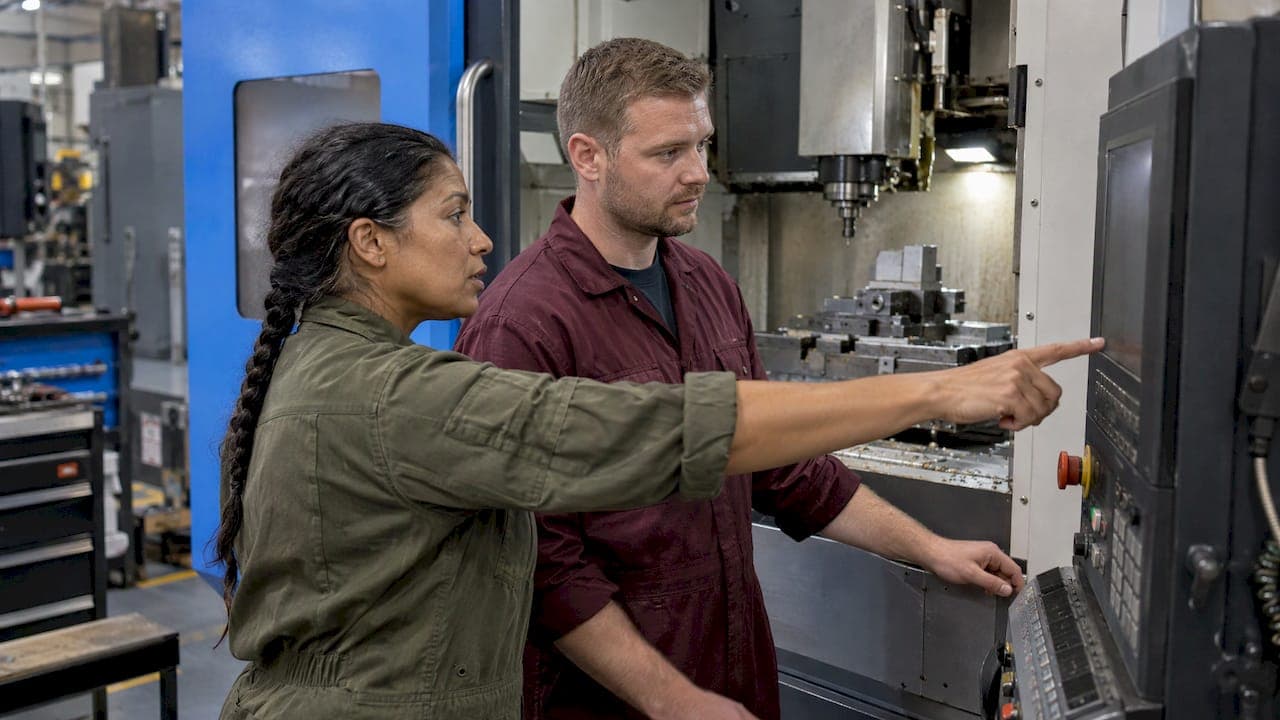
Collaboration in a CNC shop comes down to one thing: everyone who touches a job sees the same current information about it. That means the program revision, the tooling, the machine status and the notes from the last shift, kept in one place instead of in someone's head, a text thread or a binder. This guide covers who needs to talk to whom, what to share, how to run a clean shift handoff, what to look for in software, and how to tell whether any of it is working.
TL;DR
- Treat collaboration as shared job data, not meetings: program revision, tooling, offsets, machine status and open issues should live in one record that every role can see.
- Handoffs between shifts and between roles are where rework starts. A short, fixed checklist beats a long conversation.
- Tools help most when collaboration is built into the work order and the tool crib, not bolted on as a separate chat channel.
- Give people clear roles and decision authority, then measure with a few balanced KPIs such as unplanned downtime and first-pass yield.
- A small shop can pilot this on one machine group for a couple of weeks before changing anything else.
Table of Contents
- What collaboration means on a CNC shop floor
- Where collaboration breaks down
- What a CNC team should share on every job
- Running a shift handoff that holds up
- Roles, permissions and decision authority
- Choosing digital tools that support collaboration
- How we think about it
- Start small: a two-week pilot
- How to tell if collaboration is improving
- Try it in your shop
- FAQ
- Sources
What collaboration means on a CNC shop floor
A machine shop is a relay. A quote becomes a job, a job becomes a program, a program becomes a setup, and a setup becomes parts that have to pass inspection and ship. Each handoff is a place where information can be lost.

A typical CNC shop team includes manufacturing engineers, setup operators, CNC operators, quality assurance, schedulers, sales, and shipping and receiving, according to one overview of the roles a CNC shop needs. The same overview ties communication and a positive culture to the shop's ability to plan, adjust its processes and deliver quality efficiently.
The case for putting those functions in close contact is older than cloud software. A Project Management Institute article on multidisciplinary teams describes teams that share a product goal and bring manufacturing, engineering, planning, quality and other functions together. The idea is to weigh design, production, cost and schedule at the same time rather than solving each problem one after another.
For a five-person shop, that might be the owner who quotes, a programmer, and three operators across two shifts. The roles are fewer, but the relay is the same.
Where collaboration breaks down
Most failures are not about attitude. They come from information that is hard to find or out of date.
NIST's 2022 write-up of Magellan Aerospace is a useful picture. Before its digital upgrades, manual program loading, searches through network folders for process documents, and missing run details contributed to rework, scrap, inefficiency and hard-to-train operators. Few shops are that large, but most recognize the pattern: someone is hunting for the right revision at 2 a.m.
The other common culprit is the message thread. McKinsey notes that email, chat and text messages disconnected from business processes create back-and-forth status requests and complicated handoffs that cut productivity. If the answer to "is job 4471 ready?" lives in a text message, someone will ask again.
Signs your shop has this problem:
- Operators ask the same question about a job more than once per shift.
- The "latest" program exists in two places and nobody is sure which one is right.
- A tool is missing at setup because nobody knew it was the last one.
- Second shift learns about a quality issue from a scrap bin.
- A machine goes down and the service history is in someone's memory.
What a CNC team should share on every job
This is the part most generic collaboration articles skip. Use the list below as a starting template and trim it to your shop. It is practical shop advice, not a standard.
| Category | What to share | Who needs it |
|---|---|---|
| Job | Work order number, part number and drawing revision, quantity, due date, priority | Scheduler, operators, shipping |
| Program | Program name, revision, who proved it out, last change and why | Programmer, setup operator, operator |
| Tooling | Tool list, holders, stickout, tool life used, what is on the shelf | Setup operator, tool crib, programmer |
| Workholding and setup | Fixture, work offsets, setup sheet, photos of the setup | Setup operator, next shift |
| Machine status | Running, idle, down, waiting on material, waiting on inspection | Everyone, especially the scheduler |
| Quality | Critical dimensions, inspection results, any out-of-tolerance events and the fix | QA, operators, programmer |
| Open issues | Chatter on a feature, a worn insert, a fixture that needs attention | Next shift, programmer |
Two of these deserve extra attention.
Program state. Share which program and revision is loaded, where it stopped if a cycle was interrupted, and any offset changes made during the shift. A one-line note such as "Tool 7 wear offset moved 0.0005 in. after the first-article check" saves the next operator a scrap part.
Tooling. Tooling is where machine shops lose time without noticing. Knowing what is in the crib, what is already worn, and what has been checked out to a machine prevents the walk to the cabinet and the discovery that the one 3/8 in. end mill with the right coating is gone. Our setup sheet guide shows how to turn this list into a printable sheet that travels with the job.

Running a shift handoff that holds up
A handoff does not need to be long. It needs to be the same every time. A good one has three parts.
- A written note per machine. Job, program revision, current state, offsets changed, tools changed, quality exceptions and what the next person should do first.
- A short walk-around. The outgoing operator and the incoming operator look at the machine together for a minute or two, so what is written matches what is on the table.
- A place to ask questions afterward. If the incoming operator needs clarification at 3 a.m., the note should say who to call or where to leave a question that the day shift will see.
OSHA's experience with manufacturers points the same way. Its success story on McElroy Manufacturing describes daily meetings covering production, safety and quality, along with employee involvement in hazard reporting and process improvement, as part of a continuous-improvement culture. You do not need a big meeting to borrow the idea. A ten-minute stand-up at shift change, with the same three topics every day, builds the habit.
Note that a handoff is also a safety moment. Anything unusual about a machine, such as a guard that was opened, a chip conveyor jam or an interlock acting up, belongs in the note. OSHA's Recommended Practices say that management and workers should work together to find and fix hazards before incidents happen, and that this approach builds trust and improves communication. A handoff note is one of the cheapest places to put that into practice.
The shop floor communication guide on our blog goes deeper on what works in real time.
Roles, permissions and decision authority
Collaboration is not the same as everyone editing everything. A clear division of who can do what makes shared information more trustworthy.
NIST's report on the U.S. manufacturing workforce says that training which establishes clear roles, responsibilities, shared knowledge and teamwork can improve operational efficiency and worker satisfaction. In practice, decide ahead of time:
- Who can release a program to the floor, and who can only view it.
- Who can change offsets or tool data, and how changes get logged.
- Who can close a work order or mark a job as complete.
- Who can see costs and margins, and who sees only the shop-floor view.
IndustryWeek's reporting on collaborative manufacturing cultures adds a human side. It finds that teams collaborate better when leaders give them decision authority, clear guardrails, training and measurable expectations, and that structure alone is not enough: people also have to believe they can influence outcomes. If an operator flags a chatter problem and nothing happens, they will stop flagging.
Our guide to user permissions in CNC software walks through who should see and change what.
Choosing digital tools that support collaboration
Software can help or can add one more place to look. McKinsey's guidance is to evaluate tools that embed collaboration in workflows, capture structured data, let people share images, files and discussions, bring in specialists, track work orders, and keep documented solutions for reuse. The firm's operations researchers argue that collaboration creates more value when it sits inside the workflow instead of beside it.
That gives you a practical checklist when you compare options:
| What to check | Why it matters |
|---|---|
| Work orders and job status in one place | Ends the "is it ready?" question |
| Tool inventory with low-stock alerts and tool life | Prevents missing or worn tools at setup |
| Shift notes attached to jobs and machines | Keeps handoff information next to the work |
| Document and CAD file storage | One current drawing, model and setup sheet |
| Role-based access and an audit trail | Shared without being editable by everyone |
| Maintenance and downtime log | Machine history that survives staff turnover |
| Works from a shop terminal, tablet or phone | Gets used on the floor, not just in the office |
Larger operations go further. In the Magellan case, NIST describes integrated engineering-data management, DNC program distribution, web-based work instructions and a path to two-way machine communication, and says the solution monitored more than 40 devices with real-time status, utilization and efficiency data. A small shop does not need that scale to benefit from the principle: know the status of your machines without walking the floor.
One related practice is visibility into who is on the floor and when. Real-time clock-in monitoring gives a small business a live picture of attendance, which pairs naturally with live machine and job status when you plan a shift.
Design-to-shop-floor data matters too. NIST describes standardized 3D product and manufacturing data as a way to connect design through final inspection while cutting manual re-entry. Machine Design likewise says collaborative CAD/CAM workflows depend on shared storage and export, data handling across applications, and clear software-to-machine communication. If that is your bottleneck, see our guide on how to integrate a CAD/CAM workflow.
How we think about it
Most shops do not have a collaboration problem. They have a scattered-information problem. The feeds and speeds live in one app, the tool counts in a spreadsheet, the maintenance history in a notebook and the shift notes in a text thread. Each person is doing their part, and the team still loses time stitching it together.
We built Availzye Machinist Pro to put the calculators and the shop management in the same cloud-synced application. The same place an operator checks a chip load or runs a tool deflection estimate is where the Job Tracker, Tool Crib, Maintenance Tracker and shift notes live. Role-based access and audit logs are there so a shared record stays trustworthy.
Our view is that a team collaborates best when the shared record is also the working tool. When people open the platform to do their math and run their jobs, the notes and logs get written as part of the work and not as a chore afterward.
Availzye
Start small: a two-week pilot
Big rollouts fail when they ask everyone to change everything at once. Pick one machine group or one job type and try this:
- Week 0. Agree on the handoff fields from the table above. Cut it to the minimum your shop really uses.
- Week 1. Run every shift handoff for that group through the shared record. The shop lead reviews the notes at the end of each day.
- Week 2. Ask operators what they skipped and why. Remove fields nobody uses and add the one that kept being asked in person.
- After week 2. Decide whether to expand, based on a few numbers (below).
Our CNC software rollout playbook covers the path from pilot to launch in more detail.
How to tell if collaboration is improving
Do not rely on feel alone. Research on teams suggests using measures suited to the team and its context, combining qualitative and quantitative data from several sources, and checking both processes and outcomes at different points in the work cycle.
For a shop, APQC recommends a balanced set of manufacturing KPIs across cost, cycle time, process efficiency and staff productivity. Its examples include overall equipment effectiveness, first-pass quality yield, unplanned downtime, production rate and response time to production interruptions. Pick three or four and record them before and after your pilot.
The academic evidence is encouraging but honest about limits. A 2016 longitudinal study of five multifunctional manufacturing teams found that collaboration was positively associated with schedule performance and labor efficiency, while team flexibility related to product quality. Another study of team production found that team membership initially raised individual productivity by about 3% and lowered rejection rates by about 27%. Gains faded over time but lasted longer for members whom management invited to join. The lesson for a shop owner: keep the practice alive with regular reviews, and involve your people in designing it.
Useful shop-level signals include:
- Fewer "where is it?" questions per shift.
- Shorter time from job release to first part.
- Fewer setups delayed by missing tools.
- Faster response when a machine goes down.
- Cost and margin per job, which our job profitability analysis article shows how to read.
Try it in your shop
Availzye Machinist Pro combines CNC calculators with shop management in one cloud application: Feeds & Speeds, Tool Deflection, Power & Torque, Chatter Prediction and G-Code analysis, plus a Job Tracker, Tool Crib with low-stock alerts, Maintenance Tracker, document management, shift notes and team collaboration with role-based access.
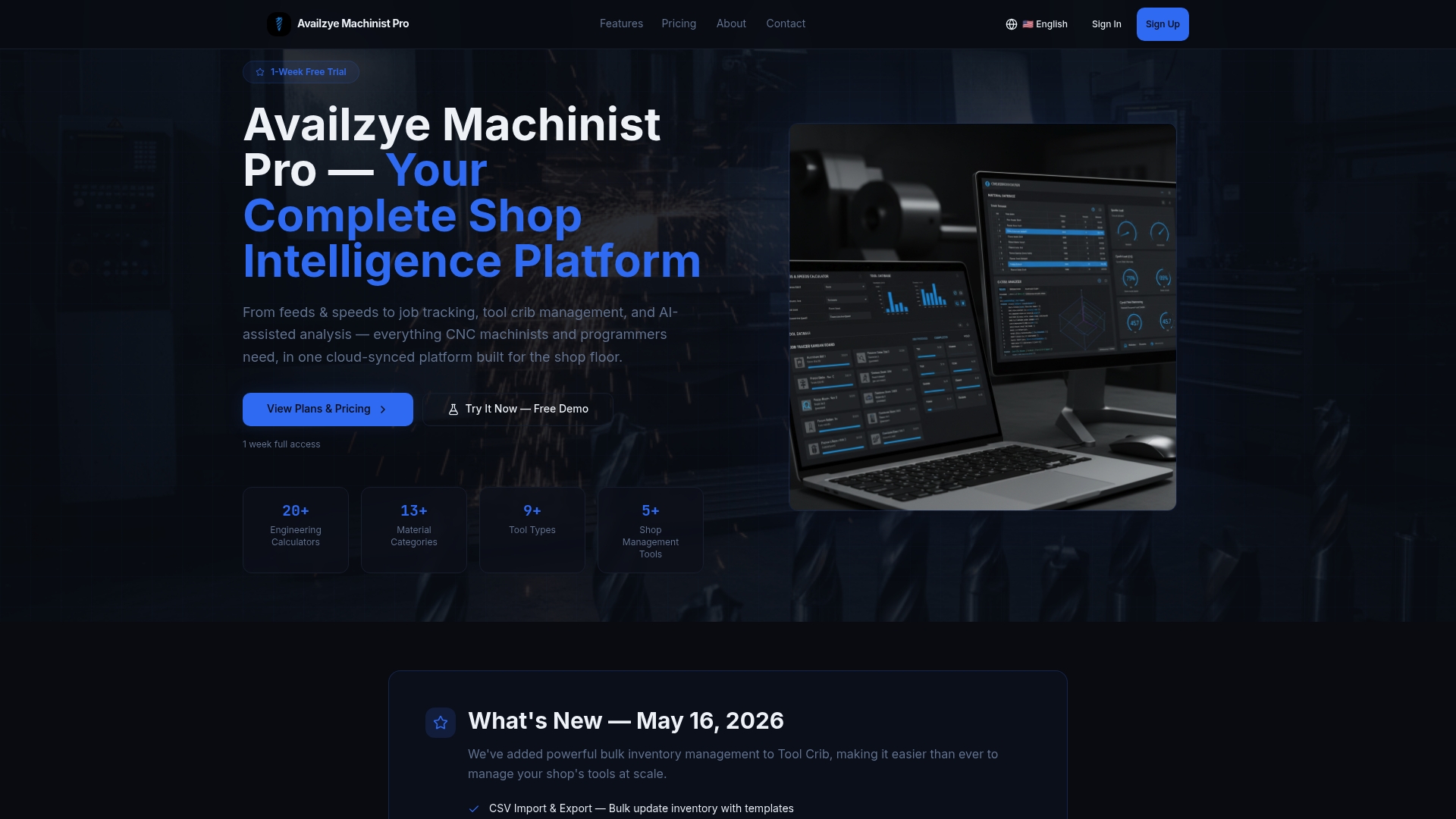
Plans start at 9.99 CAD per month for Individual, 24.99 CAD per month for Small Shop and 49.99 CAD per month for Team, with a 7-day free trial. You can start on the Availzye Machinist Pro site, or look at the Tool Crib first if missing tools are your biggest handoff problem.
FAQ
What does team collaboration mean in CNC machining?
It means the people who quote, program, set up, run, inspect and ship a job all work from the same current information. That covers program revisions, tooling, machine status and quality notes. It matters because each handoff between roles or shifts is a chance for information to be lost.
How do you improve communication between CNC shifts?
Use the same short written note for every machine, followed by a brief walk-around between the outgoing and incoming operators. Include job, program revision, offsets changed, tool changes and open issues. Keep the note in a shared record so anyone can find it later.
What should a CNC shop share between programmers and operators?
Share the current program revision, the tool list, work offsets, setup photos and any changes made during proving out. Operators should also be able to report back what they changed at the machine and why. That feedback loop lets the programmer fix the root cause instead of relying on a workaround.
Do small shops need collaboration software?
Not always, but a shop with more than one shift or more than a few machines usually feels the cost of scattered information first. Pilot one machine group for a couple of weeks and compare a few KPIs. If handoffs get faster and fewer setups are delayed, the tool is paying its way.
Sources
- 7 Essential Roles Every CNC Machine Shop Needs
- Multi-Discipline Teams, Project Management Institute
- Building a Foundation for a Digital Factory of the Future, NIST
- Digital collaboration for a connected manufacturing workforce, McKinsey
- McElroy Manufacturing success story, OSHA
- Recommended Practices for Safety and Health Programs, OSHA
- America's Manufacturing Workforce: Make or Buy?, NIST
- How Do You Build a Collaborative Manufacturing Culture?, IndustryWeek
- Real-time clock-in monitoring for small business, Kloqk
- New Collaborative Project Will Give Manufacturing Some New Digital Threads, NIST
- Team Collaboration Across CAD/CAM Workflows, Machine Design
- The Assessment of Team Performance: Observations and Needs
- What Are Basic Strategies for Measuring Manufacturing Progress?, APQC
- Team performance in a lean manufacturing environment, Inderscience
- The Impact of Teams on Output, Quality and Downtime, IZA