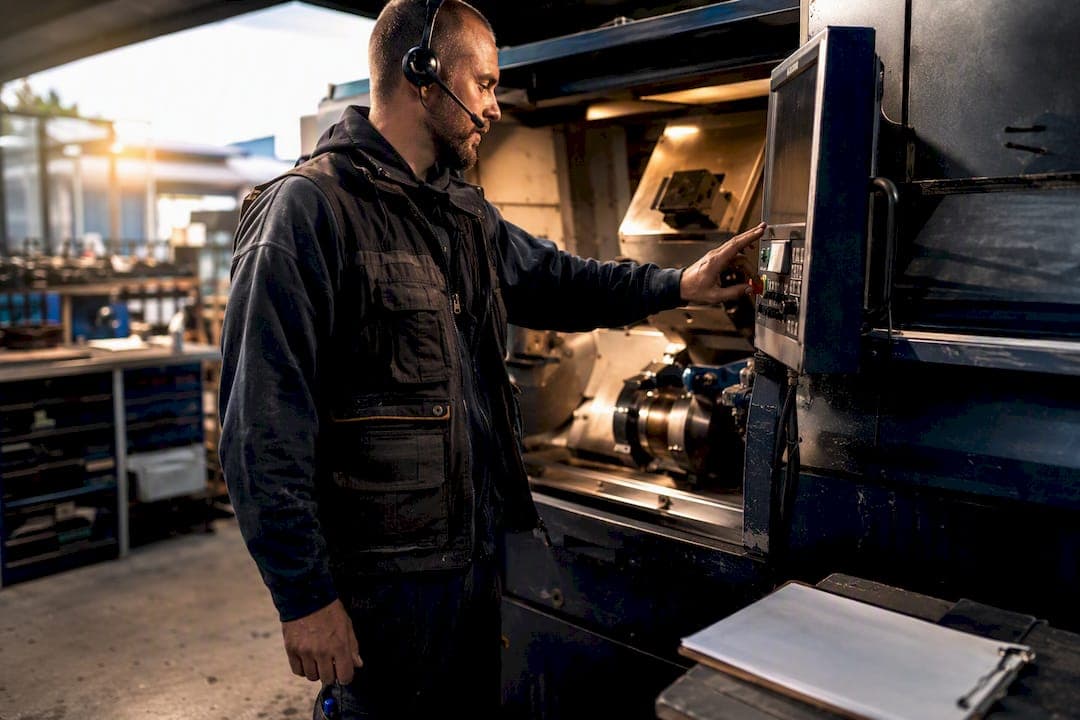
The highest-impact fix for most plants is not a new radio or a bigger whiteboard. It is role-based, real-time channels paired with visible escalation rules and one shared source of truth that everyone trusts. Get these three right and most other problems on the floor shrink on their own.
The essential elements:
- Role-based dashboards showing Overall Equipment Effectiveness (OEE), downtime, and Andon alerts to the people who can act on them
- Fast frontline channels: digital signage for shared visibility, mobile or handheld confirmation for individual accountability
- Standardized shift handovers that replace verbal recaps with a written, timestamped record
- Closure tracking so every alert or issue has an owner and an end date, not just a start
A platform like Availzye Machinist Pro ties several of these together for smaller shops that cannot justify a full manufacturing execution system, which we will cover in more detail below.
Key Takeaways
Role-based, real-time communication with clear escalation rules and closure tracking fixes more shop floor problems than any single new tool can.
| Point | Details |
|---|---|
| Prioritize role-based delivery | Send the right alert to the right person instead of broadcasting to the whole floor. |
| Fix the two-clocks gap | Use forward-looking dashboards that surface material and labor constraints before they cause downtime. |
| Track MTTA and closure rate | These two metrics show whether escalation rules are actually working, not just installed. |
| Pilot before scaling | Test one dashboard and one escalation flow on a single line for two weeks before rolling out plant-wide. |
| Centralize with a shop platform | Availzye Machinist Pro consolidates shift notes, maintenance logs, and tool alerts into one role-based system. |
Table of Contents
- What Does Shop Floor Communication Actually Mean?
- Why Do Notice Boards and Radios Fail Today?
- Seven Tactics That Improve Communication on the Floor
- Which Network and Tool Setup Actually Holds Up?
- What Metrics Prove Communication Is Improving?
- Your 30-60-90 Day Rollout Plan
- How a Shop Platform Can Centralize This Work
- Get Shop-Wide Visibility Without Building It From Scratch
- Frequently Asked Questions
- Sources
What Does Shop Floor Communication Actually Mean?
Shop floor communication is the exchange of role- and place-based information delivered at the pace workers need to act on it, usually in real time or close to it. The "smart" version of this is not about adding more screens. It is about sending the right message to the right role, instead of broadcasting everything to everyone.
Think of the difference between a plant-wide PA announcement and a targeted alert. A generic broadcast tells the whole floor "machine 4 is down." A role-based system tells the assigned technician specifically, tells the supervisor a summary, and tells planners the projected downtime impact, all from the same event.
A concrete example of this in motion:
- A machine throws an alarm
- An Andon screen lights up at the workstation and a mobile notification fires to the on-call technician
- The technician acknowledges the alert from a handheld device
- The system logs a maintenance ticket automatically, timestamped and assigned
That single flow replaces what used to take a phone call, a walk across the floor, and a sticky note.
Why Do Notice Boards and Radios Fail Today?
Paper boards and two-way radios worked fine when shifts were smaller and problems moved slower. They fail now because they cannot track anything after the message is delivered. A notice on a whiteboard is a one-way broadcast with no acknowledgment, no timestamp, and no record of who saw it.
Common failure modes stack up fast:
- Delayed, report-only metrics that show yesterday's problems instead of today's
- One-way notices with no confirmation loop
- Escalations that vanish into a radio call nobody logged
- Information silos where engineering plans on a different clock than operations runs on
That last point is the real root cause. Engineers and planners work on longer horizons, thinking in weeks and material lead times, while operators need answers in minutes. Bridging that gap requires dashboards that surface future constraints, like a materials shortage two shifts away, not just rear-view numbers from last week.
Pro Tip: Don't push every sensor reading to the floor. Filter for actionable exceptions, deviations from target, missed acknowledgments, so operators see three things that matter instead of thirty that don't.
Seven Tactics That Improve Communication on the Floor
Start with the visible stuff, then layer in structure.
- Visual dashboards and Andon alerts. Mount a screen at each cell showing live OEE, downtime reason codes, and WIP status. Supervisor owns setup; success in week one looks like operators glancing at it unprompted.
- Structured shift handovers. Replace verbal recaps with a digital shift note template: open issues, machine status, parts in progress. Outgoing lead owns it; check for completion before every handoff.
- Escalation rules with acknowledgment. Define who gets notified after 5, 15, and 30 minutes of no response. Maintenance and supervisor co-own the rule set.
- Operator feedback loops. Give operators a simple way to flag a recurring problem, not just report a breakdown. Track how many posts get a documented response within 24 hours.
- Role-based alert routing. Send tool wear warnings to the machinist, not the plant manager. IT or the platform admin configures routing rules once.
- Digital work instructions at the point of work. Replace binders with tablet or screen access to the current revision. Planner owns document control; check that operators stop asking "which version is this?"
- Short tier meetings using the same dashboards. A 10 minute standup referencing the live screen, not a separate slide deck. Supervisor runs it daily.
Pro Tip: Pilot tactics 1 through 3 together before adding the rest. A dashboard without an escalation rule just becomes wallpaper.
Which Network and Tool Setup Actually Holds Up?
The architecture choice matters more than the app on top of it. Three common paths exist, and each trades cost against reliability differently.
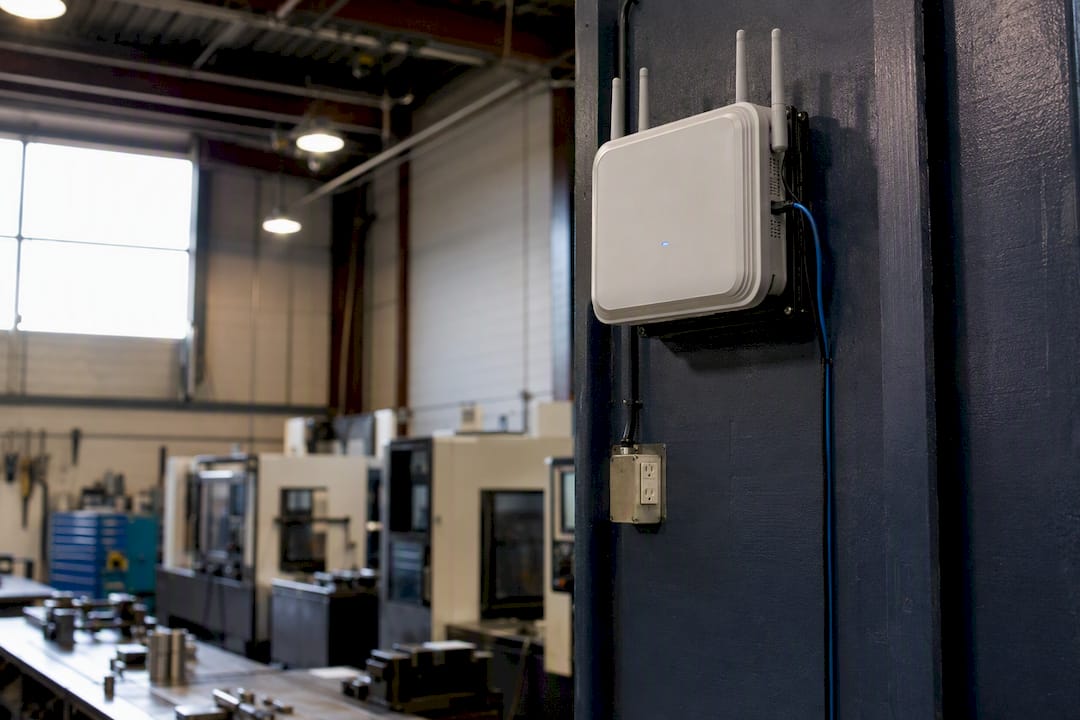
| Approach | Coverage & reliability | Security | Offline resilience |
|---|---|---|---|
| On-premises Wi-Fi messaging | Strong within facility footprint, no carrier dependency | Data stays inside the facility | Can use store-and-forward queues during brief drops |
| Commercial cellular | Depends on signal strength in the building | Data routes through third-party carrier | Fails if signal is lost |
| Two-way radios | Reliable for voice, no data logging | No digital record | Works without network but leaves no trail |
On-premises industrial Wi-Fi tends to be the strongest fit for shops with sensitive production data, since it eliminates recurring carrier costs while still letting operators acknowledge alarms from a handheld.
Pilot on a single line or cell first. Measure acknowledgment time and dropped-message rate for two weeks before deciding whether to scale plant-wide.
Pro Tip: On constrained networks, favor local acknowledgment patterns and queued messages over cloud-dependent chat apps. A message that queues during a brief outage and delivers the moment Wi-Fi returns beats one that just fails silently.
What Metrics Prove Communication Is Improving?
You cannot manage what you don't time-stamp. Track these:
- Response time to Andon or alerts, the gap between trigger and first acknowledgment
- Mean time to acknowledge (MTTA) across shifts and roles
- Mean time to resolve (MTTR) for logged issues
- Unplanned downtime minutes, tracked against your baseline month
- First-time-right or first-pass yield, which improves as poka-yoke principles reduce ambiguity at the point of work
- Closure rate, the share of logged issues actually resolved, not just opened
In the first 90 days, a reasonable directional goal is cutting MTTA meaningfully as escalation rules take hold, without targeting a specific percentage borrowed from another plant. Instrument these by tying every alert and ticket to a timestamp, then surface the widgets directly on the same dashboards the floor already watches during tier meetings.
Your 30-60-90 Day Rollout Plan
Move in phases so the team adapts without getting buried.
- Days 1-30: Baseline your current metrics, pick one pilot line, stand up one dashboard and one escalation flow. Supervisor and one IT contact own this; minimum resource is a single screen and a mobile app for the assigned technician.
- Days 31-60: Refine alert thresholds based on pilot data, add role-based routing so notifications hit the right person, and start daily tier meetings that reference live dashboard numbers instead of a separate report.
- Days 61-90: Scale to additional lines, connect maintenance logging into the same system, set formal KPI targets with named owners, and run a short lessons-learned review with the pilot team.
Success at day 30 looks like operators checking the dashboard unprompted. Success at day 90 looks like closure rate and MTTA showing measurable movement against your baseline.
How a Shop Platform Can Centralize This Work
Running seven tactics across five spreadsheets is how most communication upgrades quietly die. A platform that centralizes job status, maintenance history, and tool inventory in one place removes that friction.
| Communication tactic | Platform feature that supports it |
|---|---|
| Shift handovers | Shift notes with timestamped entries |
| Escalation and downtime tracking | Maintenance Tracker with logged service history |
| Tool shortage alerts | Tool Crib inventory with low-stock alerts |
| Work order visibility | Job Tracker for real-time status |
| Point-of-work reference | AI Assistant and shared documentation |
A supervisor piloting this might configure Job Tracker for one cell, turn on low-stock alerts in Tool Crib, and watch two numbers for the first two weeks: ticket closure rate and how often operators check shift notes before starting a job.
What Actually Moves the Needle Here
Most communication overhauls fail because teams buy a tool before they define the escalation rule. Start smaller than feels comfortable: one dashboard, one rule, one pilot cell.
The two-clocks problem deserves more attention than it gets. Surfacing tomorrow's material shortage matters as much as reporting today's downtime. Dashboards that only look backward miss the point entirely.
Get Shop-Wide Visibility Without Building It From Scratch
Most plants patch communication gaps with a mix of spreadsheets, sticky notes, and a maintenance binder nobody updates consistently. Availzye Machinist Pro replaces that patchwork with one cloud-based system where shift notes, maintenance logs, and tool inventory alerts all live together and stay visible to the right role.
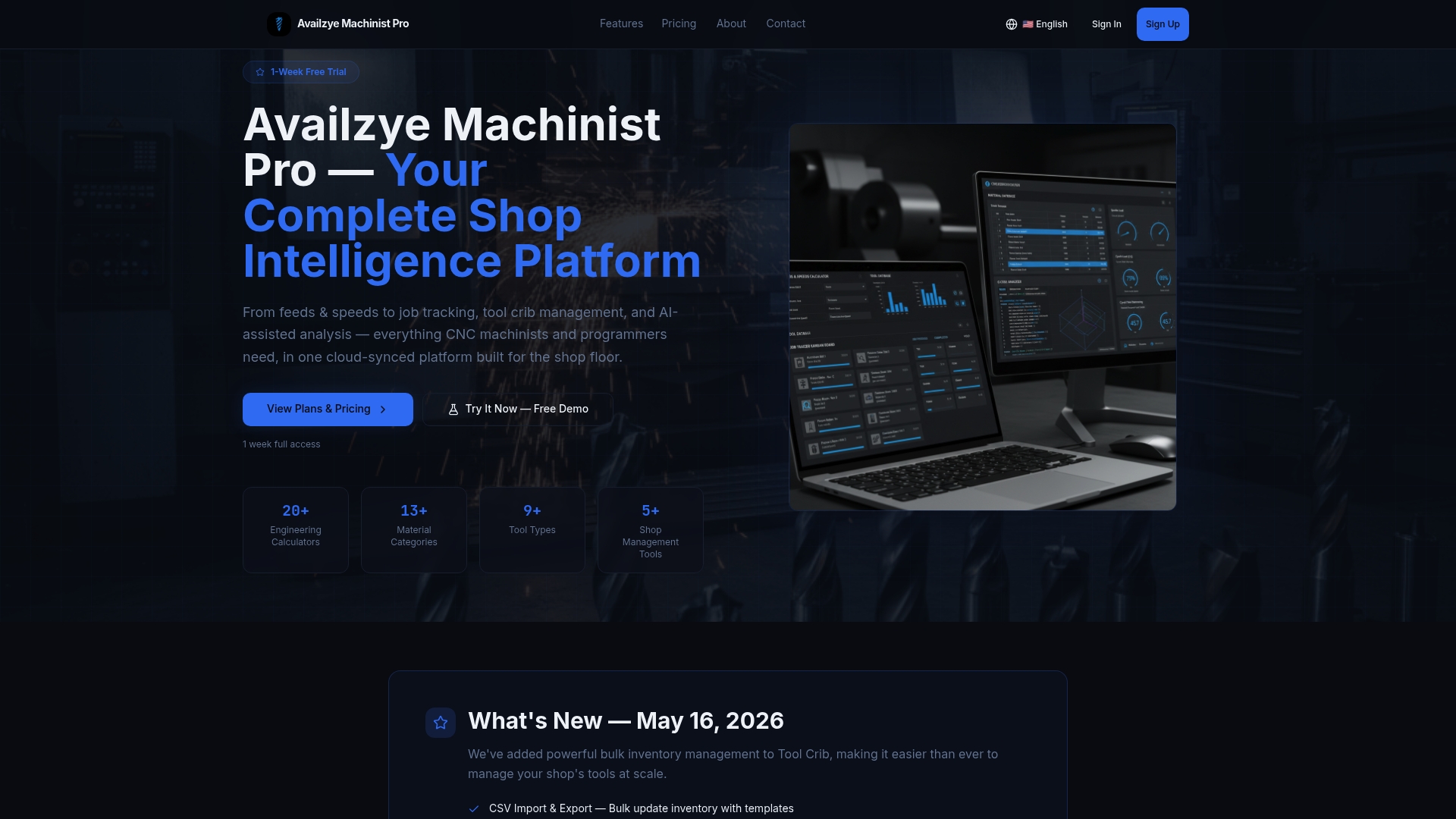
Instead of chasing down who saw a shift note or whether a tool shortage got flagged, your team checks one dashboard. The Job Tracker keeps work order status current for supervisors and operators alike, while Tool Crib alerts flag low stock before it stalls a job. Role-based access means an operator sees what's relevant to their station, not a plant-wide feed they have to filter themselves.
If you're running the 30-day pilot described above, start with a 7-day free trial and set up one shift note template and one Tool Crib alert threshold. That's enough to see whether centralized tracking changes how fast your team closes issues.
Frequently Asked Questions
What is the fastest way to improve shop floor communication? Install one visual dashboard tied to a clear escalation rule on a single pilot line. That combination alone usually cuts acknowledgment time faster than any broader rollout.
Do I need cellular service for real-time alerts? No. On-premises Wi-Fi messaging often works better for shops with sensitive data, since it keeps information inside the facility and avoids recurring carrier fees.
How do I know if my shift handovers are working? Track how often incoming shift leads reference the written handover before starting work. If they're still asking verbal questions the notes should answer, the template needs revision.
What metrics matter most in the first 90 days? Mean time to acknowledge (MTTA) and issue closure rate give the clearest early signal, since both respond quickly to escalation rule changes.
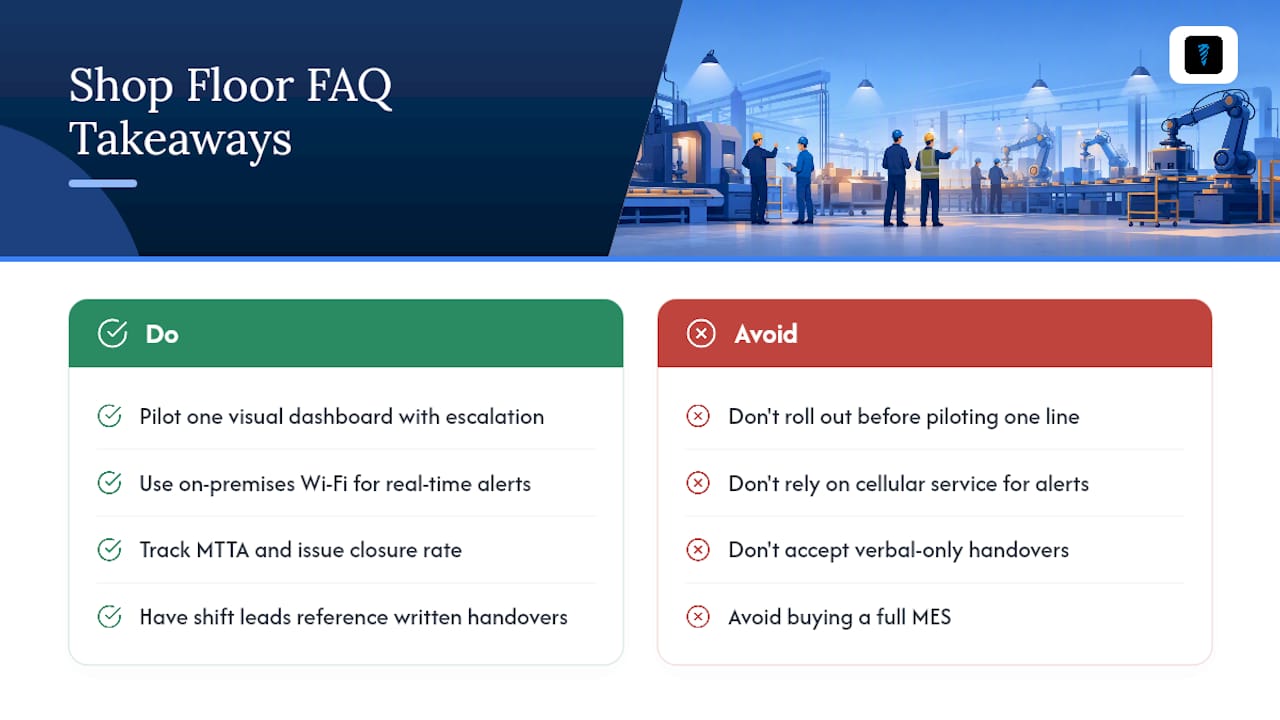
Can a small shop implement this without a full MES? Yes. A platform like Availzye Machinist Pro covers shift notes, maintenance tracking, and inventory alerts without the cost or complexity of a full manufacturing execution system.
Sources
- Poka-yoke (Lean Enterprise Institute)
- Why better communication could be the missing link to manufacturing efficiency (Inc.)