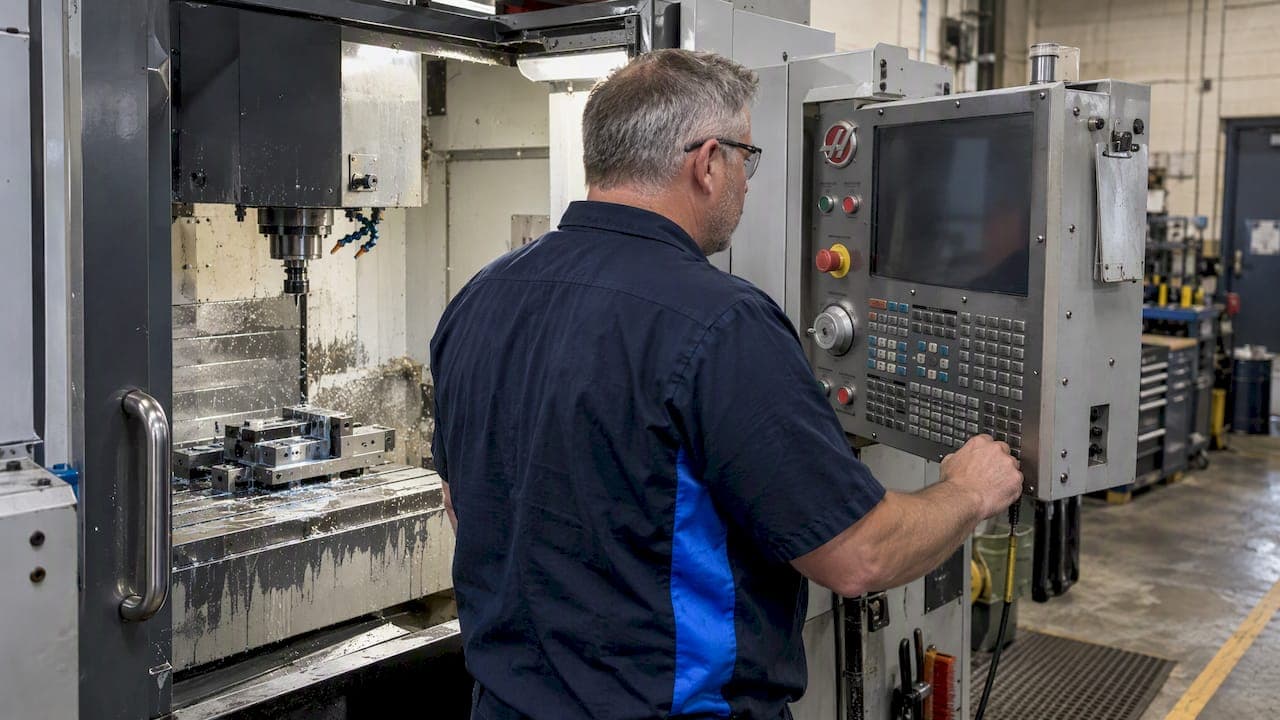
AI can accelerate G-code creation for simple tasks but is not yet reliable as an autonomous machine-ready programmer, so treat it as an assistant and verify every program before it touches a spindle. Tools like ChatGPT-4o and research frameworks like GLLM handle boilerplate and simple 2D geometry reasonably well. Platforms built for shop use pair generation with calculators and checks that a programmer needs to confirm the output before it runs.
TL;DR:
- AI tools excel at generating simple 2D pocketing, drilling cycles, and boilerplate code, but require thorough verification for safety and accuracy.
- Validation should include cross-referencing tool tables, simulating paths, and confirming modal states, with no programs run unattended on first use.
- GPT-4o shows improved ability to detect and correct errors in basic G-code but still struggles with complex multi-operation machining requiring fixture and kinematic understanding.
- Industry-standard documentation and shop-specific data are critical for minimizing errors, as AI-generated code alone cannot account for controller nuances.
- Implementing AI safely demands a clear workflow, starting small with low-risk parts, tracking mismatch rates, and ensuring all code undergoes simulation and sign-off before machining.
Table of Contents
- How AI systems actually generate G-code
- What AI handles well, and where it breaks down
- Shop-ready verification: how to safely validate AI output
- Tools and research systems worth knowing
- A practical checklist for adopting AI on the floor
- Where this is actually heading
- Building this workflow into your shop
- Sources
- FAQ
How AI systems actually generate G-code
Most AI G-code tools start from a large language model that turns a plain-language prompt into draft code. That draft is a prediction based on patterns in training text, not a simulation of your machine, which is why a plain LLM prompt can produce syntactically clean code that ignores your controller's quirks or ignores a fixture entirely.
Better systems add structure around that core model:
- Retrieval-augmented generation (RAG) pulls in your actual tool library, fixture data, or CAM output so the model anchors its answer to real shop information instead of guessing.
- Domain-specific languages or intermediate geometric representations, sometimes called spatial chain-of-thought, force the model to reason about shapes and toolpaths before translating them into G-code lines.
- Self-corrective loops run the draft code against validation checks, flag syntax errors, and in research systems like GLLM compare the resulting toolpath to the intended one using a geometric similarity metric called Hausdorff distance.
- Post-processors handle the last mile: converting generic code into a specific controller's dialect and inserting the correct tool numbers and offsets.
The GLLM framework combines all three layers, fine-tuning on domain data, retrieving shop context, and iterating with user feedback until the generated code passes its validation checks. That architecture is a meaningful step beyond a bare chat prompt, but it still depends on the quality of the simulation step that checks the output, not on the language model's confidence.
What AI handles well, and where it breaks down
AI tools are genuinely useful for a narrow but real set of jobs. They tend to succeed at:
- Simple 2D pocketing and drilling cycles with clear, repeatable geometry.
- Boilerplate program headers, tool calls, and safety blocks that follow a known pattern.
- Repetitive macros where the logic is well established and easy to template.
They tend to fail, or require heavy correction, at multi-operation jobs that depend on fixture setup, complex 3D adaptive clearing, and any toolpath optimization that requires understanding a machine's actual kinematics rather than generic geometry. Controller dialect is a separate and underestimated risk: Fanuc, Haas, and LinuxCNC all handle modal states and canned cycles differently, and code that runs clean on one can throw an alarm, or worse, run silently wrong, on another.
GPT-4o showed a measurable jump over its predecessor on this exact problem. In a controlled comparison published in the APEM journal, GPT-3.5 failed to catch built-in bugs in test G-code, while GPT-4o detected and corrected errors in simple ISO G-code for the same parts. That is a real improvement in one model generation, and it still fell short of handling complex multi-operation machining without a human checking the result.
Shop-ready verification: how to safely validate AI output
Treat every AI-generated program the way you would treat code from a programmer you've never worked with before: trust nothing until it's checked. A practical verification sequence looks like this:
- Confirm the tool table, offsets, and soft limits match the program's assumptions before anything else.
- Check the program header and modal state declarations (units, plane, work offset) against your machine's defaults.
- Run the code through a 2D or 3D simulator and compare the resulting path against the geometry you actually intended, using a visual diff or a quantitative check like Hausdorff distance where your tools support it.
- Dry-run at a safe Z clearance with single-line stepping enabled and your hand on feedhold.
- Document who reviewed and signed off on the program before it's released to the floor.
Pro Tip: Keep a standing rule that no AI-generated program runs unattended on its first pass, no matter how simple the job looks.
Manufacturer documentation matters more here than it might seem. The Haas NGC operator's manual spells out controller-specific behaviors and safety procedures that a generic AI output has no way of knowing unless that data was part of its retrieval context. Dialect gaps like these are the real reason simulation and a documented sign-off policy aren't optional steps, they're the only thing standing between a syntax-valid program and a crash.

Tools and research systems worth knowing
A handful of practical tools and a wider set of research prototypes are shaping this space, at different levels of readiness.
- Editor extensions with G-code linting and inline explanation are production-ready and useful as a first-pass reviewer, catching obvious syntax errors before simulation.
- Simulators and AI-aware editors such as vibeCNC pair generation with visual toolpath verification, which is where most practical error-catching happens today.
- Research frameworks including GLLM, Instruct2GCode, and related projects are experimental: they demonstrate RAG retrieval and geometric validation methods, like Hausdorff distance checks, that point toward more dependable generation, but they aren't shop-floor products yet.
- Local versus cloud AI is a data security question as much as a technical one: shop-specific tool libraries and fixture data are exactly the context that makes generation useful, and exactly the data you may not want leaving your network.
A practical checklist for adopting AI on the floor
Decide up front what AI is allowed to touch. Boilerplate, header templates, and simple 2D toolpaths are reasonable to delegate; fixture-dependent multi-op sequences and anything touching machine kinematics stay with an experienced programmer.
- Require simulation evidence and a documented tolerance threshold before any AI-assisted program gets sign-off.
- Keep your tool library, fixture templates, and post-processors as the single source of truth the AI retrieves from, not a static prompt.
- Start a pilot on small, low-risk parts, track the mismatch rate between generated and verified code, and expand scope only after error rates hit your target.
Pro Tip: Log every AI-generated program's mismatch against simulation, even the ones you catch early. That log is what tells you whether the tool is actually getting better in your shop, not just in a published benchmark.
Where this is actually heading
AI is a productivity multiplier for the parts of G-code work that are repetitive or well templated, not a replacement for someone who understands fixturing, kinematics, and what a controller will actually do with a modal state it wasn't told to expect. The near-term value is concentrated in prototyping, header and macro templates, and giving junior programmers a faster way to catch their own mistakes before a senior programmer has to. If you're deciding where to put effort first, put it into simulation and validation tooling and into keeping your tool and fixture libraries accurate, since those are what any generation system, human or AI, actually depends on.
— Availzye
Building this workflow into your shop
Availzye Machinist Pro's G-Code Generator and AI Assistant are built around the verification habits this article recommends rather than around replacing the programmer who signs off the job.
- G-code analysis flags syntax issues and modal-state problems before a program reaches the machine.
- Feeds and speeds calculations can stay tied to the same cutting parameters the generated code assumes, instead of living in a separate spreadsheet.
- Tool inventory features keep tool numbers and offsets current, so the tool table check in your verification sequence reflects what's actually in use.
You may consider starting a free trial to run a small, low-risk part through the full pipeline: generate, simulate, dry-run, sign off with the AI Website Demo for Manufacturing | Summit Studio. The Individual, Small Shop, and Team plans scale with how many people on your floor need access.
Sources
- Large language models for G-code generation in CNC machining: A comparison of ChatGPT-3.5 and ChatGPT-4o
- GLLM: Self-Corrective G-Code Generation using Large Language Models with User Feedback
- Mill Operator’s Manual - NGC - 2023 (Haas)
FAQ
What AI can code for free?
General-purpose tools like ChatGPT offer free tiers that can draft simple G-code for basic geometry, though results still need manual verification. Open-source research projects such as Instruct2GCode are also freely available but remain experimental rather than production tools.
Is G-code still relevant today?
Yes, G-code remains the standard language CNC controllers execute, and that hasn't changed with the arrival of AI generation tools. AI systems that produce G-code still have to output valid, controller-specific code because machines haven't moved away from it.
Can AI do CNC programming?
AI can handle simple, well-defined programming tasks like 2D pocketing, drilling cycles, and header templates reasonably well. It struggles with multi-operation, fixture-dependent work and complex 3D toolpaths, which is why GPT-4o's improvements over GPT-3.5 still came with a caution against unsupervised use on complex machining.
Can ChatGPT write its own code?
ChatGPT can generate and revise G-code based on feedback within a conversation, including catching some of its own errors in simple programs. Research comparing model versions found that GPT-4o could detect and correct errors that GPT-3.5 missed entirely, though neither replaces a simulation and sign-off step.