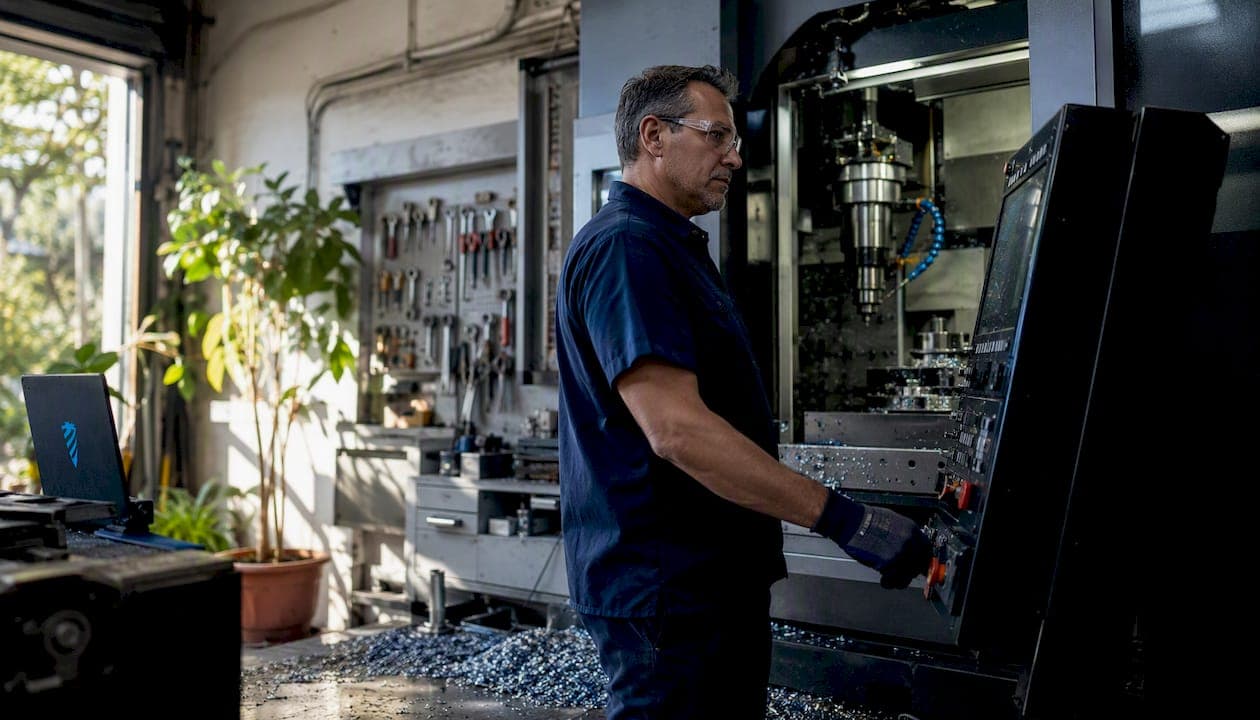
AI in machining can cut programming time, reduce cycle times, and tighten surface finish tolerances — but only when every generated G-code goes through human review before it touches a machine. The fastest safe path to value: drop an AI-assisted CAM plugin into your existing workflow, require programmer sign-off on all output, and measure three KPIs from day one (programming hours, cycle time, scrap rate). That is the whole pilot in one sentence.
Here is what that looks like in practice:
- Start with one machine, one use case. AI-assisted toolpath generation inside your current CAD/CAM environment is the lowest-risk entry point.
- Require human approval for every G-code output. Research confirms that AI can delete safety codes like G43/H and G28 without warning.
- Track measurable KPIs from day one. Programming hours saved, cycle time delta, and scrap rate give you an objective stop/scale decision at 90 days.
- Use Availzyemachinistpro as your pilot platform. Its G-Code Generator, AI Assistant, feeds & speeds calculators, and Tool Crib inventory give you the calculation and management layer a pilot needs without building custom infrastructure.
Table of Contents
- What AI in machining actually looks like on a shop floor
- Primary use cases and the measurable gains shops are seeing
- How the underlying AI works — and when each approach fits your shop
- How to implement AI in your shop: a step-by-step pilot plan
- Common failure modes and how to keep humans in control
- How to evaluate AI tools for your shop
- What the research actually shows — and what it means for your pilot
- Your 30/60/90-day action plan
- Key Takeaways
- The part most AI guides skip
- Run your AI pilot with Availzyemachinistpro
- Useful sources and further reading
What AI in machining actually looks like on a shop floor
"AI in machining" is not a single technology. On a working shop floor, it shows up in four distinct forms, and knowing which is which matters for budgeting, training, and risk management.
AI-assisted CAM uses feature recognition and machine learning to automate toolpath generation. Feed it a CAD model and a tool library, and it proposes cutting strategies, depth-of-cut sequences, and G-code. The programmer reviews and approves. This is where most shops start, and for good reason: the ROI is visible within weeks.
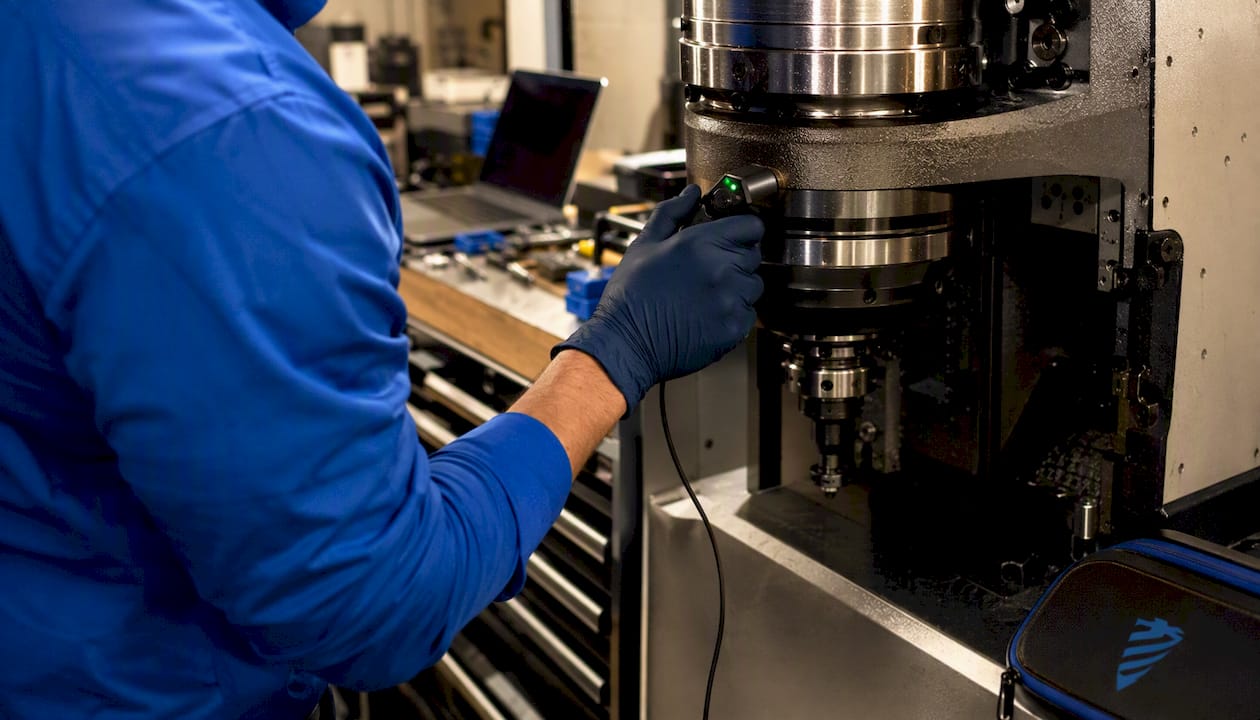
Predictive maintenance models analyze spindle load, vibration, and temperature data from machine sensors to flag bearing wear or tool degradation before a failure stops production. These models typically run on data streamed via MTConnect or OPC UA protocols.
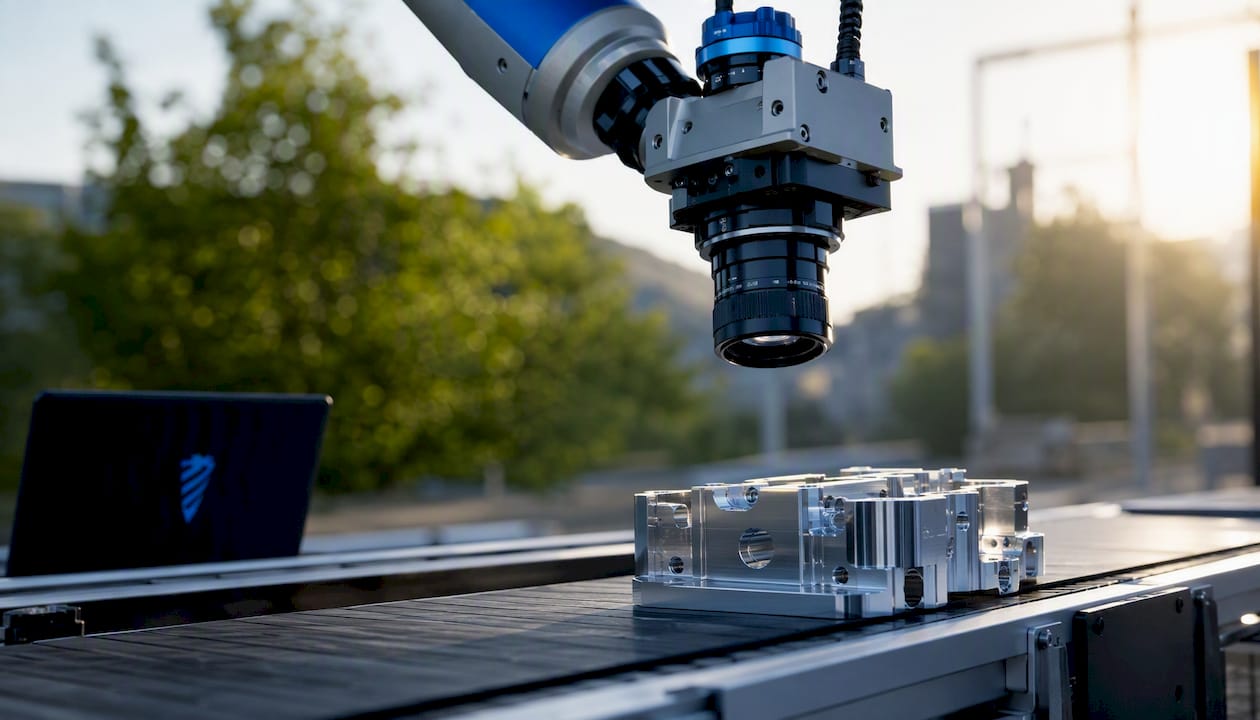
Vision-based inspection uses cameras and convolutional neural networks (CNNs) to check surface finish, dimensional accuracy, and defect presence at the end of a cycle, replacing or augmenting manual CMM checks for high-volume runs.
Adaptive error compensation closes the loop in real time, adjusting tool offsets or feed rates mid-cut based on sensor feedback. This is the most technically demanding form and the one most sensitive to training data quality.
General-purpose large language models (LLMs) like ChatGPT can draft G-code from a text prompt, but they are not the same as embedded CAM plugins trained on machining-specific data. The failure modes differ significantly, and the embedded plugin carries far less risk for production use.
Primary use cases and the measurable gains shops are seeing
The evidence on what AI delivers in machining is specific enough to set realistic expectations before you commit budget.
AI-assisted CAM and toolpath generation
Industry guides document significant programming time reductions when AI-assisted CAM tools are integrated into existing CAD/CAM environments. The productivity lift is immediate because the tool handles the repetitive geometry-recognition work that consumes a programmer's afternoon.
Study result: A controlled milling experiment published in Machines (MDPI) found that AI-based G-code optimization cut cycle time from 2.39 minutes to 1.45 minutes (a 37% reduction) and improved surface roughness (Ra) from 0.68 µm to 0.11 µm, an 84% improvement. The same run also deleted a pocket-milling operation and removed safety codes G43/H and G28, requiring manual correction before the program could run safely.
That last sentence is the one to tattoo on your pilot checklist.
Predictive maintenance
Sensor-based models that monitor spindle load, vibration, and temperature can flag tool wear or bearing degradation before an unplanned stop. The KPI to track here is unplanned downtime hours per month, compared against a pre-pilot baseline.
Visual inspection and QC
CNNs trained on defect images can inspect surface finish and dimensional features at cycle speed, catching issues that a tired operator misses on a third-shift run. For high-volume aerospace or medical work, this is where the quality ROI compounds fastest.
Adaptive error compensation
The most precise application: a deep reinforcement learning and genetic algorithm fusion system achieved 86.3% compensation effectiveness with a mean absolute error of 2.6 μm on Ti-6Al-4V, converging 38% faster than a DRL-only approach. For shops holding tight tolerances on titanium or Inconel, that kind of closed-loop correction is worth the implementation complexity.
Role map:
- Programmer: tracks programming hours saved per job and G-code revision cycles.
- Operator: monitors cycle time delta and surface finish measurements per run.
- Shop manager: watches scrap rate, unplanned downtime, and cost-per-part trends across the pilot machine.
How the underlying AI works — and when each approach fits your shop
You do not need a computer science degree to make a smart algorithm choice. You need to match the tool to the problem.
| Algorithm family | Typical shop problem | Why it works / where it fails |
|---|---|---|
| LLMs (GPT-class) | G-code drafting from text prompts | Fast output; prone to deleting safety codes and operations — treat as draft only |
| CNNs | Vision-based defect detection, surface inspection | Excellent at image pattern recognition; needs large labeled image datasets |
| ANNs | Surface finish prediction, process parameter modeling | Flexible; requires clean, consistent sensor data |
| SVM / Random Forest | Predictive maintenance, parameter classification | Strong on tabular sensor data; systematic reviews confirm reliability for QA classification tasks |
| DRL + Genetic Algorithm | Adaptive error compensation, real-time offset correction | High accuracy on trained materials; accuracy drops sharply outside training envelope |
The NIST 2026 Roadmap on AI and Machine Learning for Smart Manufacturing identifies the primary adoption barrier not as algorithm quality but as data complexity: integrating heterogeneous sensors, control systems, and industrial data streams into something a model can actually learn from. MTConnect and OPC UA are the two connectivity standards that make this tractable for most U.S. shops.
One critical limit applies across all adaptive and predictive models: when cutting parameters or materials shift more than roughly 30% from the training envelope, model accuracy degrades. Switching from aluminum to titanium mid-pilot without retraining is a reliable way to get bad predictions.
How to implement AI in your shop: a step-by-step pilot plan
A 90-day pilot on one machine with one use case is the right scope. Anything larger and you cannot isolate what is working.
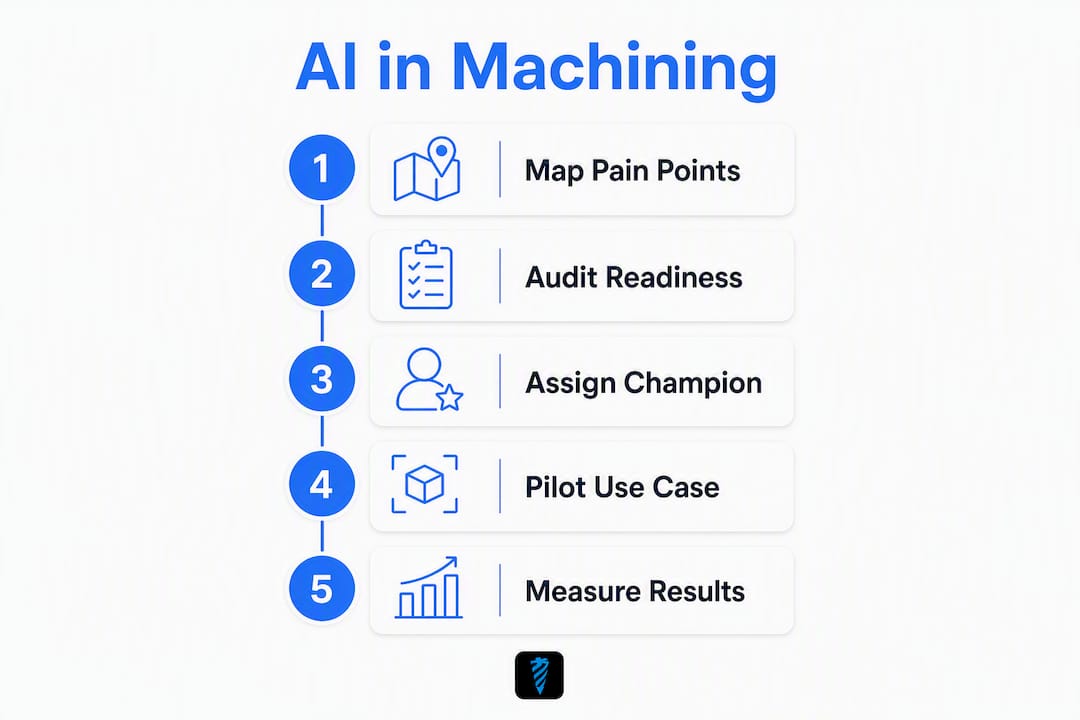
Step 1: Map your pain points (Week 1)
List the three biggest time or quality drains: long CAM programming cycles, unplanned downtime, high scrap on a specific part family. Pick the one with the clearest measurement baseline.
Step 2: Audit your digital readiness (Week 1–2)
Check whether your machines output data via MTConnect or OPC UA. Confirm your CAD/CAM software supports plugin integration. Verify your tool library is current and accurate — AI toolpath suggestions are only as good as the tool data you feed them.
Step 3: Assign a digital champion (Week 2)
One programmer or senior operator owns the pilot. They run the AI tool daily, document every output, flag every correction, and own the 30/60/90-day KPI report. Industry guides consistently identify this single-owner accountability as the difference between pilots that scale and pilots that stall.
Step 4: Pick one machine, one use case, and start (Week 3)
Load the AI-assisted CAM plugin. Run it on a part you already know well so you can spot errors immediately. Every generated G-code gets programmer review before machine loading. No exceptions.
Step 5: Measure and gate at 30/60/90 days
| KPI | How to measure | Scale threshold |
|---|---|---|
| Programming hours per job | Time-log before vs. after | Significant reduction documented in industry guides and controlled studies (37% in one test; expect 10–25% in production) |
| Cycle time delta | Machine timer, same part | 37% reduction observed in controlled tests; expect 10–25% on a typical production mix |
| Scrap rate | Rejected parts / total run | — |
| Unplanned downtime | Maintenance log hours | 10%+ reduction |
| G-code correction rate | Revisions per AI output | Trending down each month |
If two or more KPIs hit threshold at 90 days, expand to a second machine. If none do, diagnose before spending more.
Common failure modes and how to keep humans in control
The MDPI milling study is the clearest warning in the published literature: a single AI optimization pass deleted an entire pocket-milling operation and removed G43/H (tool-length compensation) and G28 (machine home reference) from the program. Those are not minor edits. Running that code would have meant a crash or a scrapped part at minimum.
The failure modes to watch for in any AI machining tool:
- Safety code deletion: LLMs optimize for brevity and can strip codes they classify as redundant.
- Aggressive feeds and speeds: AI may suggest parameters outside your tool manufacturer's rated limits, accelerating wear or causing breakage.
- Distribution shift: Adaptive models degrade when materials or parameters drift from training conditions.
- Missing operations: Feature-recognition tools can skip a pocket, bore, or chamfer if the geometry is ambiguous.
Safeguard checklist before any AI-generated G-code runs on a machine:
- Verify all safety codes are present (G43/H, G28, G49, and any shop-standard safe-move sequences).
- Run the program through a simulation (Vericut or equivalent) before a dry run.
- Perform a dry run at reduced feed (10%) with the operator watching for unexpected motion.
- Cross-check AI-suggested feeds and speeds against your proven calculator baselines.
- Log every correction made to AI output — this data tells you where the model is weakest.
Pro Tip: Set up a two-person approval workflow: the programmer reviews AI output for logic and completeness, and a second operator or lead checks safety codes specifically. Separate eyes on separate criteria catch more errors than one person doing both.
The Autodesk Fusion team frames this well: AI automates the repetitive programming and setup tasks, but experienced machinists remain necessary for fault correction and quality oversight. That is not a limitation to work around — it is the correct architecture for safe AI adoption.
How to evaluate AI tools for your shop
Selection criteria matter more than marketing claims. Here is what to demand before you sign a contract or commit to a platform.
Integration: Does it connect natively to your CAD/CAM software? A tool that requires exporting and re-importing files adds friction that kills adoption.
G-code validation: Does the platform flag missing safety codes or out-of-range parameters before output? This is non-optional for production use.
Explainability: Can the tool tell you why it chose a toolpath or parameter? Black-box outputs are harder to trust and harder to correct.
Data ownership: Who owns the G-code and part data you feed the model? Read the terms before uploading proprietary geometry.
Model update policy: How often does the vendor retrain the model, and do you get notified when behavior changes?
Trial requirements: Demand a real-part test on a part you already run, KPI dashboards you can export, and a human-approval workflow baked into the trial environment.
Availzyemachinistpro covers the practical layer a pilot needs: the G-Code Generator for assisted code creation, an AI Assistant for machining guidance and decision support, feeds & speeds calculators to cross-check AI-suggested parameters, and a Tool Crib to keep your tool library accurate. Accurate tool data is the foundation every AI toolpath recommendation depends on.
What the research actually shows — and what it means for your pilot
Two studies anchor the evidence base for AI in machining, and both carry caveats worth reading carefully.
Cycle time and surface finish: The MDPI milling study recorded a 37% cycle time reduction and 84% Ra improvement in a controlled experiment. The same run deleted safety codes and an entire operation — gains that are real, but only accessible with mandatory human review.
Adaptive compensation: The Scientific Reports DRL+GA study achieved 86.3% compensation effectiveness and a 2.6 μm mean absolute error on Ti-6Al-4V. Performance degrades when parameters shift more than roughly 30% from training conditions.
What these numbers mean in practice:
- A 37% cycle time reduction on a controlled test part does not guarantee 37% on your production mix. Expect 10–25% on a realistic pilot with varied geometry.
- Surface finish gains are real but material-dependent. The 84% Ra improvement was on a specific milling setup; your baseline and material will shift the number.
- Adaptive compensation at 2.6 μm MAE is impressive for titanium, but only if your training data matches your actual cutting conditions. Switching materials without retraining erases the advantage.
- The safety-code deletion failure is not an edge case. It is a documented, repeatable behavior of LLM-based G-code tools. Every shop running AI-assisted programming needs a written validation protocol.
The NIST roadmap reinforces the broader point: the bottleneck in industrial AI is not the algorithm. It is data quality, system integration, and the organizational discipline to maintain both.
Your 30/60/90-day action plan
The verdict: Pilot one use case on one machine, validate every output, measure three KPIs, and make a data-driven scale decision at 90 days. The upside is real. So is the risk of skipping validation.
30 days — Programmer and shop manager:
- Identify the highest-value pain point with a measurable baseline.
- Confirm MTConnect or OPC UA connectivity on the pilot machine.
- Load the AI-assisted CAM tool and run it on five known parts.
- Document every correction made to AI output.
60 days — Programmer and operator:
- Review KPI data: programming hours, cycle time, scrap rate.
- Identify the two most common AI error types from your correction log.
- Adjust the human-review checklist to catch those errors faster.
- Decide whether to continue or diagnose before expanding.
90 days — Shop manager:
- Compare all three KPIs against pre-pilot baseline.
- Apply the scale threshold table from Section 5.
- If two or more KPIs hit threshold: expand to a second machine and use case.
- If fewer than two hit threshold: document why, retrain or reconfigure, and run another 30-day cycle before expanding.
Stop rule: If scrap rate increases or unplanned downtime rises during the pilot, pause and audit AI output logs before continuing.
Key Takeaways
AI in machining delivers measurable cycle time and quality gains, but only with human-in-the-loop validation and a structured 90-day pilot before any scale decision.
| Point | Details |
|---|---|
| Validate every G-code output | AI can delete safety codes like G43/H and G28; human review before machine loading is non-negotiable. |
| Expect realistic gains | Controlled studies show 37% cycle time reduction and 84% Ra improvement — expect 10–25% cycle time reduction on a typical production mix. |
| Match algorithm to problem | Use CNNs for vision QA, SVMs or Random Forests for predictive maintenance, and DRL+GA for adaptive compensation. |
| Audit data and connectivity first | MTConnect or OPC UA connectivity and an accurate tool library are prerequisites, not afterthoughts. |
| Start with Availzyemachinistpro | The platform's G-Code Generator, AI Assistant, and Tool Crib give pilots a ready calculation and management layer from day one. |
The part most AI guides skip
The conversation around AI in machining tends to split into two camps: breathless enthusiasm about autonomous CNC cells, and defensive skepticism from machinists who have seen software promises fail before. Both miss the more useful framing.
The real question is not whether AI works. The MDPI and Scientific Reports data show it does, under controlled conditions. The question is whether your shop has the data discipline and human oversight structure to capture those gains without introducing new failure modes. Most shops do not, yet. And that is fine — it is a solvable problem, not a reason to wait.
The shops that get the most out of AI adoption are not the ones with the most advanced algorithms. They are the ones that treat AI output as a draft, build a correction log from day one, and use that log to get smarter about where the model is weak. That correction log is more valuable than any vendor benchmark, because it is calibrated to your parts, your materials, and your operators.
The other thing worth saying plainly: the human-in-the-loop requirement is not a temporary limitation waiting to be engineered away. It is the correct design for a shop floor where a bad G-code line costs a $40,000 spindle. Keep experienced machinists in the approval chain. Their judgment is the quality system.
Run your AI pilot with Availzyemachinistpro
Shops that want a ready-to-run pilot environment without building custom tooling get the fastest start with Availzyemachinistpro. The platform puts the G-Code Generator, AI Assistant, feeds & speeds calculators, and Tool Crib inventory in one cloud-based application — so your programmer can generate, cross-check, and log corrections without switching between five different tools.
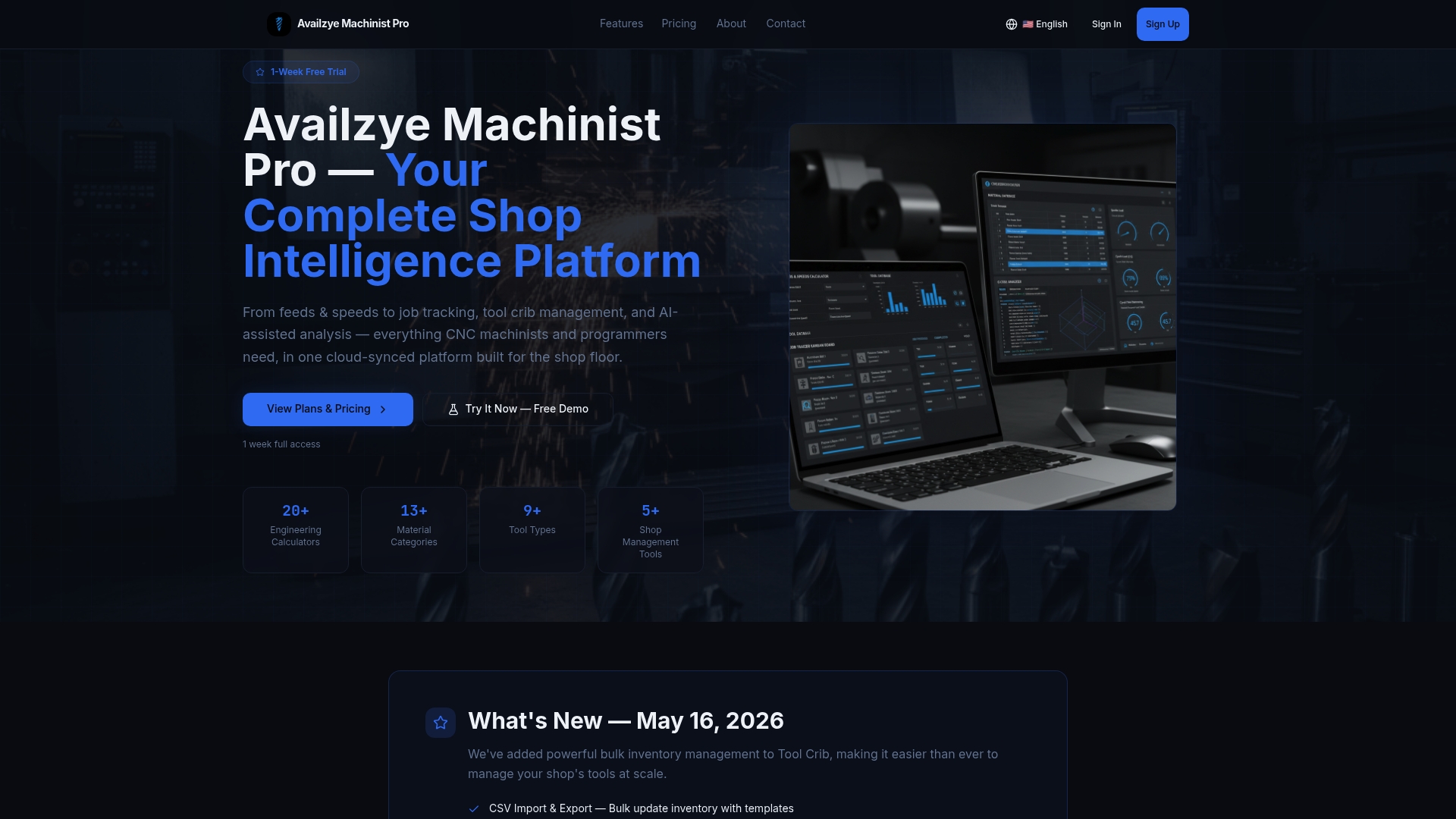
The 7-day free trial is the right scope for a first pilot sprint: run the G-Code Generator on three to five parts you already know, use the AI Assistant for parameter guidance, and export the audit log at the end of the week. That log gives you objective data on where AI output needed correction — which is exactly the input your 30-day review needs. Plans start at $9.99/month for individual machinists, with Small Shop ($24.99/month) and Team ($49.99/month) tiers for larger crews. Start the trial at availzye-machinist-pro.com and run your first pilot sprint this week.
Useful sources and further reading
These are the primary sources referenced throughout this guide. Each is worth reading in full if you are building a business case or a technical implementation plan.
-
2026 Roadmap on AI and Machine Learning for Smart Manufacturing (NIST / IOPscience) — The authoritative U.S. government roadmap on industrial AI adoption. Covers data complexity, explainability requirements, and MTConnect/OPC UA integration standards. Essential reading for shop managers building a digital readiness audit.
-
CNC Milling Optimization via Intelligent Algorithms (MDPI Machines) — The controlled milling study documenting 37% cycle time reduction, 84% Ra improvement, and the safety-code deletion failure. The most directly applicable published experiment for shops evaluating AI-assisted G-code tools.
-
Adaptive Error Compensation in CNC Turning via DRL and Genetic Algorithm Fusion (Scientific Reports) — Documents 86.3% compensation effectiveness and 2.6 μm MAE on Ti-6Al-4V. Includes the distribution-shift sensitivity data that defines retraining requirements.
-
Machine Learning Algorithms for Manufacturing Quality Assurance: A Systematic Review (ScienceDirect) — Systematic review of ML algorithm performance across QA tasks. The algorithm-to-problem mapping in this article draws directly from its findings.
-
Availzye Machinist Pro — AI Shop Assistant Guide — Product-focused deep dive on how AI automation accelerates toolpath generation and CNC programming within CAD/CAM environments, with pilot examples.