The correct work order workflow runs identify → request → approve/create → plan/schedule → execute → document/close → review. It works because it turns a verbal favor into a system of record: a repeatable, auditable trail that shows who did what, when, and whether it actually fixed anything. Skip a step and you get downtime nobody can explain and repeat failures nobody can trace.
TL;DR:
- Nearly all work orders should include a verified sign-off by a supervisor to ensure the fix holds and documentation is complete, reducing audit risk.
- Mandatory fields such as parts used, labor hours, photos, and acceptance criteria prevent rework and improve data quality at each workflow stage.
- Response time, mean time to repair, and first-time fix rate are key KPIs that reveal the efficiency of work order processes when correctly tracked.
- Automated tools like Availzye Machinist Pro enforce workflow states, streamline data entry, and eliminate spreadsheet chaos for teams managing multiple orders.
- Regular training and audits are necessary to ensure supervisors consistently complete the verified stage, which directly impacts first-time fix rates.
Table of Contents
- What are the standard steps in a work order process?
- What do the work order lifecycle states actually require?
- What fields should every work order include?
- How should you assign and prioritize work orders?
- What does proper documentation and closure look like?
- Which KPIs tell you if your workflow is actually working?
- How Availzye Machinist Pro supports every stage of this workflow
- What I've learned watching shops enforce this workflow
- Run this workflow without the spreadsheet chaos
- Sources
What are the standard steps in a work order process?
Every functional work order process moves through the same seven phases, even if shops label them differently. Understanding who touches each phase matters as much as the phase itself.
- Task identification. A technician notices a leak, a sensor flags an anomaly, or a PM schedule triggers automatically.
- Work request submission. Anyone on the floor can submit; the request captures what happened and where.
- Evaluation and approval. A supervisor or planner checks scope, safety, and budget before it becomes an official order.
- Work order creation. The approved request converts into a formal record with an ID, priority, and assigned owner.
- Distribution and assignment. Dispatched to a technician or crew based on skill and availability.
- Execution. The actual repair, inspection, or install happens, with data logged in real time.
- Documentation, closure, and review. Labor, parts, and outcomes get recorded, then analyzed for trends.
Scheduled preventive maintenance work orders often skip the request step entirely since the system generates them on a calendar. Reactive and emergency orders compress evaluation and approval into minutes, sometimes verbally, but the paperwork still has to catch up before the record closes.
What do the work order lifecycle states actually require?
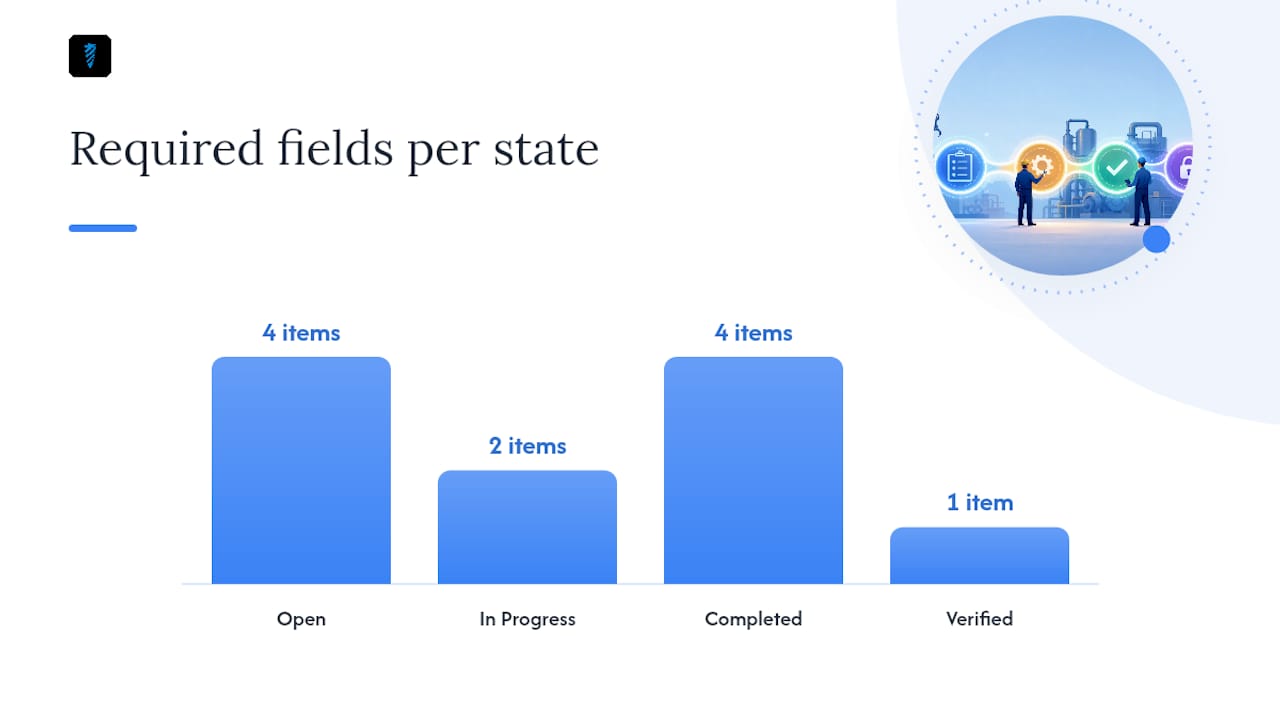
Four states carry a work order from creation to a defensible record: Open, In Progress, Completed, and Verified. Each transition belongs to a specific role, and each one demands specific data before it can move forward, according to Maintenance Planning Manager's breakdown of the work order lifecycle.
- Open: created by a requester or planner; requires asset ID, location, symptom description, and priority.
- In Progress: owned by the assigned technician; requires start timestamp and initial findings.
- Completed: closed by the technician; requires stop timestamp, parts used, labor hours, and photos where relevant.
- Verified: signed off by a supervisor; confirms the fix holds and the documentation is complete.
Most shops skip Verified. That's the mistake. A self-reported "completed" status means the technician says it's fixed, but nobody has confirmed it. A supervisor sign-off at the Verified stage is what turns that claim into evidence you can hand to an auditor, a warranty provider, or an insurance adjuster.
Pro Tip: Require photo evidence and a parts log before any order can move past Completed. It costs technicians an extra 90 seconds and saves you hours arguing with a vendor over warranty coverage six months later.
What fields should every work order include?
A work order without structure is just a sticky note with a due date. FMX's guidance on work order process flow points to a consistent set of fields that eliminate the back-and-forth clarifying questions that stall jobs.
- Requester name and contact information
- Asset tag or location identifier
- Symptom or task description in plain language
- Priority level (emergency, urgent, routine, scheduled)
- Safety notes or lockout/tagout requirements
- Estimated labor hours and parts needed
- SLA or due date
- Acceptance criteria: what "done" actually looks like
Acceptance criteria is the field most shops leave blank, and it's the one that prevents the most rework. "Replace bearing" is a task. "Replace bearing; run 15 minutes at operating load with vibration under 0.2 in/sec" is a completed job you can verify. For emergency orders, keep the template short and skip estimated hours. For PM orders, build the checklist into the template so technicians aren't inventing steps mid-shift.
How should you assign and prioritize work orders?
Priority determines speed; assignment determines quality. Get either wrong and you either burn out your best technician on routine work or send an underqualified one into an emergency.
- Emergency: safety risk or total production stoppage. Response within the hour, assigned to your most available qualified technician regardless of workload.
- Urgent: partial capacity loss or a risk that escalates within 24 hours. Assigned same day.
- Routine: normal repair with no immediate operational impact. Scheduled within the week.
- Scheduled/PM: planned maintenance on a fixed calendar. Batched with other PM tasks in the same area.
Assignment should follow skill match first, certification second, then workload balance and physical proximity. A technician three buildings away shouldn't get the call if someone certified and idle is standing next to the machine.
Pro Tip: Reserve one technician per shift purely for emergency response. Bundling that person into the routine queue is the single fastest way to blow your response time metric.
What does proper documentation and closure look like?
Execution is where the record either becomes useful or becomes noise. Technicians should log start and stop timestamps, the specific steps taken, part numbers used, and photos of before and after conditions. Any deviation from the original scope, or any follow up needed, gets noted before closure, not after.
The completion checklist should confirm:
- The acceptance criteria from the original work order were met
- Parts and labor are logged with actual figures, not estimates
- Safety checks relevant to the task were completed, referencing facility-specific protocols like those in OSHA-based safety work order modules
- Photos or measurements support the "fixed" claim
Technicians can move an order to Completed. Only a supervisor should push it to Verified, and that step should be mandatory for anything tied to safety, warranty, or regulatory compliance. Enforcing minimal required fields at each transition is the single change that improves data quality fastest, with almost no added training time. A work order missing a labor hour log or parts list simply shouldn't be allowed to close.
Which KPIs tell you if your workflow is actually working?
Closed work orders are a goldmine if you actually look at them. Most shops don't, and that's the gap between having a process and improving one.
- Response time: how long between request and first technician action
- Time to assign: how long a request sits before someone owns it
- Mean time to repair (MTTR): total time from assignment to Completed
- First-time fix rate (FTFR): percentage of jobs closed without a repeat visit
- Backlog: open orders aging past their due date
- Cost per work order: labor plus parts, tracked over time
- Preventive-to-reactive ratio: a rising PM share generally means fewer surprises
Run a monthly sample of closed orders, tag root causes, and look for repeat failures on the same asset. That trend line is usually where the real savings hide. Digital work order systems make this analysis realistic instead of theoretical, since parts and labor get captured in real time rather than reconstructed from memory at month's end. Once you're managing more than a handful of open orders at once, a CMMS earns its cost through automated routing, mobile status updates, and recurring PM generation that a spreadsheet simply can't replicate.
How Availzye Machinist Pro supports every stage of this workflow
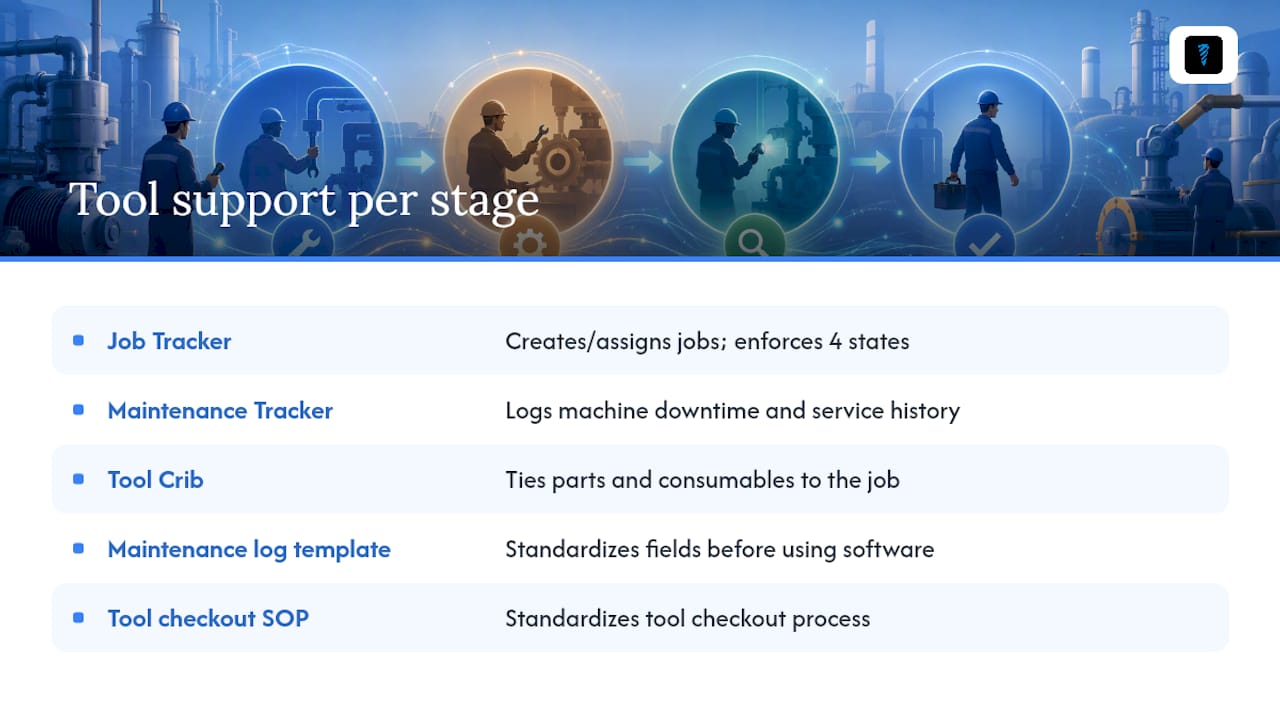
Every phase above maps to a specific tool rather than a vague promise. The Job Tracker handles creation, assignment, and status transitions, so Open, In Progress, Completed, and Verified aren't just labels, they're enforced states with required fields. The Maintenance Tracker logs machine downtime and service history, which is exactly the data a Verified stage demands for audits and warranty claims. The Tool Crib ties parts and consumables directly to the job, so a technician logging a repair can pull the part number without leaving the record incomplete.
For teams building this out from scratch, the maintenance log template and the tool checkout SOP are practical starting points for standardizing fields before you ever open software.
What I've learned watching shops enforce this workflow
The Verified stage is where every rollout stalls, not because it's hard, but because supervisors treat it as an extra chore instead of the point of the whole system, which is why formal workflows matter as described by Right Flow Solutions Ltd.. The fix is boring: train once, enforce without exceptions for two weeks, then audit a sample every month. Shops that stick with it typically see their first-time fix rate climb within a quarter, simply because incomplete jobs stop getting closed by default.
— Availzye
Run this workflow without the spreadsheet chaos
The workflow above works on paper, but paper is exactly what breaks it down once you're juggling more than a dozen open orders across a shift. Availzye Machinist Pro replaces the sticky notes and shared spreadsheets with a Job Tracker that enforces the Open, In Progress, Completed, and Verified states automatically, so nothing closes without the fields your audit trail actually needs.
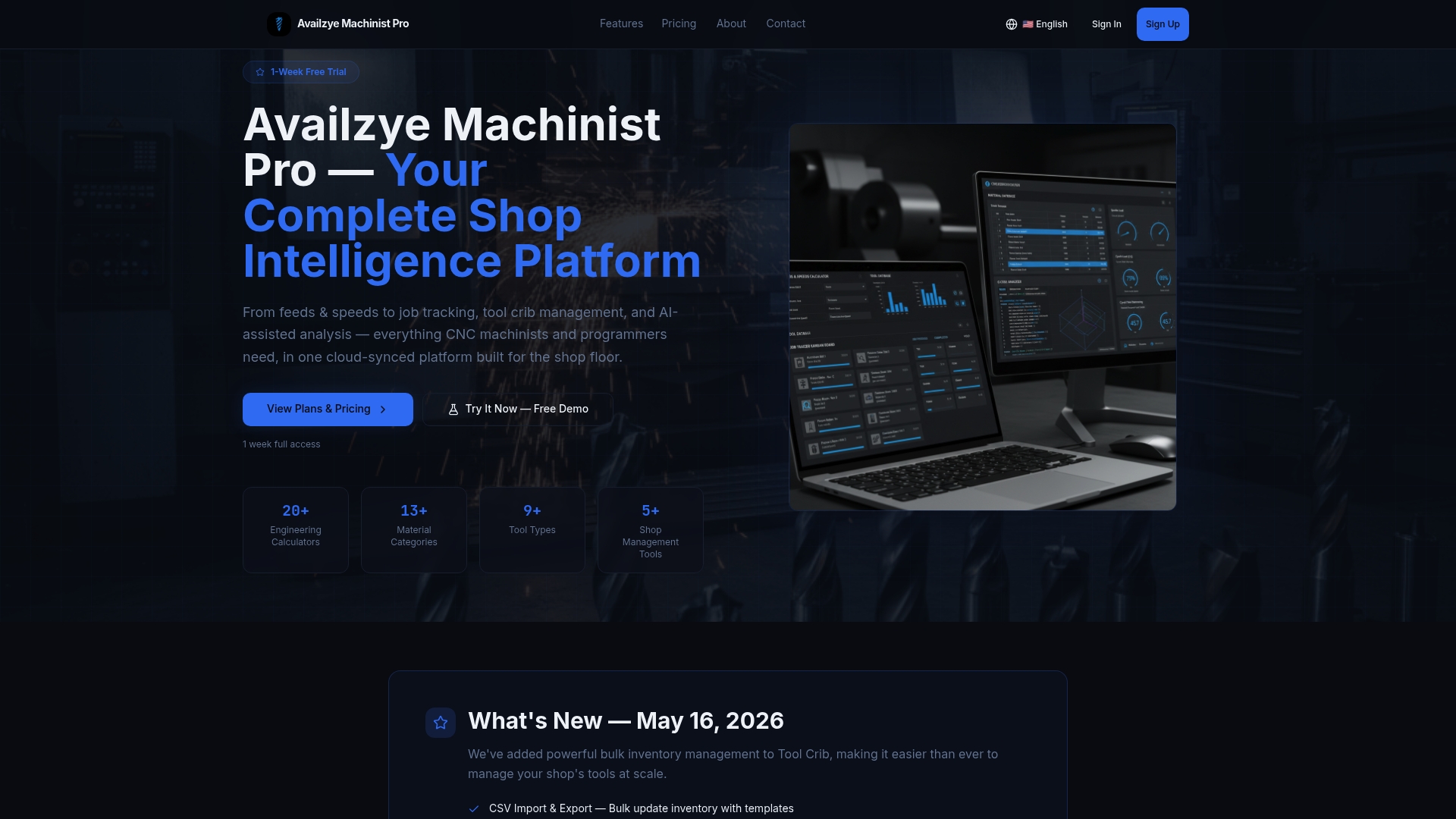
Pair it with the Maintenance Tracker for downtime history and the Tool Crib for parts logging, and the entire lifecycle lives in one cloud record your team can update from the shop floor on a phone. If your team is still routing part numbers and G-code by hand, the G-code generator and Tool Crib integration close that gap too. Start the 7-day free trial and get your first work order through Verified before the week is out.
Sources
- 7 steps for managing the work order process | IBM
- The Work Order Lifecycle: Open, In Progress, Completed, Verified | Maintenance Planning Manager
- Energy
- How to Create a Work Order Management Process Flow | FMX