
Role-based access control assigns permissions to roles, then assigns users to those roles, so access follows job function instead of individual negotiation. The payoff is a system you can actually audit: when someone asks "who can void a work order," you check one role, not forty individual accounts. RBAC fits any organization with stable job functions and real compliance obligations, and the sections below cover the implementation details that separate a clean RBAC rollout from a tangled one.
TL;DR:
- Effective RBAC relies on tight scope layering; assigning roles at higher levels automatically grants permissions to all lower-level resources.
- Hybrid environments combining RBAC and ABAC provide flexible control, balancing broad role-based permissions with contextual conditions.
- Maintaining an up-to-date role catalog requires automation, clear ownership, and regular reviews to prevent role explosion and drift.
- Using SCIM for automatic provisioning and revoking access as personnel change ensures RBAC remains accurate over time.
- Auditors favor RBAC because roles simplify testing for least privilege and separation of duties, as long as the catalog is well-managed and documented.
Table of Contents
- What Role-Based Access Is, in Practice
- How Role Assignments Work Across Scopes
- RBAC vs. ACL vs. ABAC: Picking the Right Model
- Least Privilege, Separation of Duties, and Why Auditors Care
- Designing Roles Without Overengineering Them
- Keeping Roles Accurate as People Move
- Where RBAC Rollouts Go Wrong
- Mapping RBAC Onto a Real Shop Floor
- Why Most Teams Get RBAC Backwards
- Sources
What Role-Based Access Is, in Practice
RBAC runs on four primitives: users, roles, permissions, and assignments. A user is any identity, human or machine, that needs access. A role is a named bundle of permissions tied to a job function, like "shop supervisor" or "billing clerk." A permission is a specific allowed action on a resource, such as editing a work order or viewing a maintenance log. An assignment links a user to a role, usually at a defined scope, meaning the boundary the permissions apply within (a department, a project, a single machine).
NIST's formal model rests on three rules, and they hold regardless of vendor: role assignment requires every active user to hold at least one role; role authorization means a user can only activate roles they're permitted to hold; and permission authorization means a user can only exercise permissions their active role actually grants.
Here's what that looks like on a shop floor:
- Role: Machine operator
- Permissions granted: run assigned jobs, log cycle times, flag tool wear, view work orders
- Permissions withheld: edit pricing, delete job history, modify other operators' roles
That gap between granted and withheld is the entire point. A role that includes everything an employee might occasionally need isn't a role. It's a workaround wearing a badge.
How Role Assignments Work Across Scopes
Real deployments layer role assignments across multiple scopes, and understanding that layering is what separates a working RBAC design from a fragile one. Microsoft's Azure RBAC model illustrates this well: a role can be assigned at a management group, a subscription, a resource group, or a single resource, and permissions granted at a higher scope flow down to everything beneath it. Grant a role at the resource-group level and every resource inside that group inherits it.
Azure RBAC is also additive by design: if a user holds two roles, they get the union of both roles' permissions, not the more restrictive one. The only way to pull permissions back is a deny assignment or a condition, which blocks an action regardless of what any role would otherwise allow.
The actual evaluation flow, whenever a user attempts an action, breaks into four steps:
- The user authenticates and receives an access token containing their identity claims.
- The system retrieves every role assignment and deny assignment tied to that identity across relevant scopes.
- It evaluates any deny assignments or conditional restrictions first.
- It combines what remains into an effective permission set and allows or denies the request.
That sequence matters for troubleshooting. If someone reports unexpected access, check deny assignments before you start auditing every role they hold.
RBAC vs. ACL vs. ABAC: Picking the Right Model
Access control lists, role-based access, and attribute-based access solve overlapping problems at different scales, and picking wrong shows up fast as either audit chaos or unmanageable overhead.
- ACL attaches permissions directly to a resource, listing exactly which users or groups can touch it. Fine for a handful of file shares. Unmanageable once you're tracking a few hundred resources.
- RBAC attaches permissions to roles instead, decoupling access decisions from individual resources. This scales cleanly across an enterprise and produces a clean audit trail: restricting access by role rather than by user is what lets administrators manage large populations without reviewing every account individually.
- ABAC evaluates context at request time: user attributes, resource attributes, time of day, device posture. It handles nuance RBAC can't, like "allow this edit only from a managed laptop during business hours."
Most mature environments end up hybrid: RBAC handles the coarse structure, ABAC conditions handle the exceptions. That combination avoids the two failure modes of pure RBAC (too rigid) and pure ABAC (too complex to audit).
Least Privilege, Separation of Duties, and Why Auditors Care
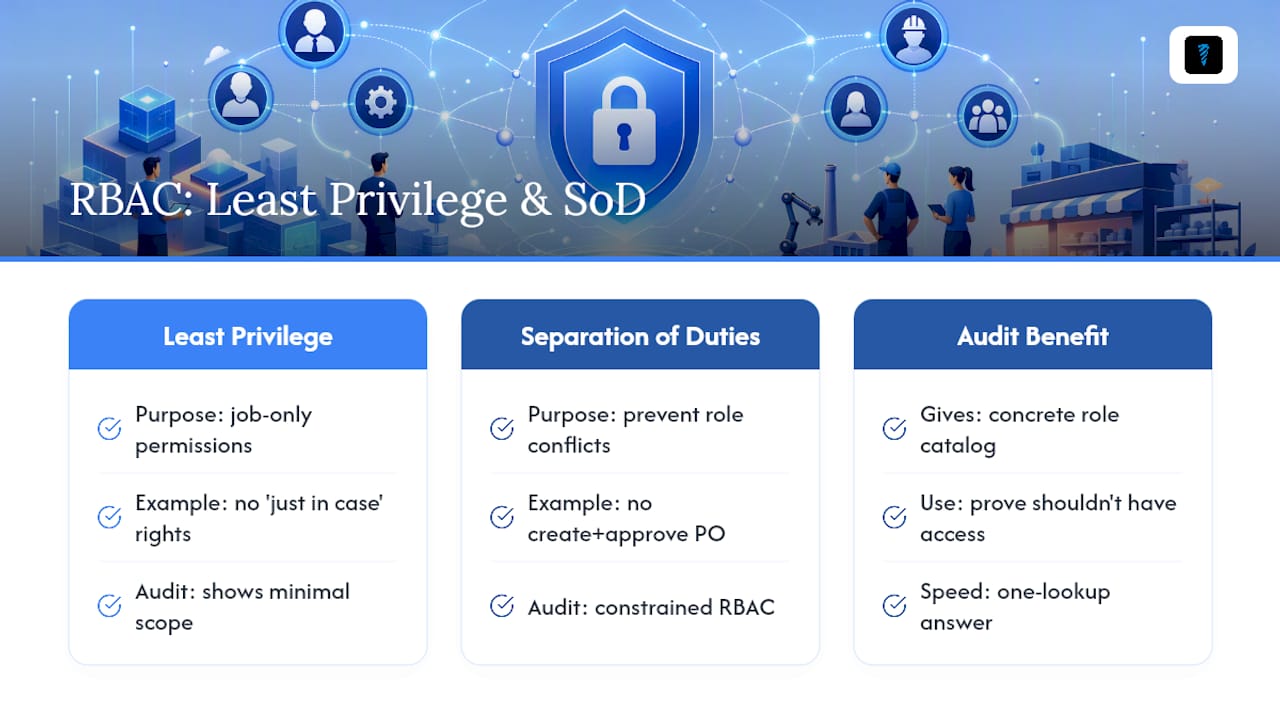
RBAC earns its place in security frameworks because it operationalizes two principles regulators actually check for: least privilege and separation of duties. Least privilege in RBAC terms means each role contains only what its job function requires, nothing added "just in case." Separation of duties, particularly the static kind called constrained RBAC, prevents any single role from combining conflicting responsibilities. It stops one person from both creating a purchase order and approving it.
Compliance frameworks reference this directly. HIPAA and PCI DSS both lean on RBAC as evidence that access controls are auditable and enforce least privilege, because a defined role catalog gives auditors something concrete to test against, unlike a sprawl of individually granted permissions.
Pro Tip: If an auditor asks "prove this person shouldn't have access to X," a role catalog answers that in one lookup. A permission list built ad hoc per user answers it in an afternoon of digging.
Designing Roles Without Overengineering Them
Two approaches build a role catalog, and using only one usually produces a bad result. Top-down design starts from actual business workflows: interview department heads, map what each job function does day to day, and build roles around that reality. Bottom-up design, sometimes called role mining, starts from existing entitlements and usage logs to find natural clusters of permissions people already share.
IBM's implementation guidance recommends combining both: top-down alone tends to miss edge cases that only show up in real usage data, while bottom-up alone tends to encode existing over-privilege into permanent roles.
A few conventions keep the catalog usable as it grows:
- Name roles by function and scope, not by department politics:
shop.operator.machine_areads clearer thanBob's Group. - Scope roles as narrowly as the workflow allows, then widen only when a real need surfaces.
- Keep role hierarchies shallow. Three levels of inheritance is manageable. Six levels is where reviewers stop being able to reason about who actually has what.
Keeping Roles Accurate as People Move
A role catalog is only as good as the process that keeps it synced with reality, and that process has to be mostly automated or it silently rots.
- Connect RBAC to your identity provider and provision through SCIM. SCIM integration pushes role and group changes from the directory automatically, which cuts down the manual provisioning errors that come from someone forgetting a ticket.
- Automate joiner-mover-leaver events. New hires get roles the day they start, promotions or transfers trigger role changes without a manual request, and departures revoke access the same day, not the same quarter.
- Use just-in-time elevation for anything sensitive. Grant elevated roles for a defined window instead of standing access, and log every activation.
- Run access reviews on exceptions, not everything. Reviewing every single grant every quarter trains reviewers to rubber-stamp. Reviewing high-risk roles and anything flagged as an exception keeps the review meaningful.
- Account for transitive group membership. A user nested inside a group that's nested inside another group can inherit permissions nobody intended, and standard access reports often miss that chain entirely.
Where RBAC Rollouts Go Wrong
Two failure patterns show up in almost every mature RBAC deployment, and both are preventable with the same discipline: someone has to own the catalog.
- Role explosion happens when every team requests a slightly customized role instead of reusing an existing one, and the catalog balloons past what anyone can review. Fix it by consolidating near-duplicate roles and retiring anything unused for 90 days.
- Role drift sets in when roles get modified piecemeal over time until nobody remembers why a role has the permissions it has. Assign an owner to every role and recertify on a fixed cadence, not "whenever someone remembers."
- Exceptions need a paper trail. Temporary access should require an approval, log who approved it, and expire automatically. An exception with no expiration date is a permanent hole with a polite name.
- Monitor for anomalous grants, not just anomalous logins. A sudden permission change on a dormant account is often a bigger red flag than a failed login attempt.
Mapping RBAC Onto a Real Shop Floor
A CNC shop needs the same discipline as any enterprise IT environment, just scoped to fewer roles. A workable set: Shop manager (full work order and scheduling control), Machine operator (job execution and cycle logging), Maintenance tech (service logs and downtime records), Tool crib clerk (inventory adjustments and check-in/check-out), and Auditor (read-only across everything).
- Shop manager: create/edit work orders, assign jobs, view analytics
- Machine operator: log run data, flag issues, read-only on schedules
- Tool crib clerk: adjust inventory counts, log tool life, trigger restock alerts
- Auditor: read-only access to logs and dashboards, no write permissions anywhere
Treat any AI assistant or automated agent the same way: as a constrained principal with a purpose-built role, not blanket access. A shift-note summarizer doesn't need permission to edit inventory. Systems like the Tool Crib feature in Availzyemachinistpro build this directly into inventory management, so a clerk role can adjust stock without ever touching pricing or job records. Assign an owner to each role and automate offboarding the day someone leaves, not the day someone remembers to file the ticket.
Why Most Teams Get RBAC Backwards
The conventional advice treats RBAC as a one-time project: design the roles, assign the users, done. That's backwards. The hard part isn't the initial design, it's the maintenance loop, and most teams underinvest in exactly that. A role catalog built in a two-week sprint and never revisited becomes indistinguishable from the permission chaos it replaced within eighteen months, just with better documentation of how it started.
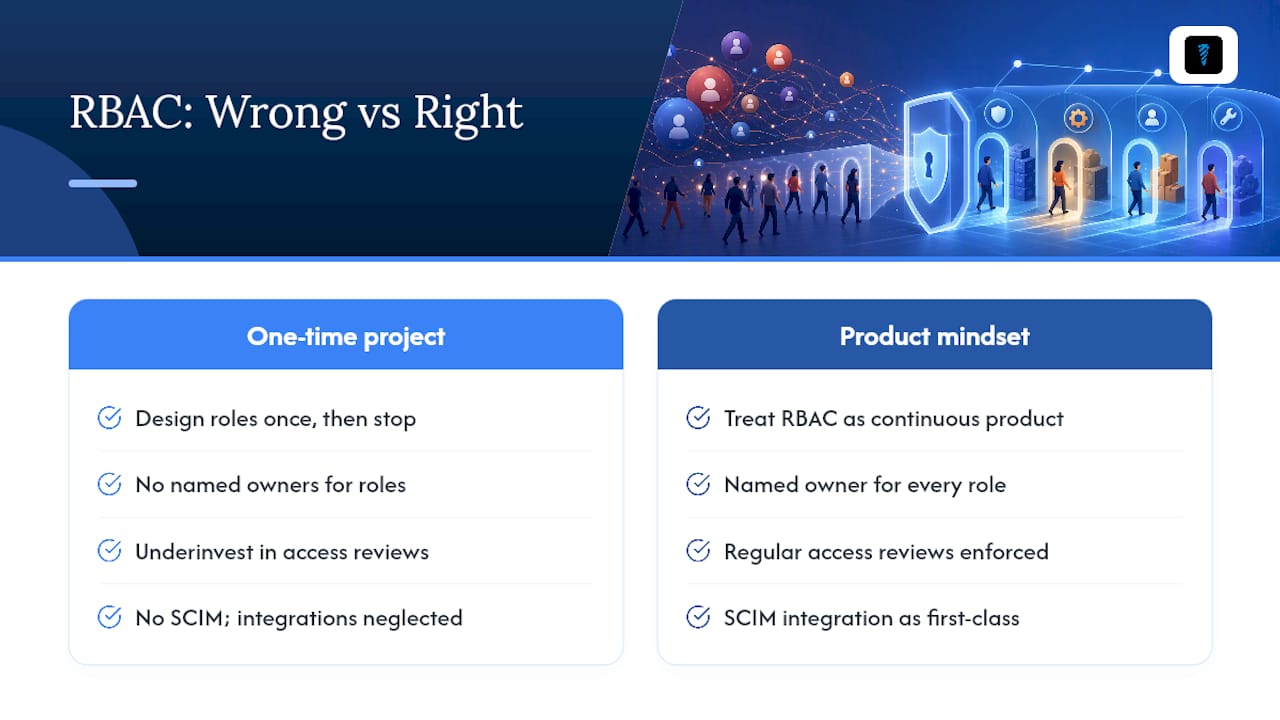
The teams that get this right treat SCIM integration and access reviews as the actual product, not an afterthought bolted onto a role design document. If forced to prioritize one thing first, it's ownership: every role needs a named person accountable for what it grants, before you worry about naming conventions or hierarchy depth. Anything without an owner drifts, and drift is what turns a clean RBAC model into next year's audit finding.
For small operations without a dedicated IAM team, the minimal-overhead approach to access governance still applies: fewer roles, clearer ownership, and automated offboarding beat an elaborate model nobody maintains.
— Availzye
Sources
- role-based access control (RBAC) - Glossary | CSRC
- What is Azure role-based access control (Azure RBAC)? — Microsoft
- Role-Based Access Control implementation guidance — IBM
- What is role-based access control (RBAC) — Auth0