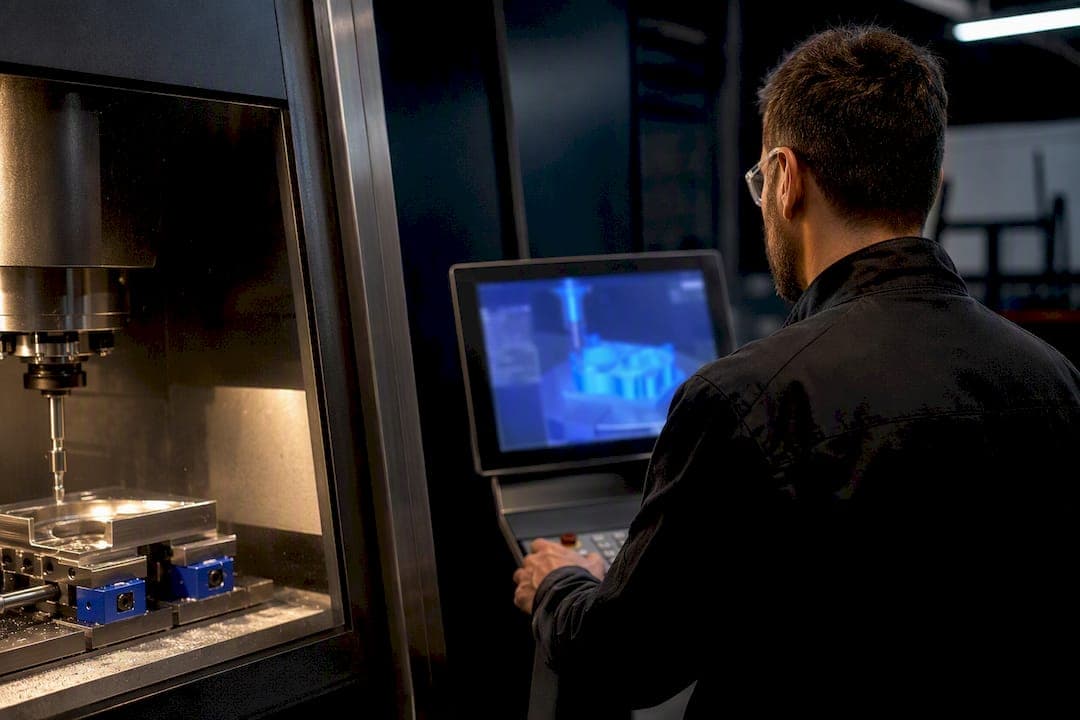
Cloud CNC/CAM software speeds up programming and raises shop productivity by centralizing tool data, generating AI-assisted machining strategies, and handing you on-demand compute for simulation instead of a maxed-out workstation. The headline gains are faster programming, consistent tool libraries with real version control, scalable digital-twin simulation, painless updates that cut hardware spending, and remote collaboration that shortens the learning curve for newer programmers. Industry reporting on new directions in CNC programming software ties these gains directly to AI-assisted toolpath generation and digital twin adoption across shops making the shift.
TL;DR:
- Cloud CAM software allows heavy simulation and digital twin runs to be rented as needed, reducing the need for costly on-premises hardware.
- AI-assisted strategy drafting significantly cuts programming time for routine parts, especially for simpler geometries like brackets.
- Centralized tool libraries and version control eliminate inconsistencies and improve remote collaboration across multiple shop facilities.
- Cloud compute is most cost-effective for complex five-axis or batch jobs where real-time machine control remains local.
- An effective trial should verify post-processor compatibility, data export, security measures, and compare actual machining times against current methods.
Table of Contents
- Cloud CNC Software Benefits at a Glance
- How AI-Assisted Toolpath Generation Actually Saves Time
- Shared Libraries Turn Tribal Knowledge Into Shop Standards
- When Cloud Compute and Digital Twins Actually Pay Off
- Security, Data Handling, and What to Do Without a Connection
- What Cloud CNC Software Really Costs Over Time
- A Practical Checklist for Trialing Cloud CAM Vendors
- Where Availzye Machinist Pro Fits Into This Workflow
- Rolling Out Cloud CAM Without Disrupting Production
- Try Availzye Machinist Pro on Your Next Job
- Sources
Cloud CNC Software Benefits at a Glance
Most shops evaluating web based CNC software want to know one thing first: what actually changes on a Tuesday afternoon when a part needs programming. The answer touches five areas, and each one maps to a task you already do every day.
- Faster time-to-machine. Programming a routine part goes from hours to minutes once AI drafts a starting strategy, because you're editing a proposal instead of building one from a blank screen.
- Standardized outputs across teams. A shared cloud library means the same post-processor, the same feeds and speeds logic, and the same tolerances whether the programmer sits in the next cubicle or another state.
- On-demand simulation power. Heavy toolpath verification and digital-twin runs draw on cloud compute instead of a single workstation's graphics card, so a five-axis job doesn't grind your machine to a crawl.
- Lower maintenance overhead. Software updates land automatically instead of requiring an IT afternoon and a reboot cycle across every seat.
- Better quoting and growth capacity. Centralized job and tool data feeds more accurate estimates, and adding a new programmer means adding a seat, not provisioning a machine.
These aren't abstract advantages of cloud CNC adoption. They're the difference between a shop that quotes a job in twenty minutes and one that waits until tomorrow because the estimator is buried in a spreadsheet. The scalability piece deserves particular attention: shops that once avoided complex simulation because it tied up a $4,000 workstation for an afternoon can now rent that compute for the length of one job.
How AI-Assisted Toolpath Generation Actually Saves Time
AI in modern CAM platforms doesn't write a finished program and walk away. It proposes a machining strategy, suggests tooling, drafts feeds and speeds, and generates a preliminary toolpath based on the part geometry and material you specify. You still review it, adjust for the quirks of your specific setup, and run it through your post-processor. The AI handles the repeatable 80%; you handle the judgment calls that come from knowing your machine, your fixture, and your tolerances.
Vendor reporting on AI-assisted programming describes major reductions in programming time for routine parts, though the exact savings vary with part complexity and how well the shop has tuned its AI profiles beforehand. A prismatic bracket with straightforward pockets sees a much bigger jump than a five-axis impeller blade.
- AI drafts the strategy; you validate tool clearance and stock allowance.
- AI proposes feeds and speeds; you check against your actual tool wear history.
- AI generates a preliminary toolpath; your post-processor and eyes catch the edge cases.
The upskilling effect is easy to overlook. A junior programmer working from an AI-drafted strategy learns proven approaches faster than one starting from a blank canvas, according to reporting on remote work trends in manufacturing.
Pro Tip: Have new programmers compare their manual approach against the AI draft before editing it. That side-by-side comparison teaches pattern recognition faster than any training manual.
Shared Libraries Turn Tribal Knowledge Into Shop Standards
Every shop has a veteran whose feeds and speeds live in his head instead of a document. Cloud CAM software forces that knowledge into a shared tool library that every programmer, on every shift, pulls from. That single change eliminates a huge source of scrap: the new hire who guesses wrong on a chip load because nobody wrote it down.
Centralizing tool libraries, templates, and post-processors also makes remote engineering support realistic, letting one experienced programmer review or troubleshoot work across multiple facilities without a plane ticket, a point reporting on manufacturing's remote shift backs up directly.
- A shared library means one verified entry for a 3/8-inch carbide end mill, not five slightly different versions across five workstations.
- Version control and audit logs show exactly who changed a post-processor setting and when, which matters the day a program suddenly cuts differently.
- Templates for common families (brackets, plates, housings) cut setup time because the programmer starts from a proven baseline, not a blank file.
Picture a two-shift shop where the day crew updates a tool's wear offset and the night crew runs the same job three hours later. Without a shared record, that update is lost. With it, the next program pulls the corrected value automatically.
When Cloud Compute and Digital Twins Actually Pay Off
Local hardware is fixed capacity. You buy a workstation sized for your worst-case simulation and then it sits underused most of the week. Cloud compute flips that: you draw on scalable processing only when a job demands it, and Rescale's manufacturing solutions point to this as the core economic argument for cloud-based simulation. That's especially true for digital twins, which catch tool collisions, optimize cycle time, and model machine dynamics with a fidelity that a bogged-down local machine can't sustain in real time.
The cost only makes sense for certain jobs. A simple two-axis plate doesn't need cloud-scale compute. A complex 5-axis impeller with tight clearances, or a batch optimization run across dozens of part variants, absolutely does. On-demand access lets a small shop rent that capability for a single high-stakes job instead of buying a permanent server rack it uses twice a year.
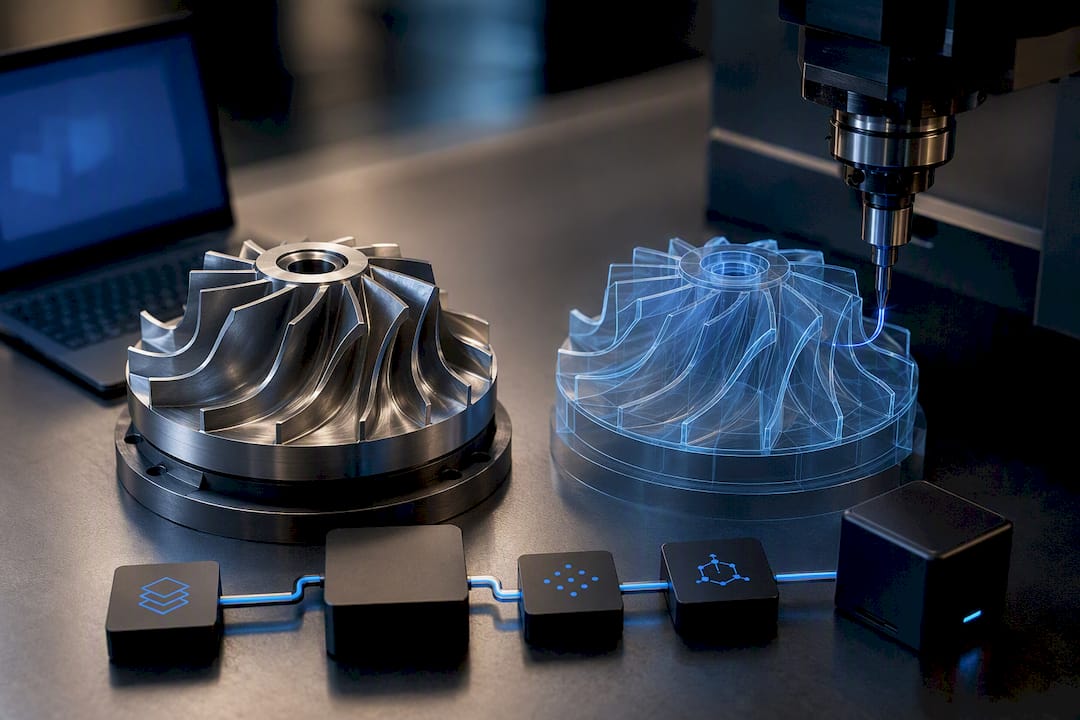
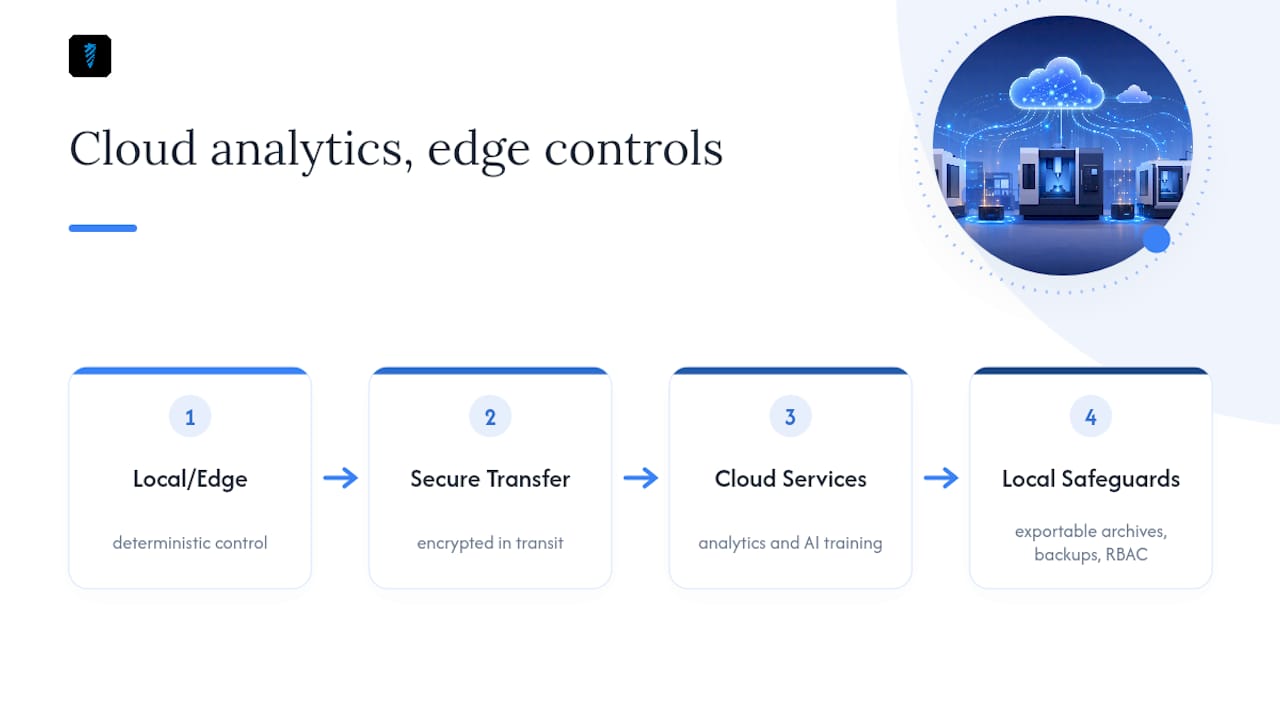
One caveat matters: not everything belongs in the cloud. Real-time machine control, where microsecond latency determines whether a tool crashes, needs to stay local or at the edge. Cloud handles the thinking; the edge handles the doing.
Security, Data Handling, and What to Do Without a Connection
Every shop asks the same three questions before trusting a cloud vendor with its tool data: is it encrypted, can I get my data back out, and what happens if the internet goes down mid-shift. Reasonable questions, and worth putting to any vendor directly before signing a contract. Ask specifically about encryption at rest and in transit, documented data retention and deletion policies, backup frequency, and role-based access that limits who can edit a post-processor versus who can only view it.
Full connectivity isn't always guaranteed on a shop floor with thick walls and older Wi-Fi. Hybrid setups address this by keeping deterministic, safety-critical control tasks on local or edge hardware while cloud analytics and AI training run centrally, an approach detailed in analysis of real-time remote CNC programming. Practical mitigation is simple: keep local exportable archives of critical programs, schedule regular backups outside the vendor's system, and restrict edit permissions to people who actually need them.
What Cloud CNC Software Really Costs Over Time
A subscription model trades a large upfront capital purchase for a smaller, predictable monthly operating cost. That distinction matters more than it sounds. Perpetual licenses tie you to whatever hardware you bought the year you signed, while subscriptions scale with seats and let you drop or add capacity as headcount shifts.
Update cadence is where the savings compound quietly. Cloud vendors ship smaller, frequent updates instead of disruptive annual overhauls, which means fewer surprise compatibility breaks and less IT time lost to a forced migration, according to analysis debunking common cloud software myths.
When estimating total cost, account for seats, any compute-burst charges for heavy simulation jobs, integration work with your existing post-processors, and support response times. A shop that used to dedicate a $6,000 workstation purely to simulation, and ran quotes through a spreadsheet, often finds the subscription cost offset almost entirely by faster quoting turnaround and one less piece of hardware to maintain.
A Practical Checklist for Trialing Cloud CAM Vendors
A short trial tells you more than any sales deck. Run it against these steps before committing:
- Confirm post-processor compatibility with your actual machine controllers, not a generic profile.
- Test data export by pulling your tool library and job history into a plain file format.
- Ask for security proof: encryption details, backup schedule, and a written data deletion policy.
- Check API availability if you plan to connect job tracking or ERP systems later.
- Program a real part you already know the machining time for, and compare it against your baseline.
Watch for red flags during that trial: no clean export path, vague answers about where your data lives, no role-based access controls, or a support team that can't commit to a response time. Any one of those should slow you down.
Pro Tip: Time the trial from blank screen to first verified G-code, not from opening the software. That number is the one your shop will actually live with. For a structured way to run this kind of pilot, a pilot-first guide to AI in machining walks through scoping a trial without disrupting live production.
Where Availzye Machinist Pro Fits Into This Workflow
The benefits above aren't theoretical inside Availzye Machinist Pro's platform. The Feeds & Speeds and Tool Deflection calculators give you the AI-assisted starting parameters described earlier. The Tool Crib holds your shared library with low-stock alerts, so nobody guesses at chip load from memory. The Job Tracker connects a quote to a work order to a finished part, and the AI Assistant helps draft machining guidance along the way.
A typical flow looks like this: quote a job using historical cost data, open a job record in the Job Tracker, pull verified tool data from the Tool Crib, generate G-code, and post it to the machine. Role-based access keeps a shop's tribal knowledge protected as it scales across a team.
Rolling Out Cloud CAM Without Disrupting Production
Don't convert the whole shop on day one. Pick one or two part families you already understand well and run a real pilot there first. Assign clear ownership of the tool library before anyone starts editing it, set review checkpoints so bad entries get caught early, and put a backup and export schedule in writing from the start.
My actual recommendation: run a 30-day trial on a real part, track time-to-machine against your current process, and let that number, not a sales pitch, make the decision.
— Availzye
Try Availzye Machinist Pro on Your Next Job
Availzye Machinist Pro puts the benefits covered here into tools you can open today: an AI Assistant that drafts machining strategies, a Job Tracker that connects quotes to finished parts, a Tool Crib that keeps your shop's tool data in one place, and a G-code generator that turns a validated toolpath into machine-ready output.
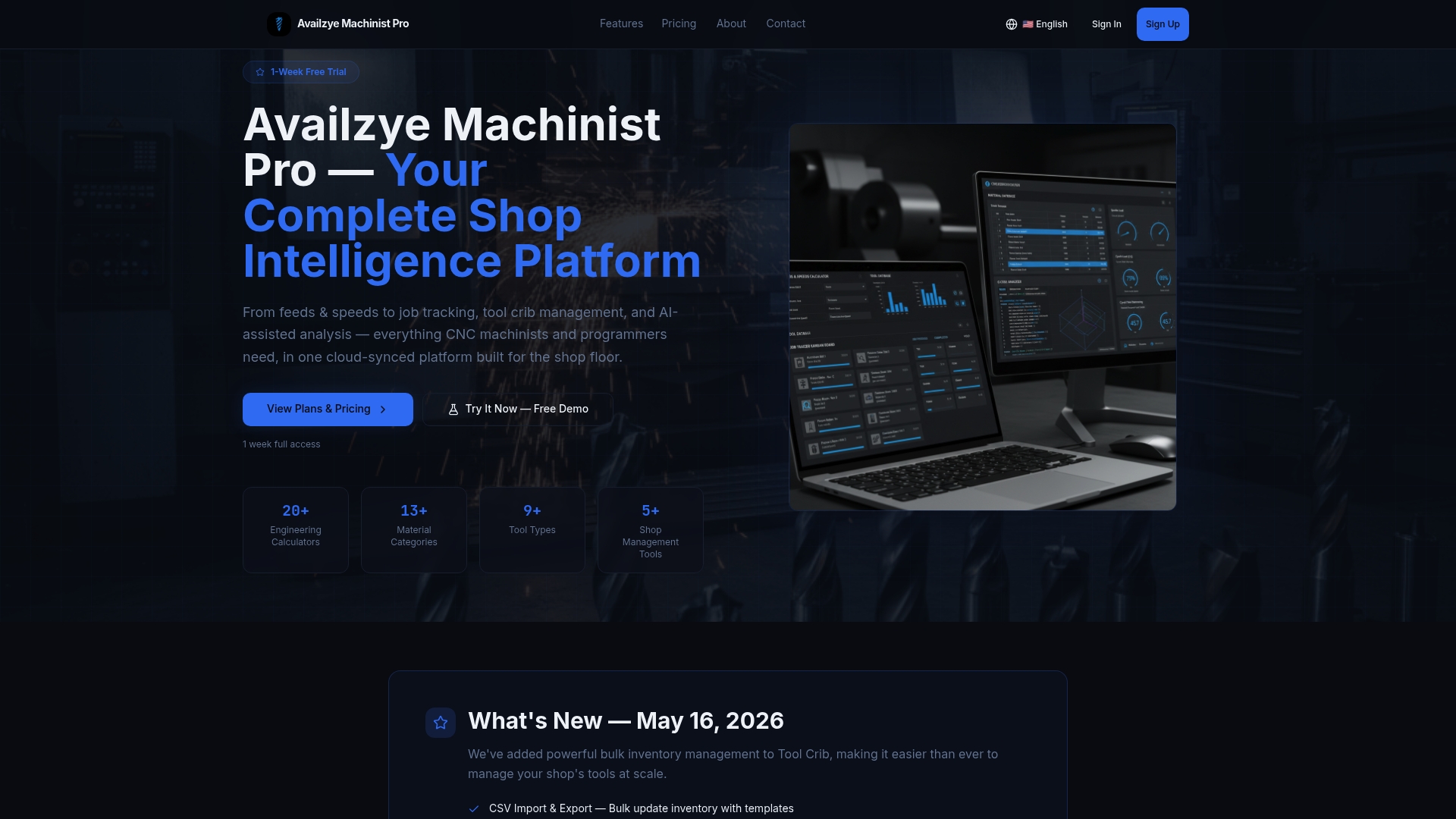
A free trial is available, allowing you to run the checklist described above on a real part before committing. If you want to see the G-code step in action first, start with the G-code generator and run one of your own jobs through it this week.
Sources
- Rescale — Manufacturing solutions
- JRG Partners — Future of remote work in manufacturing
- CNCCookbook — 14 cloud industrial software myths debunked